
Pixel2Vector II – Free Pixel to Vector Photoshop Plugin
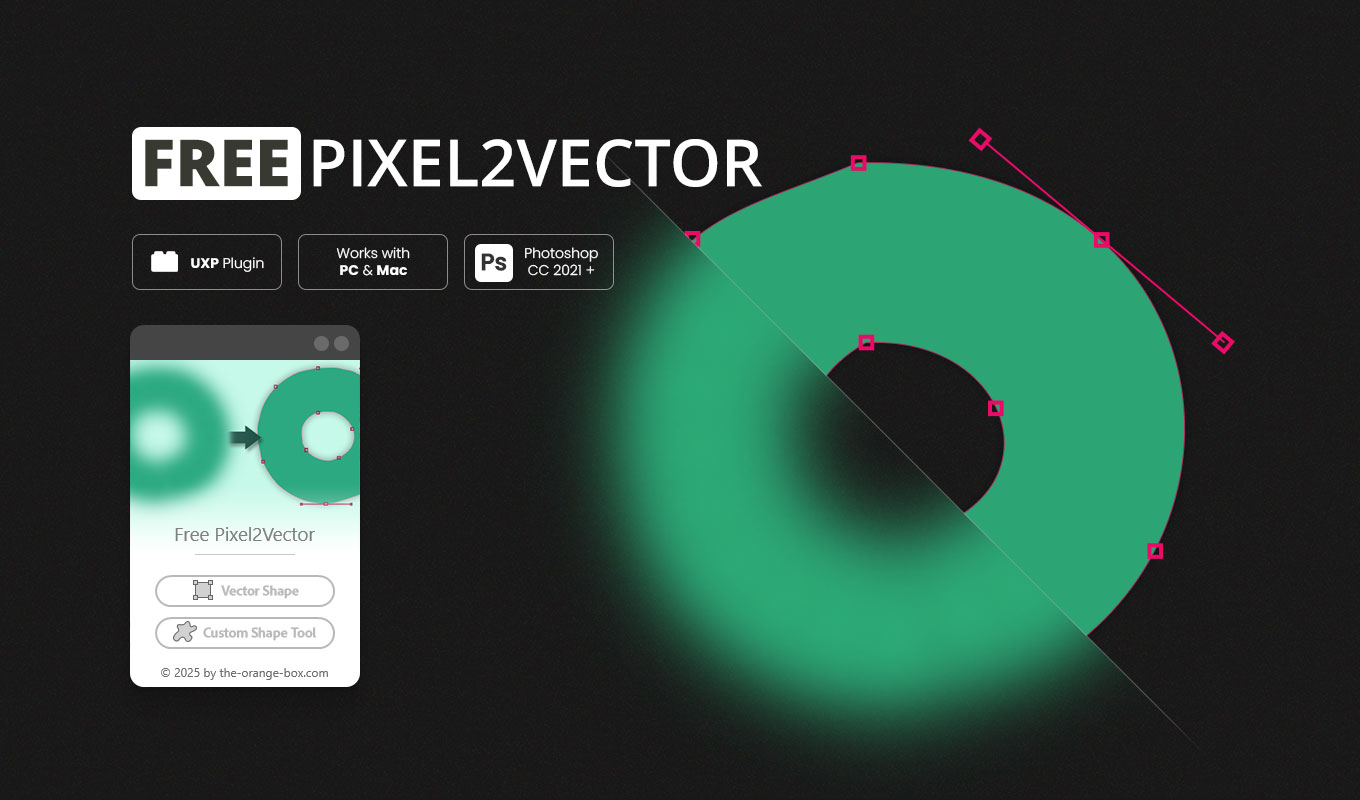
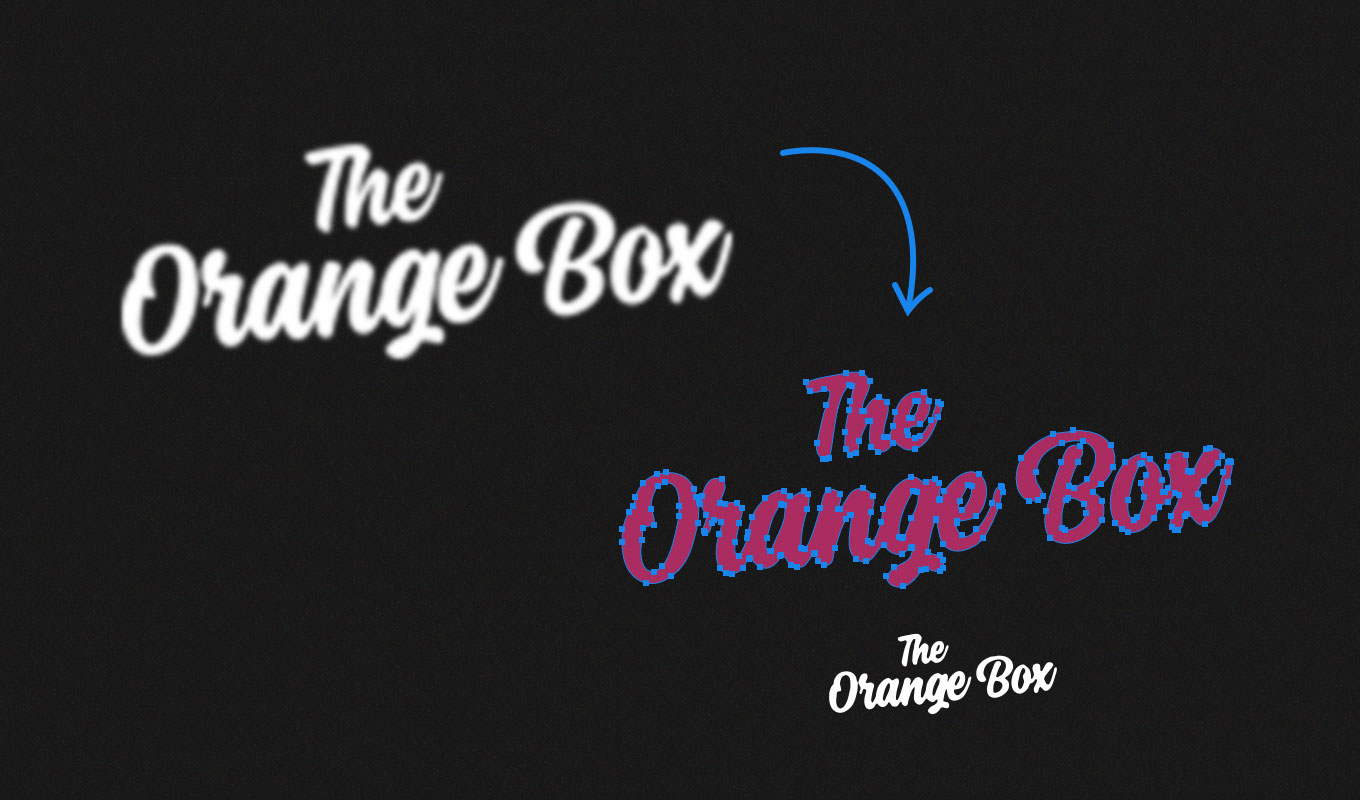
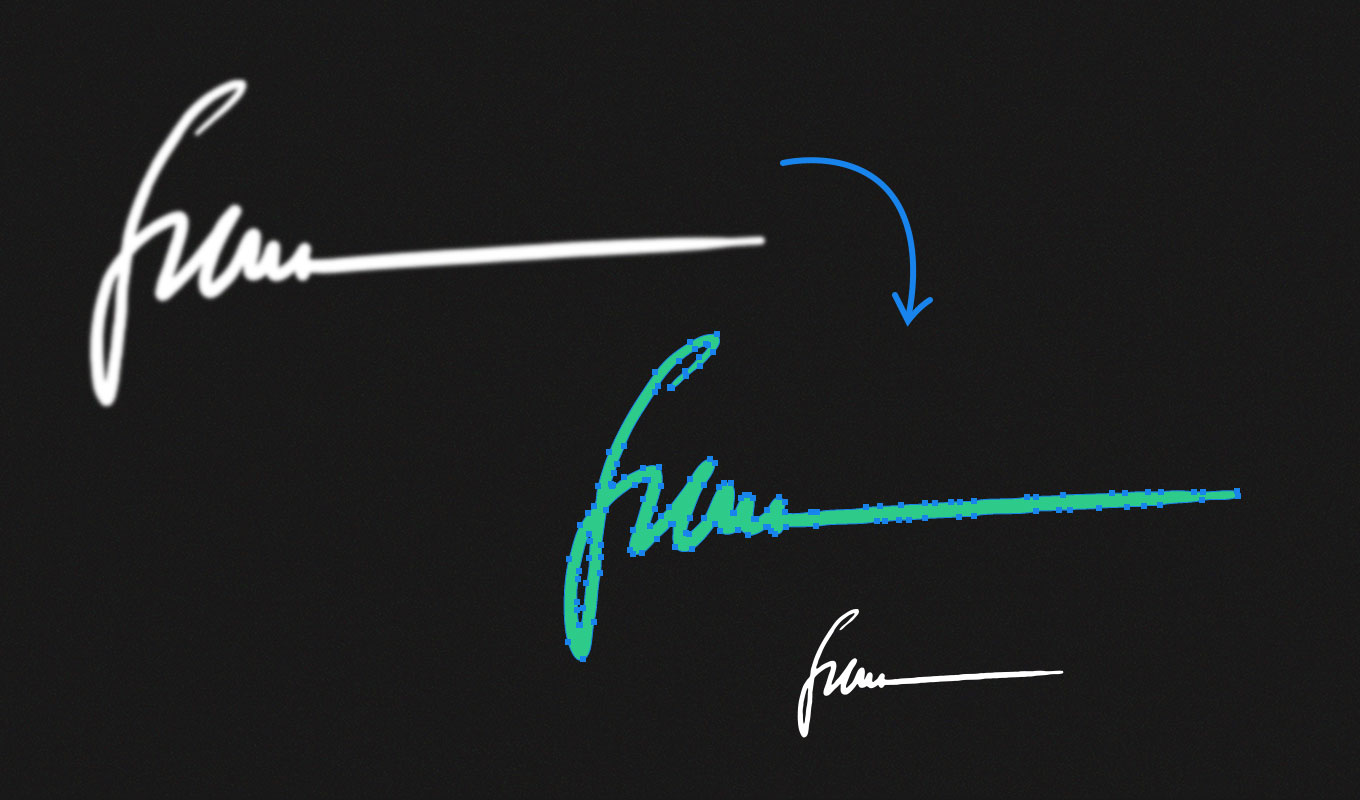
Pixel to Vector Photoshop plugin solutions are essential for modern designers who need to transform raster graphics into scalable assets. Pixel2Vector II is a professional-grade, free tool that instantly transforms any pixel-based layer, group, or smart object into a clean, scalable vector shape — with just one click. Whether you are refining logos, cleaning up icons, or turning hand-drawn sketches into editable vector paths, this plugin handles it all directly inside Photoshop.
Stop wasting time with manual tracing. With this pixel to vector Photoshop plugin, you can maintain a non-destructive workflow where your original pixels stay untouched while you generate high-quality Shape Layers or Custom Shapes for your library.
What’s New in Version 2 (UXP Edition)
We have completely rebuilt the Pixel to Vector Photoshop plugin to meet the standards of modern creative environments. Version 2 is faster, smarter, and more reliable than ever before:
- Modern UXP Framework: Built on Adobe’s latest technology for maximum stability and native performance on M1, M2, and M3 Macs.
- Precision Conversion Engine: Improved algorithms ensure smoother edges and fewer anchor points for your vector paths.
- Optimized Scaling: The plugin automatically calculates the best scaling logic to preserve details in small icons or large illustrations.
- Shape Library Integration: Save your results directly to your Photoshop Custom Shape presets for future use.
How to use the Pixel to Vector Photoshop Plugin
Transforming your artwork is simple. Follow these steps to get the best results with our pixel to vector Photoshop plugin:
- Select your Layer: Open your project and select the layer or group you want to convert. Ensure it has transparency (Alpha Channel).
- Open the Plugin: Navigate to your Plugins menu and launch Pixel2Vector II.
- One-Click Conversion: Click the “Vectorize” button. The plugin will analyze the silhouette of your pixels.
- Choose Output: Decide if you want a new Shape Layer or if you want to add the path to your Custom Shapes library.
This automated process replaces the tedious “Make Work Path” and “Define Custom Shape” steps, providing a much cleaner result in a fraction of the time.
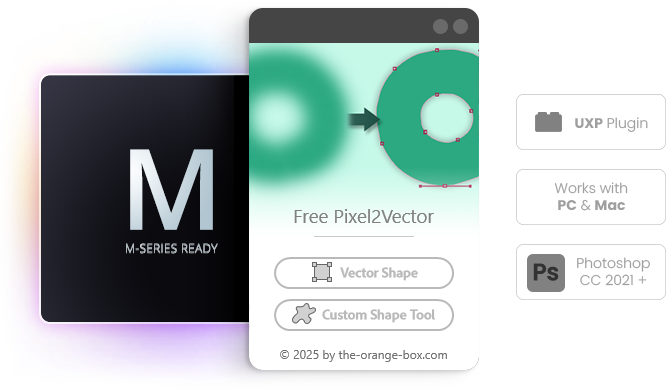
Key Features for Professional Workflows
- ✅ Instant Conversion: The fastest pixel to vector tool for Photoshop CC.
- ✅ Editable Paths: Generates native Photoshop vector paths that you can tweak with the Pen Tool.
- ✅ Smart Objects Support: Works seamlessly with grouped layers and smart objects.
- ✅ 100% Free: No hidden costs, no registration, no subscription required.
- ✅ Cross-Platform: Runs perfectly on both Windows and Mac (Apple Silicon ready).
Pixel2Vector vs. Native Photoshop Vector Tools
Many users wonder why they should use a pixel to vector Photoshop plugin instead of the built-in “Make Work Path” feature. While Photoshop’s native tool is a good start, it often creates jagged edges and too many unnecessary anchor points. Pixel2Vector II uses an optimized conversion engine that focuses on path simplification, resulting in “cleaner” vectors that are easier to edit and better suited for professional printing and logo design.
Frequently Asked Questions (FAQ)
Does this Pixel to Vector Photoshop Plugin work with photos?
This specific plugin is designed for silhouettes, logos, icons, and shapes. If you need to convert full-color photos into vectors, check out our Image2Vector product. For a complete list of essential tools, see our guide on the best Photoshop plugins in 2026. This tool is best for solid shapes and clean line art.
Is it compatible with Photoshop 2026?
Yes, as a modern UXP-based pixel to vector Photoshop plugin, it is fully compatible with Photoshop CC 2021 and all newer versions, including the upcoming 2026 releases.
Do I need the FX-Box?
No. Unlike version 1, Pixel2Vector II is a standalone CCX plugin. You can install it by simply double-clicking the file provided in your download.
Video Tutorial & Installation Guide
Watch our detailed walkthrough to see the pixel to vector Photoshop plugin in action and learn tips for cleaning up your hand-drawn sketches before vectorization.
System Requirements
To ensure stability, this pixel to vector Photoshop plugin utilizes the Adobe UXP framework. It requires Photoshop CC 2021 (v22.0) or newer. It runs natively on M1/M2/M3 Macs and all modern Windows PCs. For technical support or more tools, visit our internal FX-Shop.