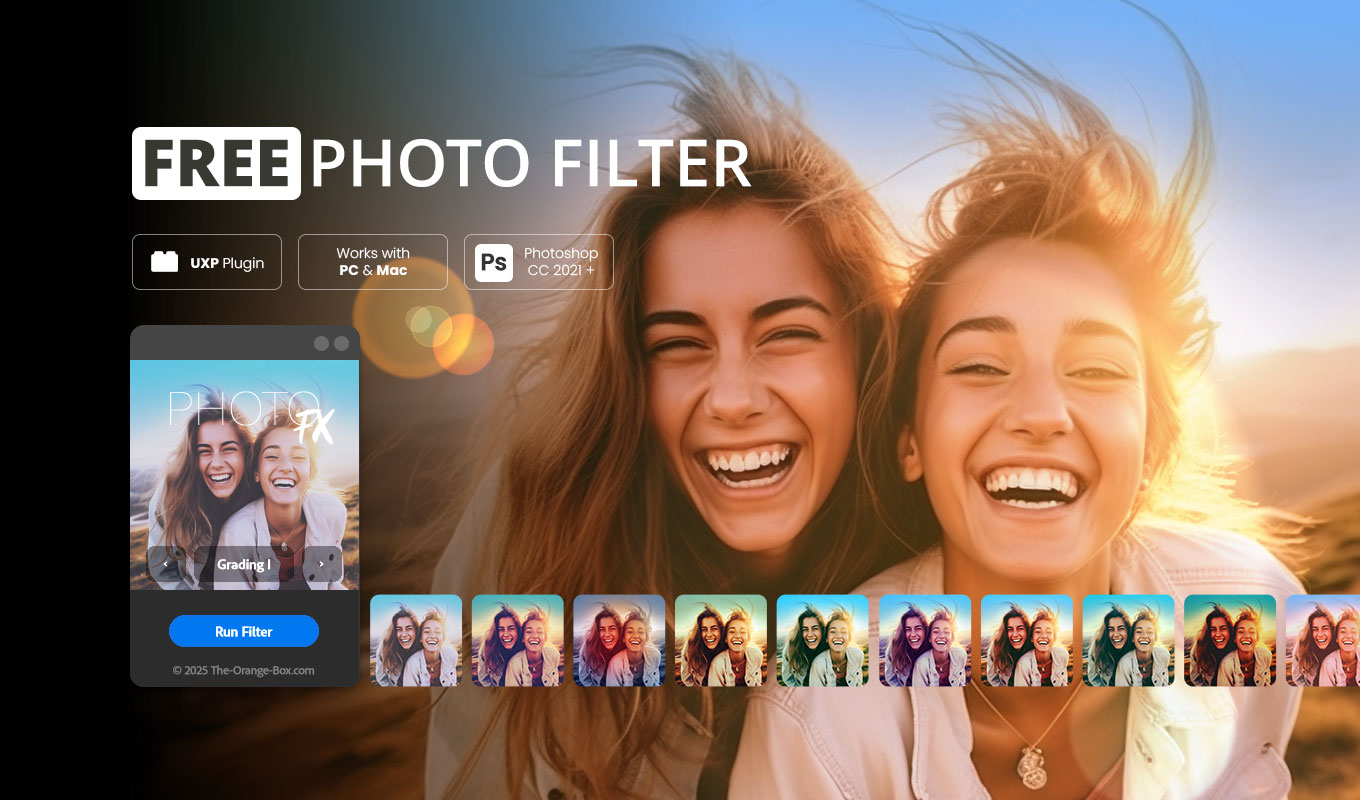
Free Photo Filter FX – Cinematic Color Grading for Photoshop
Free Photo Filter FX is a professional, free UXP plugin for Adobe Photoshop that instantly transforms your photos with beautiful, cinematic color looks. If you want to achieve high-end results without complex manual adjustments, this tool is the perfect choice for your creative workflow.
Choose from a variety of Color Gradient Filters, Light Leak effects, and a classic Film Grain B/W Look — all designed to be mixed and matched for endless creative combinations. With its clean and intuitive interface, you can preview each look directly in Photoshop and apply it with just one click.
Whether you’re enhancing portraits, creating moodful travel edits, or adding a nostalgic film vibe — Free Photo Filter FX gives you professional-grade filters in seconds.
Modern Performance: Free Photo Filter FX for Mac and PC
This UXP-based plugin is fully compatible with Photoshop 21 and newer, ensuring modern performance and reliability. It runs natively on Apple Silicon Macs, including the M1, M2, and M3 series, and delivers the same seamless experience on Windows PCs. Whether you’re working on Mac or PC, you’ll enjoy fast, stable, and efficient performance with Free Photo Filter FX.

Highlights of the Plugin
- 10 high-quality Color Gradient Filters for instant mood.
- 5 atmospheric Light Leak Effects for vintage vibes.
- 1 classic B/W Film Grain Look for timeless aesthetics.
- Combine filters freely for unique, layered results.
- Works directly inside Photoshop (Modern UXP panel architecture).
- Completely free – no registration, no hidden subscription costs.
Creative Use Cases for Free Photo Filter FX
This plugin is versatile enough for almost any style of photography. Here are some ways you can utilize Free Photo Filter FX in your daily editing routine:
- Portrait Enhancement: Use the soft color gradients to add warmth to skin tones and create a professional “magazine look” in seconds.
- Travel & Landscape: Apply the atmospheric light leaks to your outdoor shots to simulate natural sunlight or sunset glows.
- Social Media Content: Create a consistent aesthetic for your Instagram feed by applying the same Free Photo Filter FX combination to all your photos.
- Commercial Work: Use the non-destructive workflow to show clients different color grading options without changing the original base layer.
Why choose Free Photo Filter FX?
✅ 100% Free Photoshop FX Tool – Professional quality at no cost.
✅ One-click photo filter effects – Drastically speed up your post-processing.
✅ Non-destructive workflow – Your original image stays safe on its own layer.
✅ Fully editable and stackable – Adjust opacity and blend modes for total control.
How it works: Step-by-Step
- Open your photo in Adobe Photoshop.
- Launch Free Photo Filter FX from your Plugins/UXP menu.
- Click “Run Filter” to see the cinematic transformation.
- Refine and combine different looks to find your signature style.
Bring your photos to life with cinematic color tones, creative overlays, and filmic lighting – all in one lightweight, easy-to-use Photoshop plugin. For even more advanced tools, check out our other Internal FX Tools or visit the Adobe Creative Cloud website for more info on UXP.
Frequently Asked Questions (FAQ)
Is Free Photo Filter FX really free for commercial use?
Yes, you can use the filters created with Free Photo Filter FX for both personal and commercial projects without any licensing fees.
Does it support Photoshop 2026?
Yes! Since it is based on the latest UXP technology, it is fully compatible with Photoshop CC 2021 through the latest 2026 versions.
Where can I find the .ccx file after download?
The .ccx file will be in your download folder. Simply double-click it, and the Adobe Creative Cloud Desktop app will handle the installation of Free Photo Filter FX automatically.
NOTE: You no longer need the FX-Box to install the plugin. Simply double-click the .ccx file and follow the instructions.
⚠️ Important Compatibility: This plugin is not compatible with Photoshop versions prior to CC 2021. Please ensure your software is up to date.
See authentic results created directly with the plugin.
No additional editing needed: