Create stunning photo collages in Photoshop – in seconds!
With Photo Collage Maker, you can design your own custom layouts, save your own templates, use professional ready-made designs, and auto-fill them with your images – all with just a few clicks.
This collage maker plugin helps you create consistent results faster and with less effort.
Key Features:
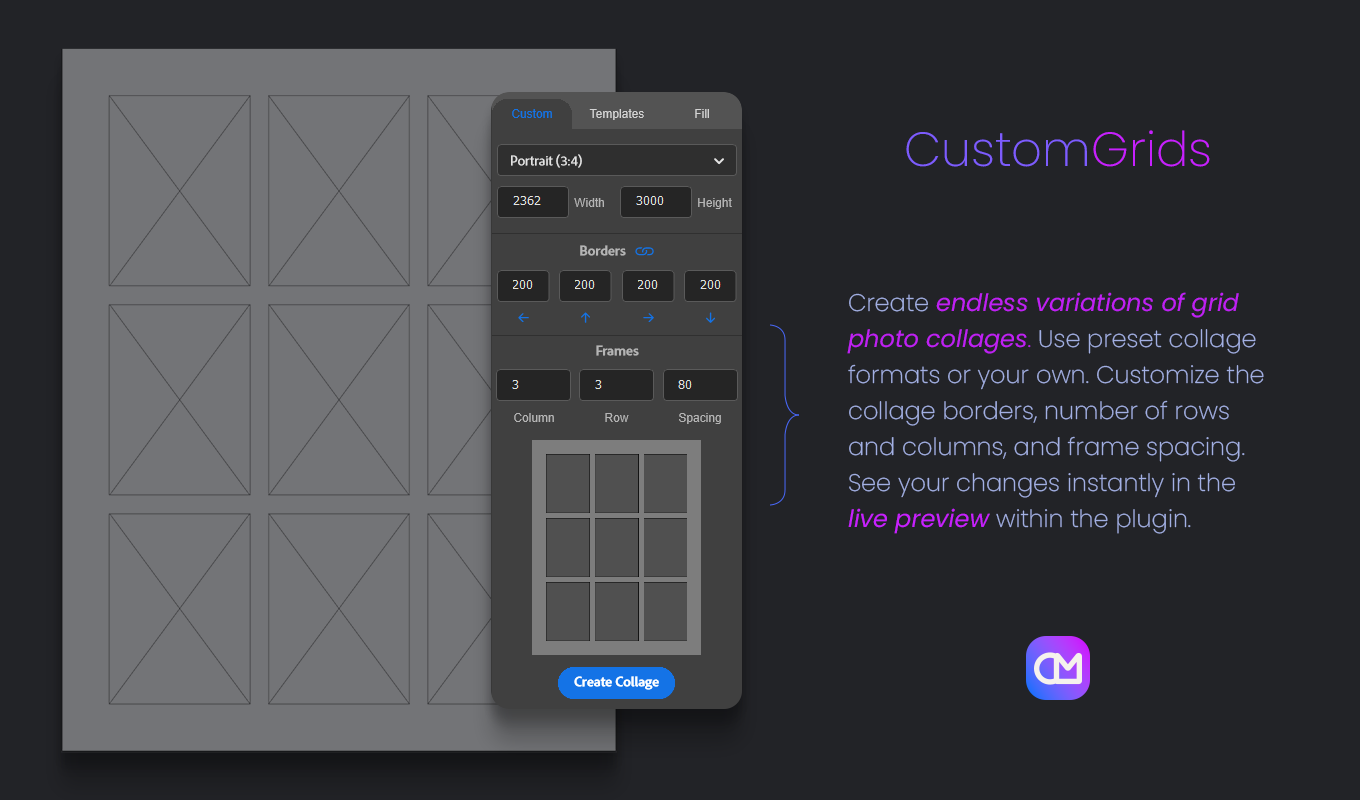
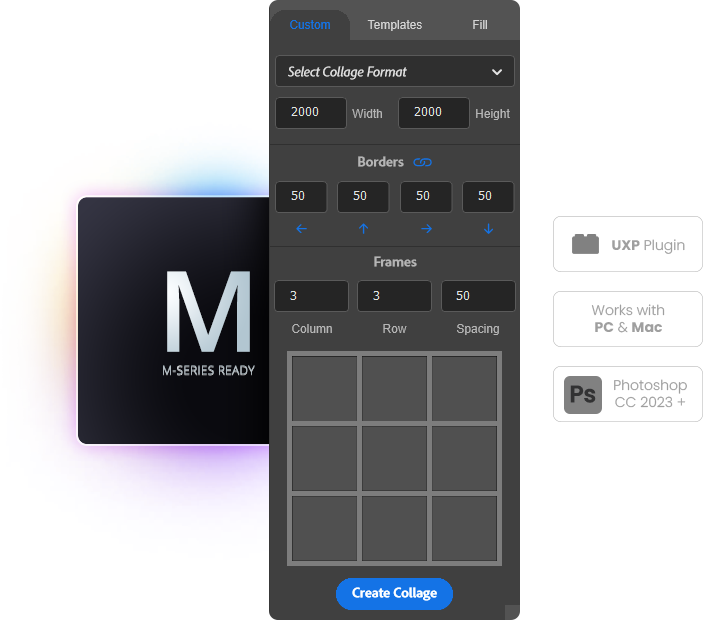
✅ Custom layouts: Set your own size, borders, rows, columns, and spacing.
Perfect for anyone who needs a flexible photo collage maker for both print and digital work.
✅ New collage formats: Choose from a wide range of aspect ratios – from Square, Instagram Portrait, and Story to Panorama, DIN A4, and more.
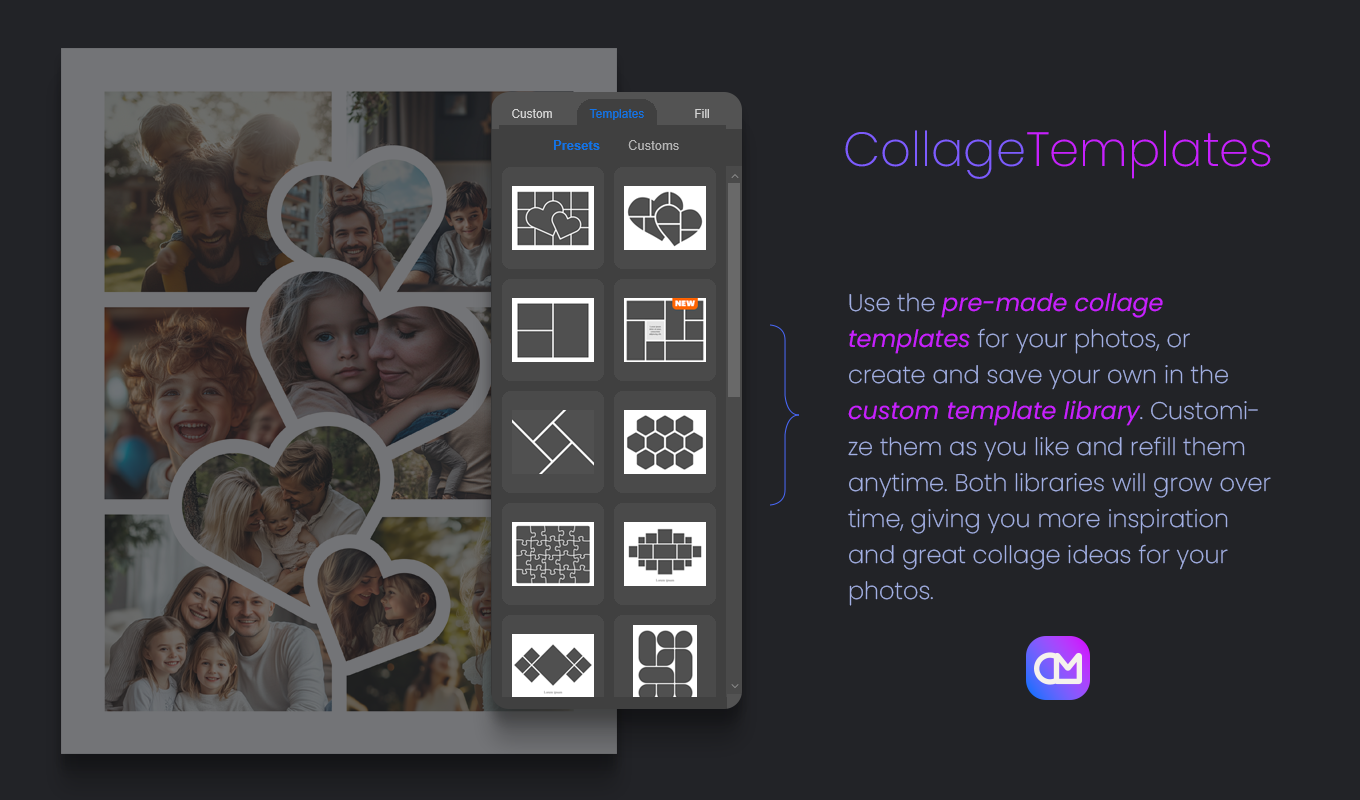
✅ Save your own templates: Create custom designs and store them directly in the plugin for instant reuse.
✅ Frame rename function: Automatically renames all frames in your collage for clean, consistent editing.
✅ Live preview: See every change instantly while you design.
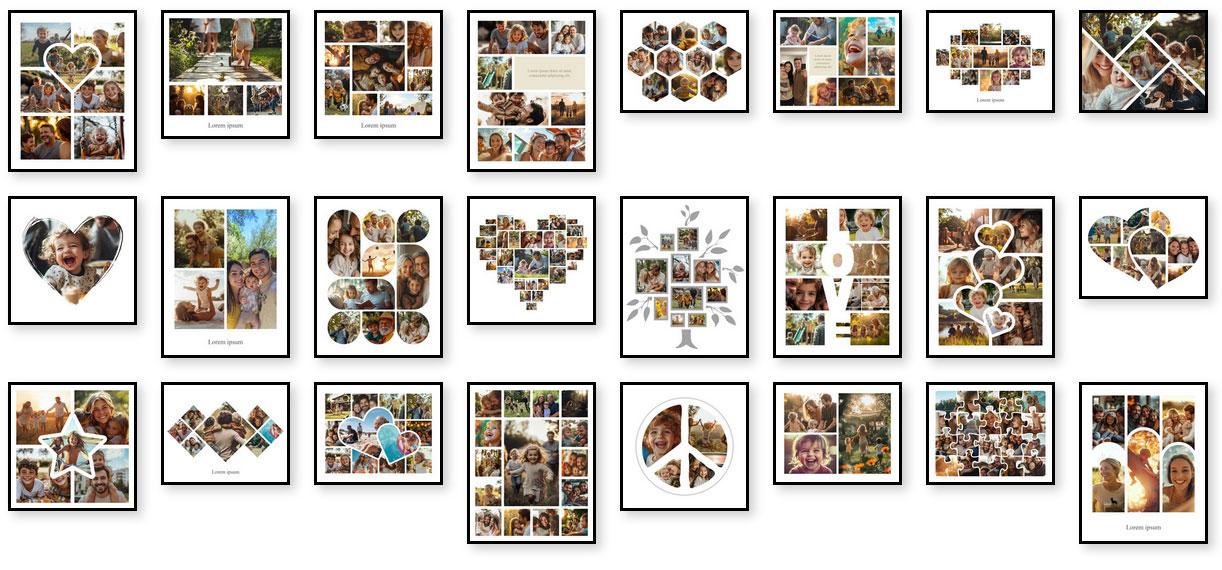
✅ Ready-made templates: A growing library of professionally designed collages.
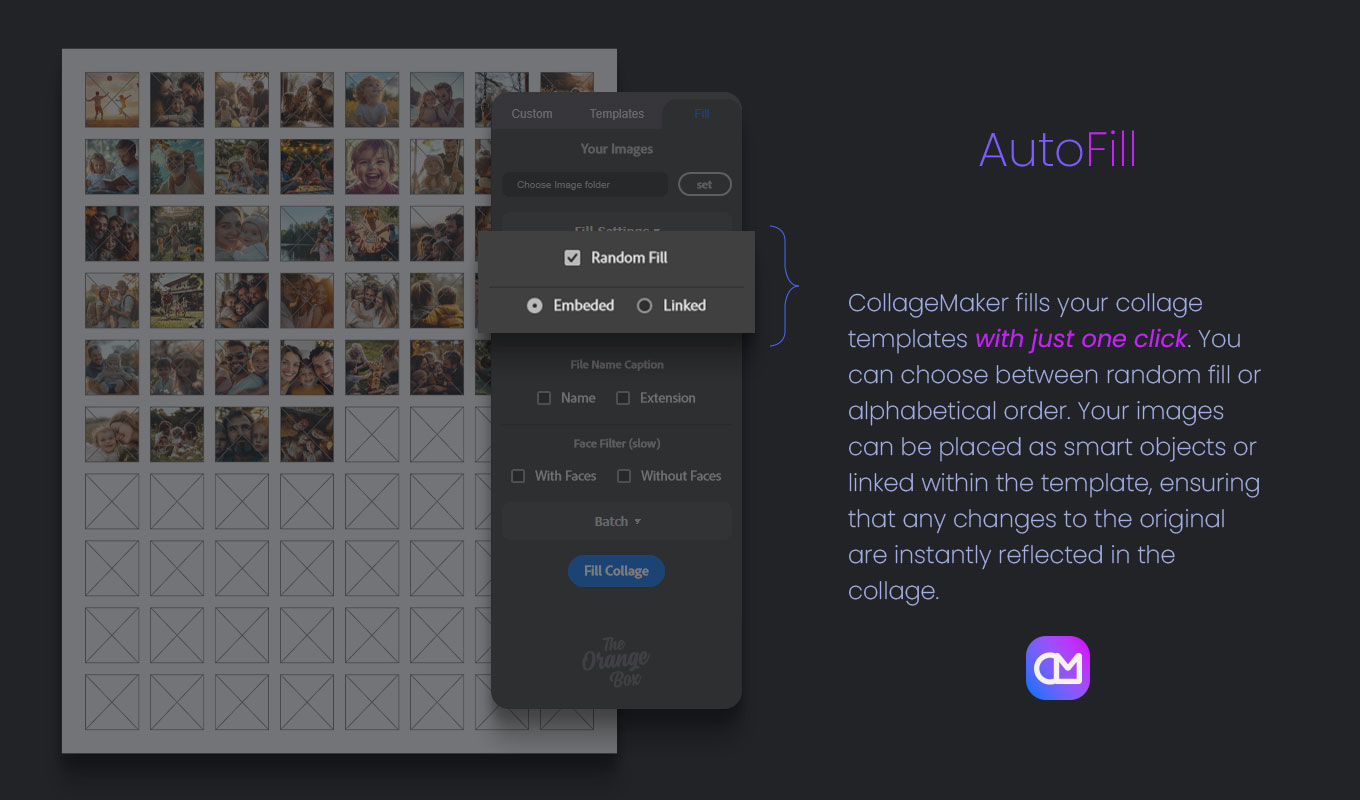
✅ One-click auto-fill: Place images randomly or in alphabetical order – fast and effortless.
Ideal for high-volume workflows using a collage maker plugin.
✅ Photo Collage Maker is built on Adobe’s modern UXP framework, ensuring fast performance, full compatibility with Photoshop 2023+, and a smooth native user experience. Learn more about Adobe UXP
✨ New in Version 1.2
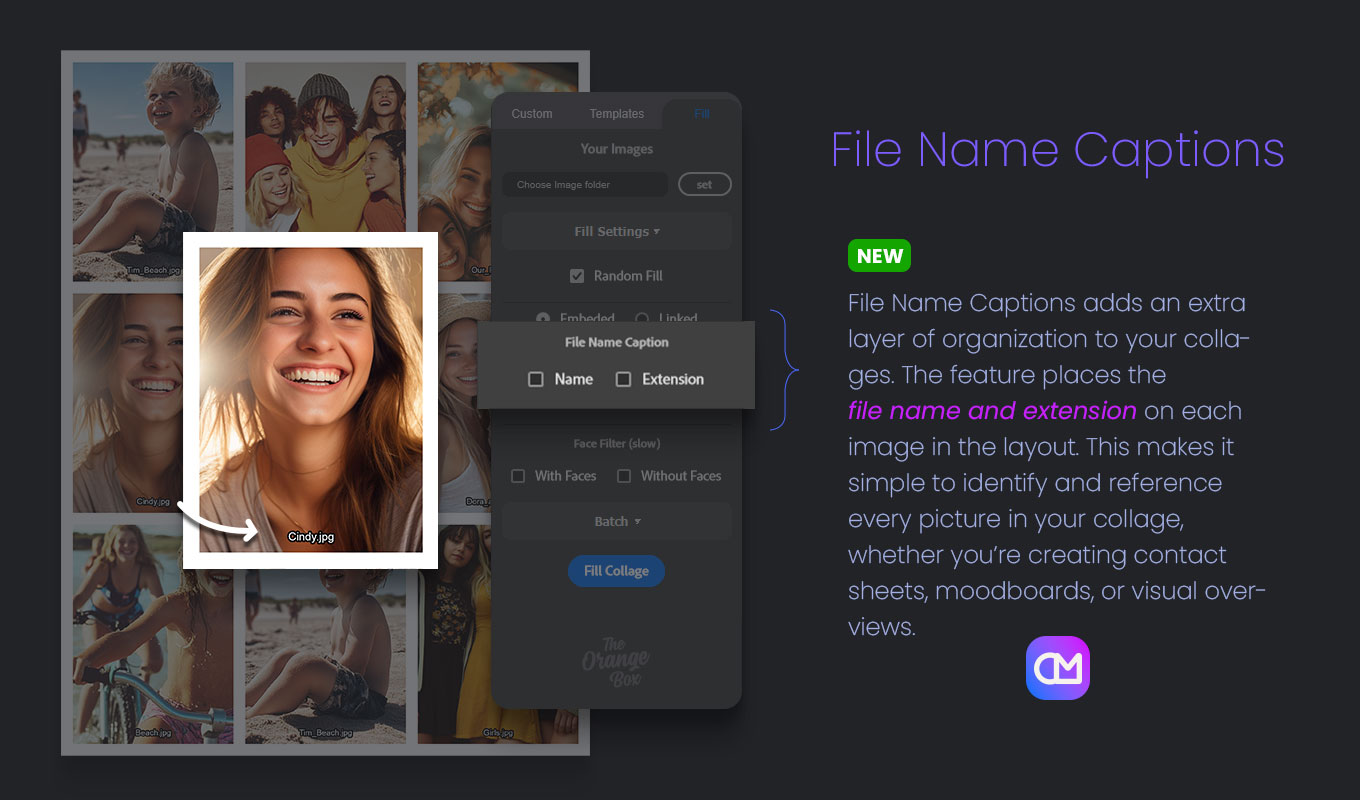
✅ File Name Captions: Display file names (with or without extensions) beneath each image in your collage for quick reference and clear organization.
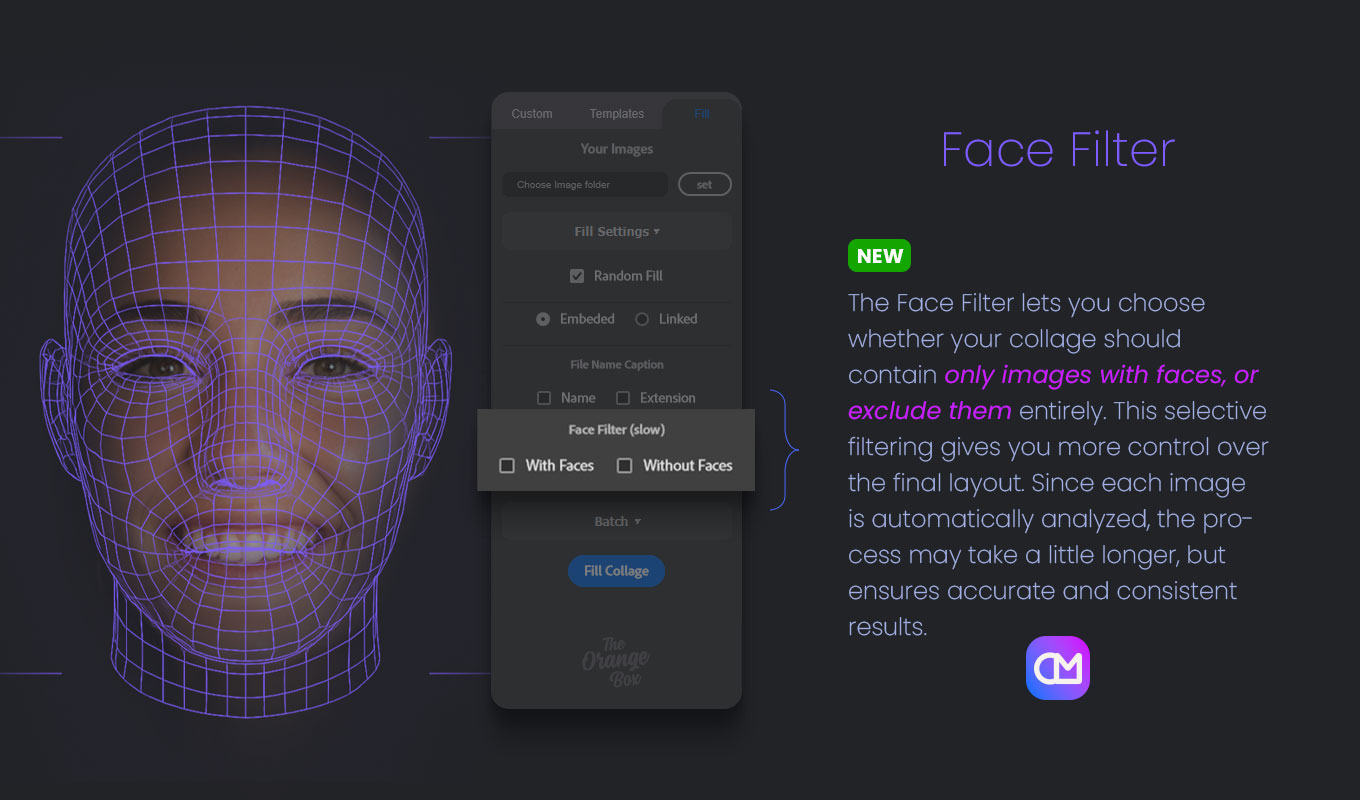
✅ Face Filter: Choose to include only images with faces – or exclude them entirely. Please note: as every image is analyzed, collage creation may take slightly longer.
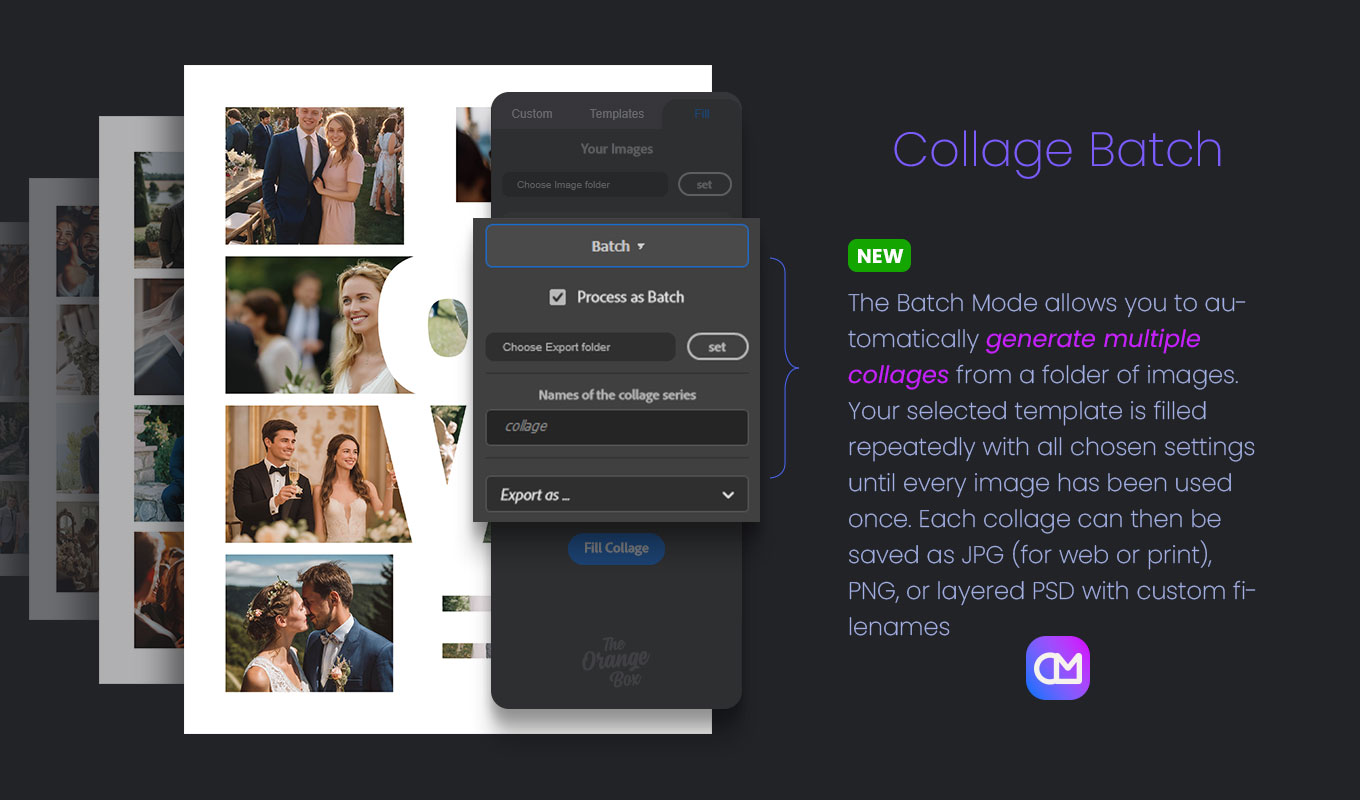
✅ Batch Mode: Automatically generate collages from an entire folder of images until every file has been used once. Export as JPG (web/print), PNG, or PSD with custom filenames for full control.
Perfect for users who rely on a photo collage maker in professional workflows.
How it works:
-
Design your layout – from scratch, with new preset formats, or with a template.
-
Select your images – choose a folder and auto-fill them instantly.
-
Fine-tune – move, replace, or adjust frames as you wish.
Done – ready for print, social media, or further editing.
Ideal for:
✅ Photographers & Designers – professional, print-ready layouts
✅ Social-Media Creators & Influencers – eye-catching posts and stories
✅ Etsy Sellers & Online Shops – product collages and offer overviews
✅ Event Planners & Wedding Photographers – storyboards and keepsake collages
✅ Bloggers & Content Teams – mood boards and campaign layouts
From professionals to hobbyists, Photo Collage Maker is your shortcut to beautiful, consistent, and time-saving collage creation with a powerful collage maker plugin.
▶️ Watch the full demo:
Made for Creators, on Mac and PC
This UXP-based plugin is fully compatible with Photoshop 23 and newer, ensuring modern performance and reliability. It runs natively on Apple Silicon Macs, including the M1, M2, and M3 series, and delivers the same seamless experience on Windows PCs. Whether you’re working on Mac or PC, you’ll enjoy fast, stable, and efficient performance.
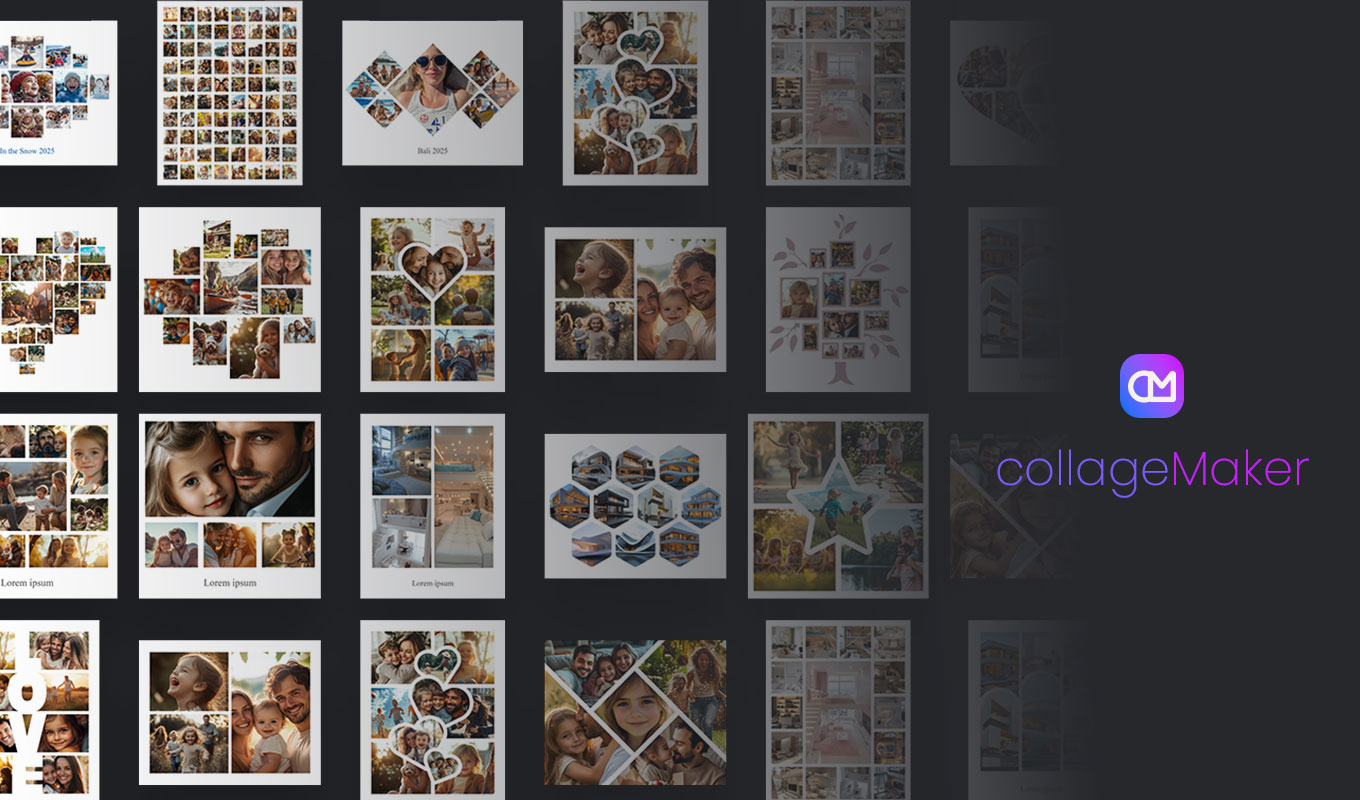
Example Collage Templates
Why Creators Love the Photo Collage Maker
One of the biggest advantages of using a photo collage maker inside Photoshop is the level of control it gives you. Instead of relying on fixed online tools or rigid templates, this plugin lets you fine-tune every detail of your layout. You decide the spacing, the frame sizes, the file format, and even the naming structure of your exports. This makes the workflow incredibly flexible for photographers, designers, and content creators who need consistent results across many different projects.
Another reason users enjoy this collage maker plugin is the speed. Whether you’re preparing social-media graphics, storyboards, product collages, or print-ready designs, you can build variations in seconds. Batch Mode adds even more power by automatically generating multiple collages from large image folders, making repetitive work fast and effortless.
The plugin also fits naturally into almost any Photoshop workflow. You can edit frames manually, replace images, adjust colors, or refine your collage after export. Everything stays editable, so you remain fully in control of your creative process.
For anyone who needs a reliable, customizable, and time-saving way to create collages inside Photoshop, this tool quickly becomes an essential part of the workflow.