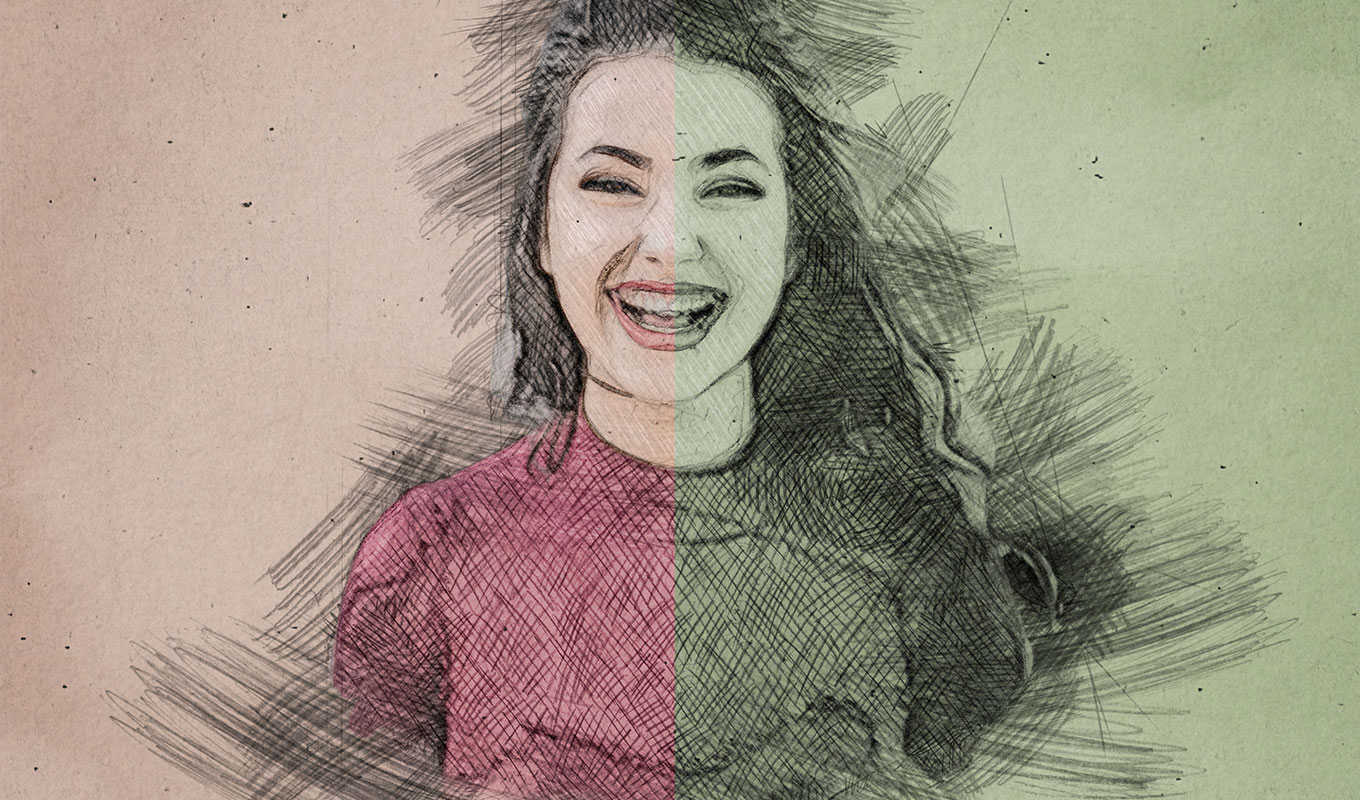
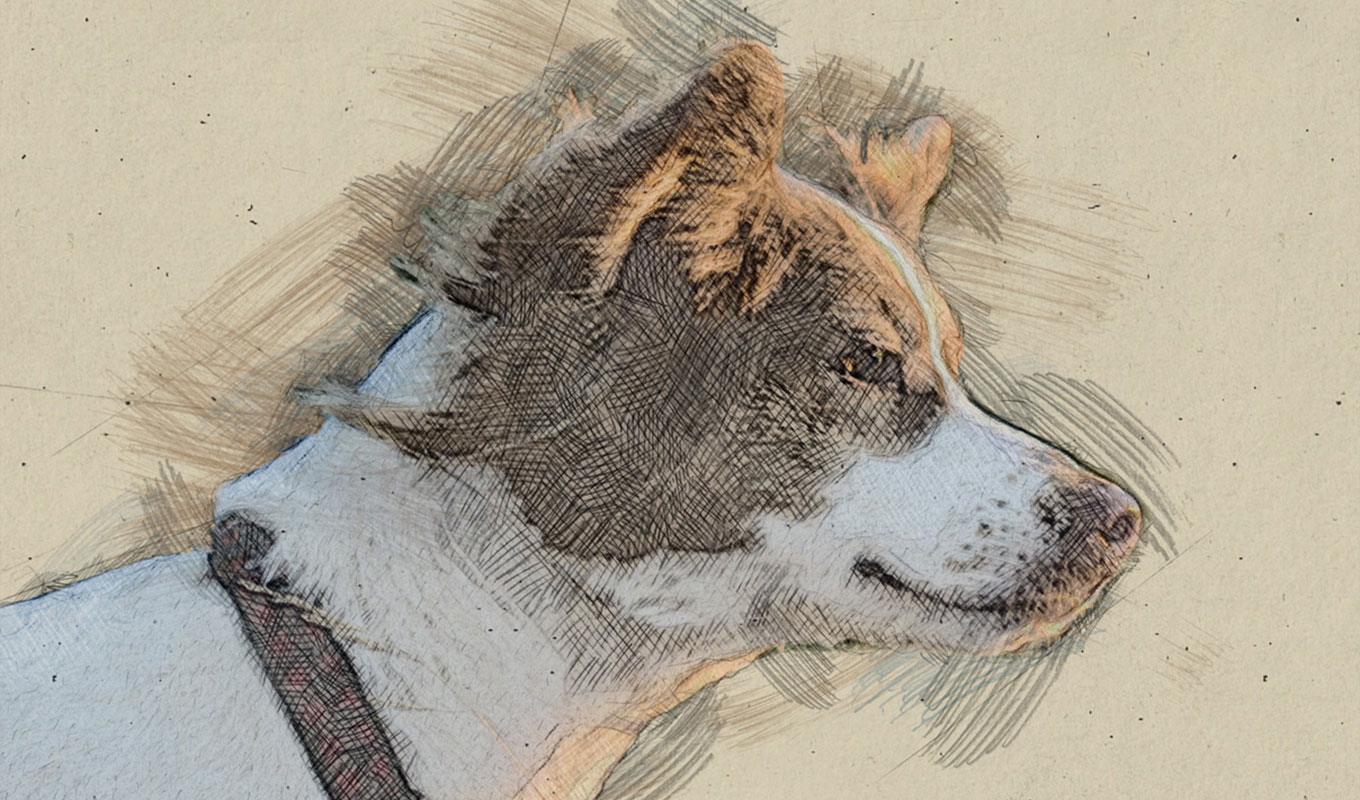
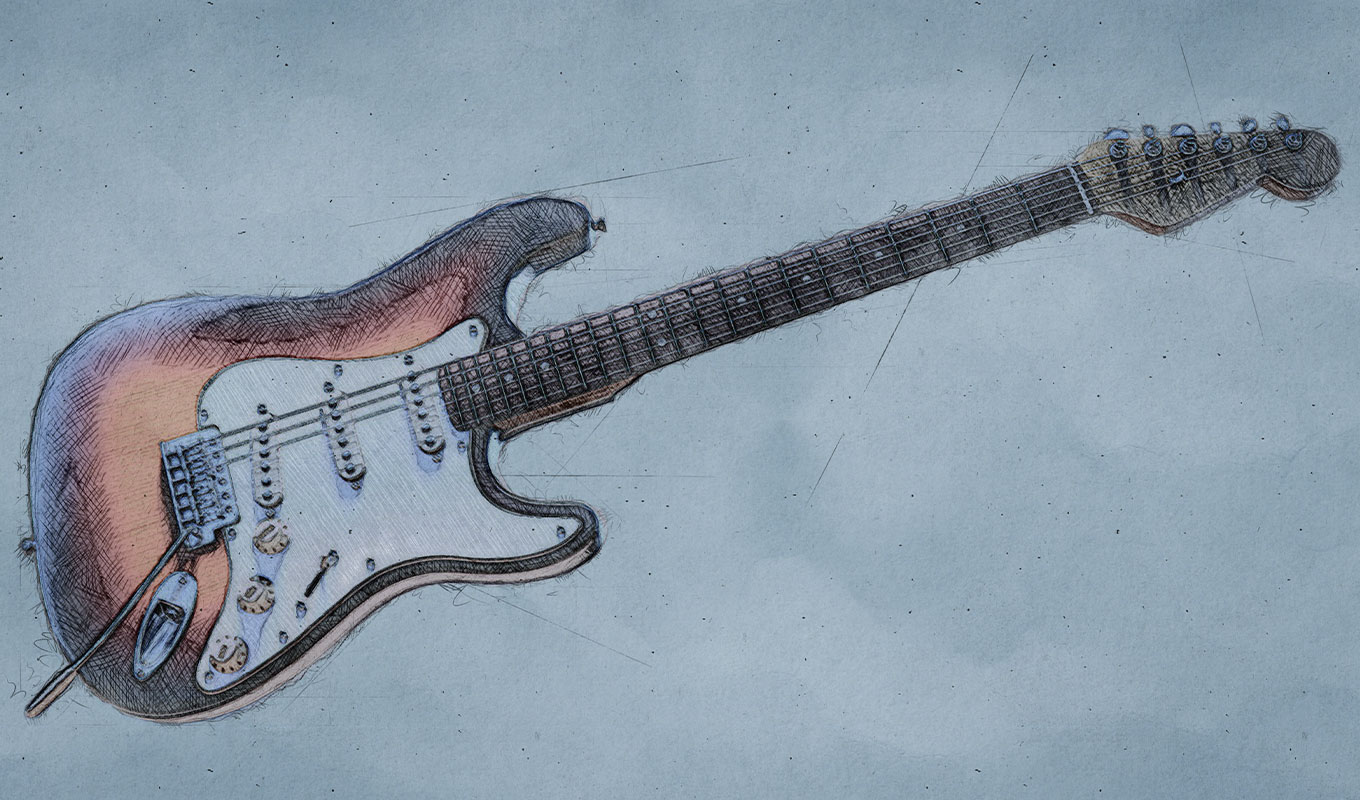
Turn photos into hand-drawn sketches – in just one click
No subscriptions. No hassle. Just pure creativity.
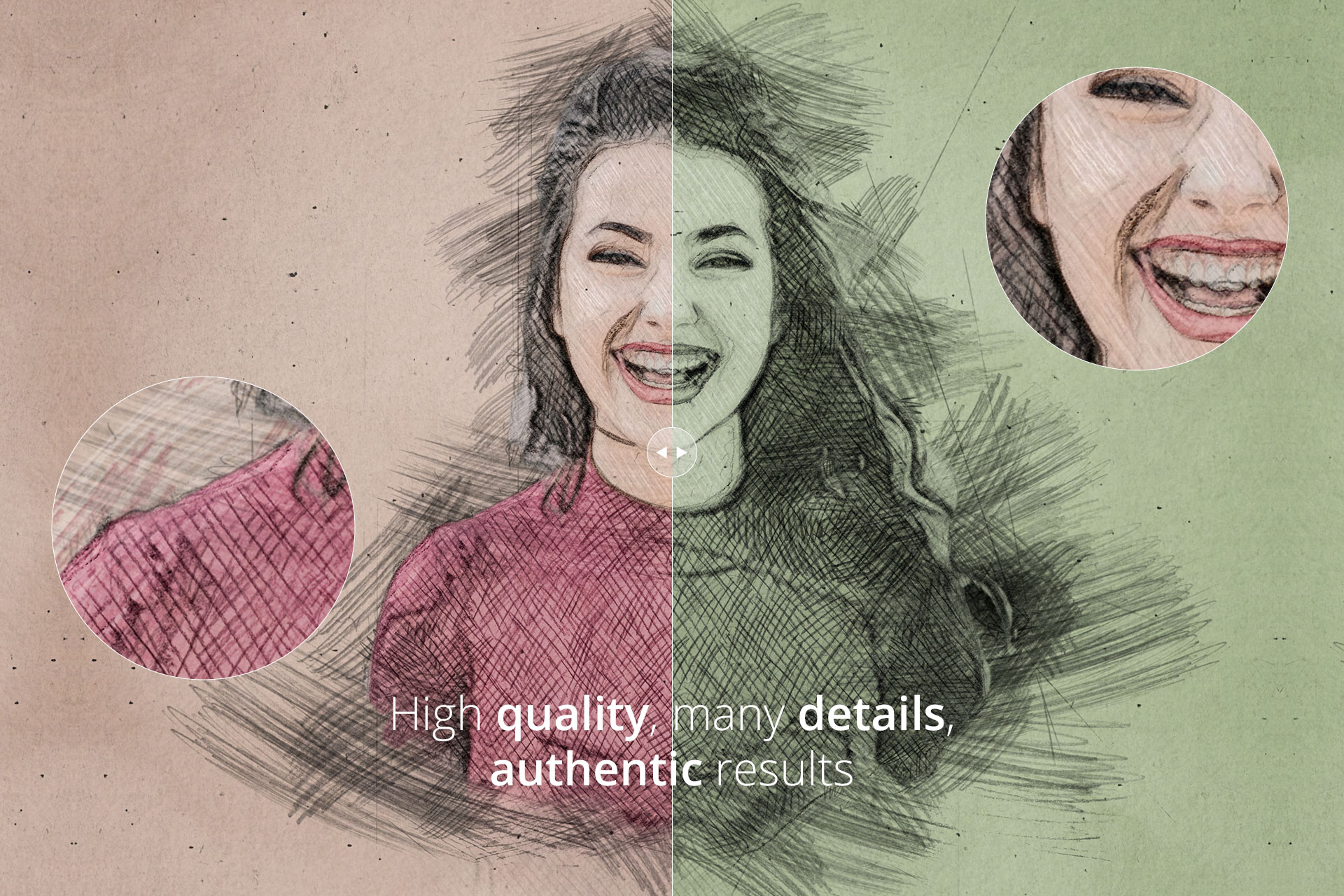
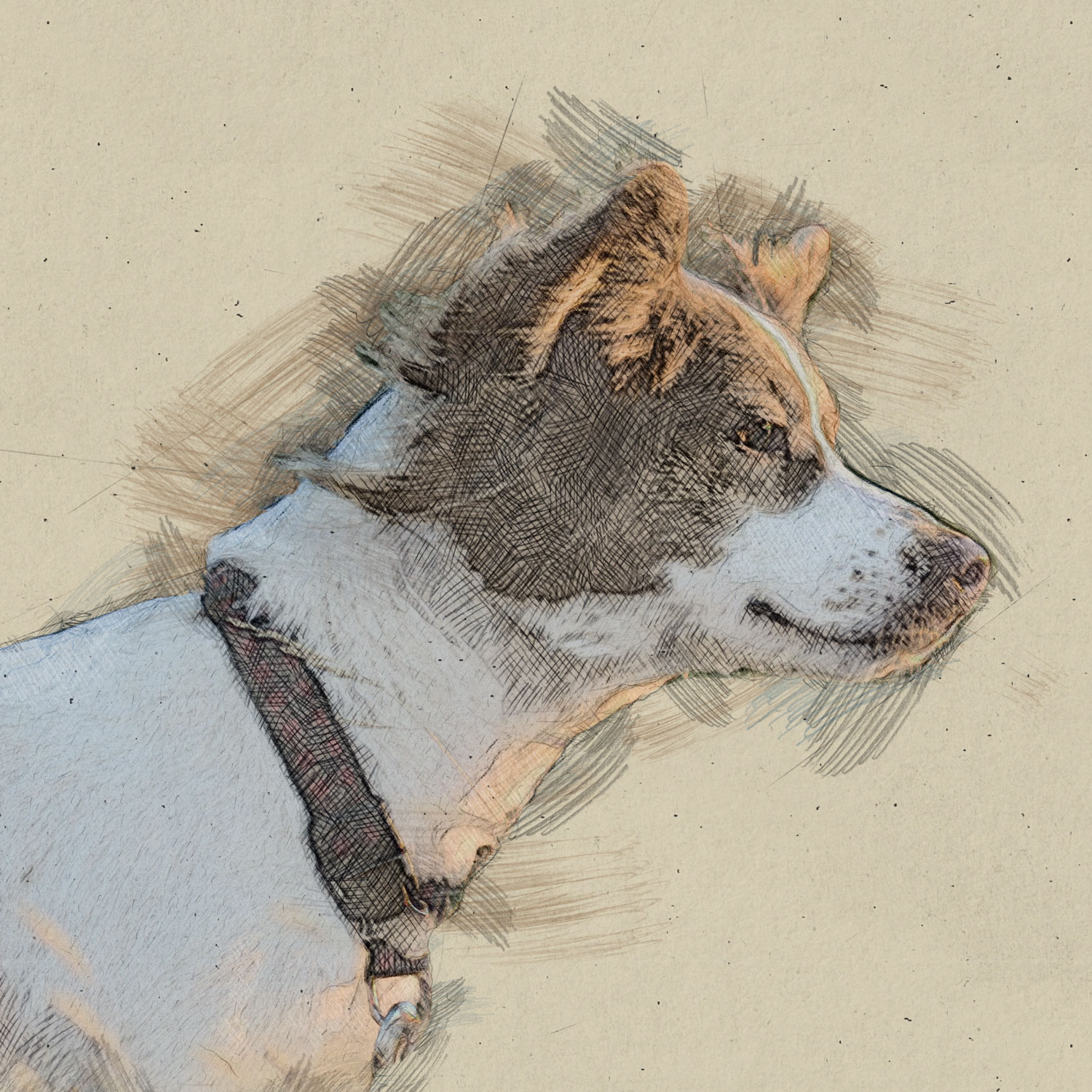
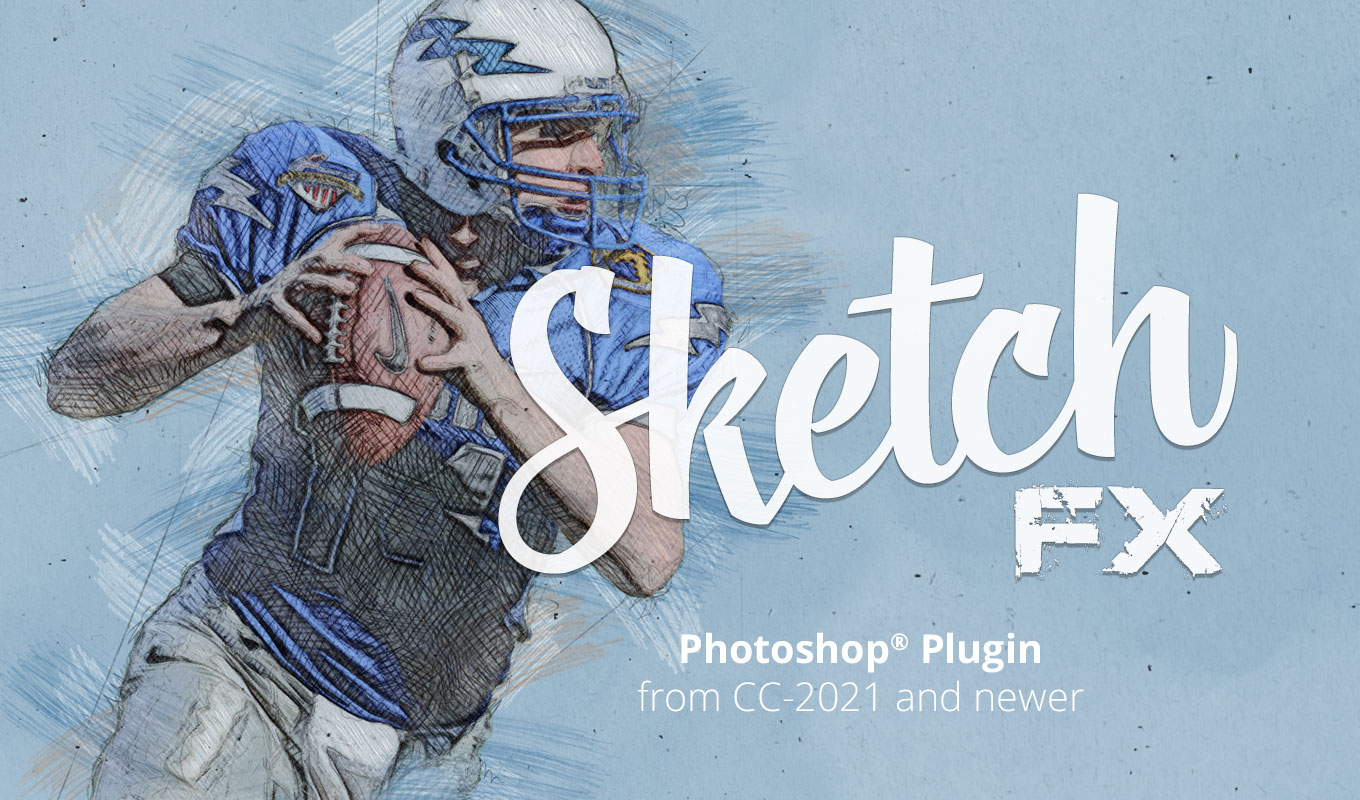
Sketch FX transforms your images into realistic pencil sketches directly inside Photoshop. Unlike simple filters that just desaturate your image, this advanced Pencil Sketch Photoshop Plugin analyzes your photo to apply authentic crosshatching, shading, and textured strokes.
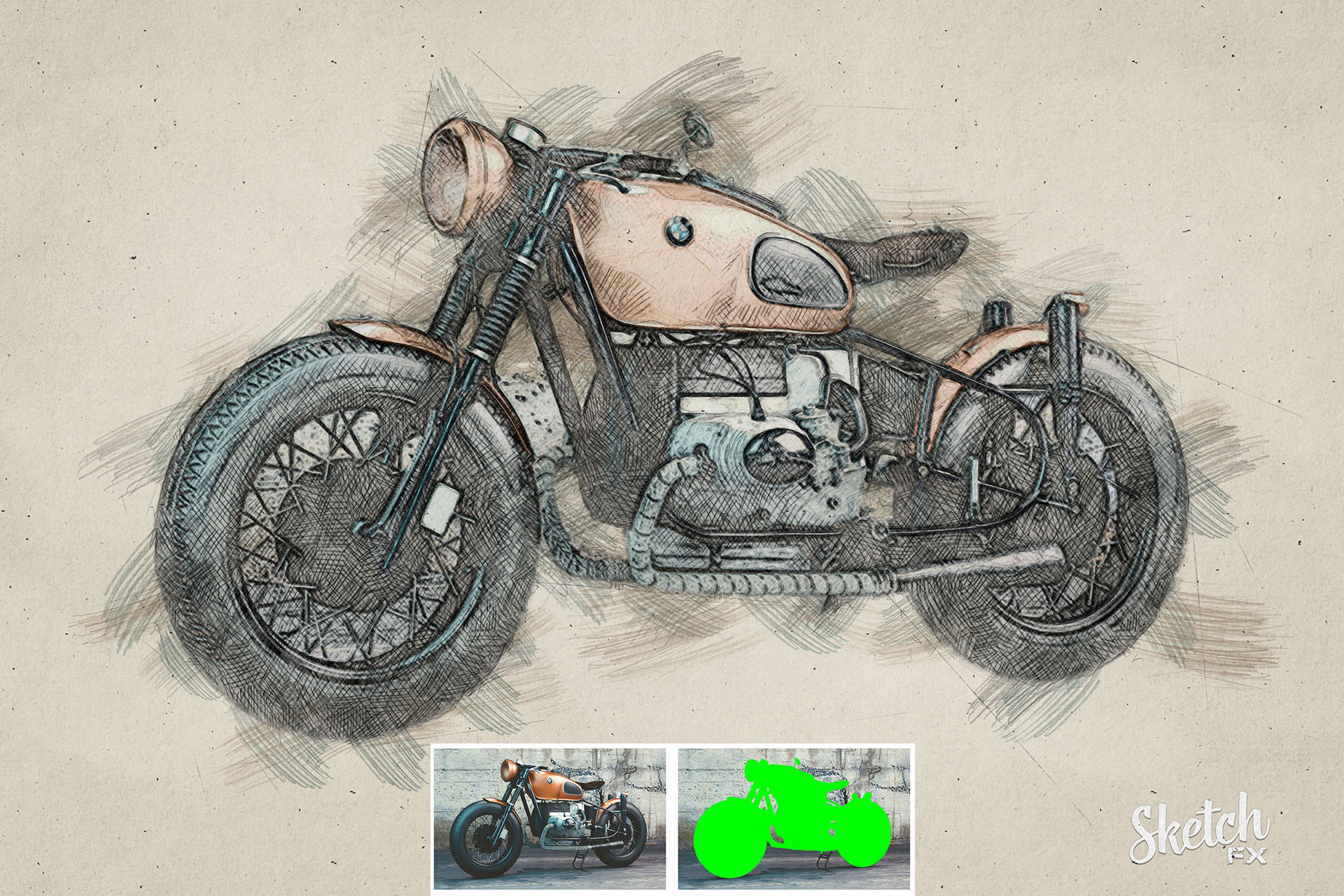
Whether it’s a portrait or an object photo – your subject gets the rough, artistic look of a real sketchbook. The best part? It happens in seconds.
Who is this plugin for?
This tool was built for creatives who need an authentic hand-drawn look without spending hours drawing manually:
- ✅ Designers working on posters or packaging
- ✅ Photographers creating artistic edits
- ✅ Illustrators & Digital Artists
- ✅ Agencies & Freelancers
Why choose Sketch FX?
Most “sketch actions” destroy your pixels. Sketch FX is different. It creates a smart layer structure that allows you to edit every single stroke.
- ✅ One-click sketch effect – fast and effortless
- ✅ Automatic optimization:
- • Calculates the best effect setup for your resolution
- • Automatically resizes small images to ensure clean strokes
- • Centers masked areas automatically
- ✅ Full editing flexibility:
- • Unhide the sketch_image_color layer to restore original tones
- • Hide or modify overlay effects (paper texture, graphite dust)
- • Add color to crosshatching strokes
- • Change the background color or choose from 7 included presets
- ✅ Non-destructive workflow – your original image stays untouched
- ✅ Compatibility: Works on both PC & Mac (Language independent)
How it works
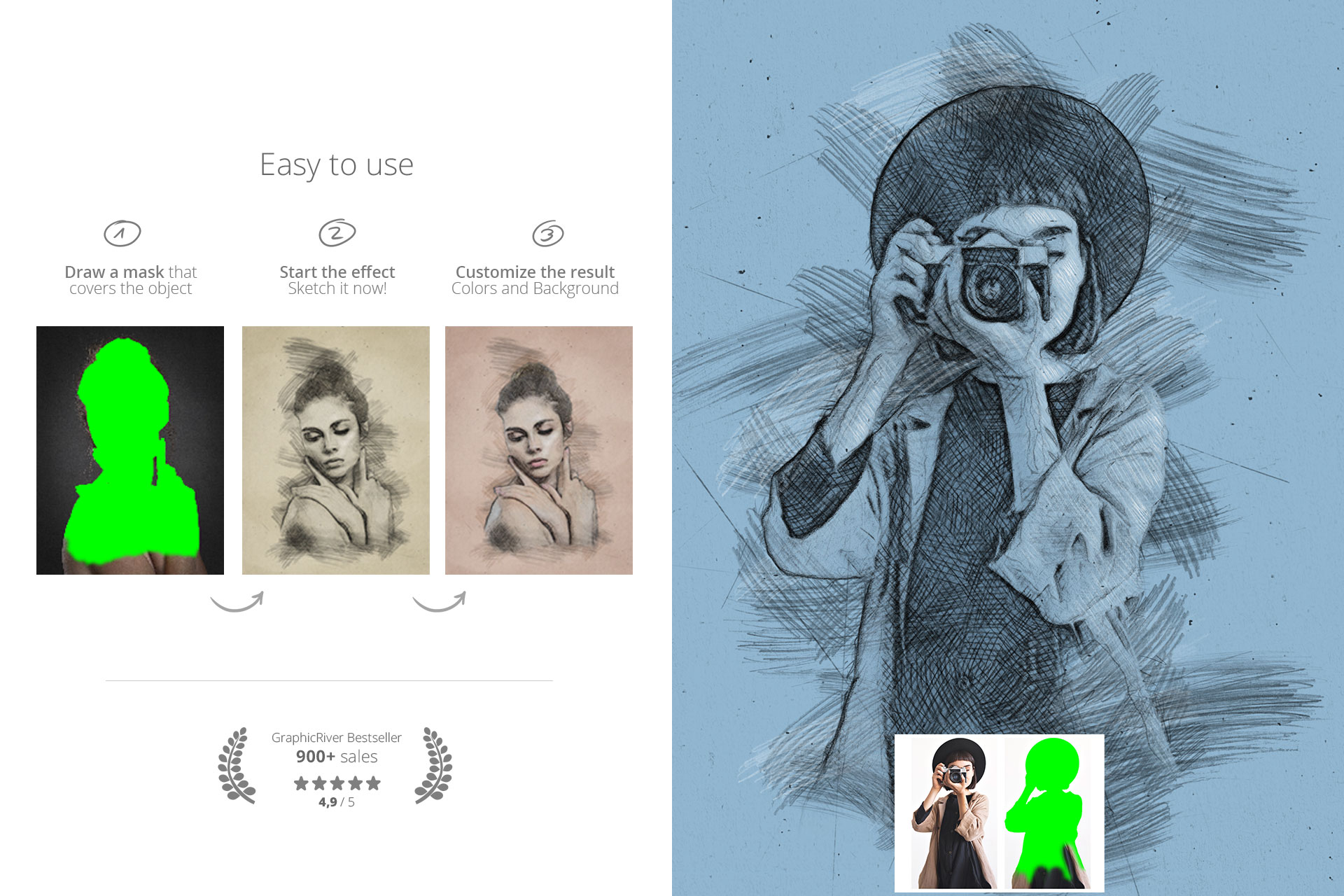
Using this Pencil Sketch Photoshop Plugin is as intuitive as picking up a pen:
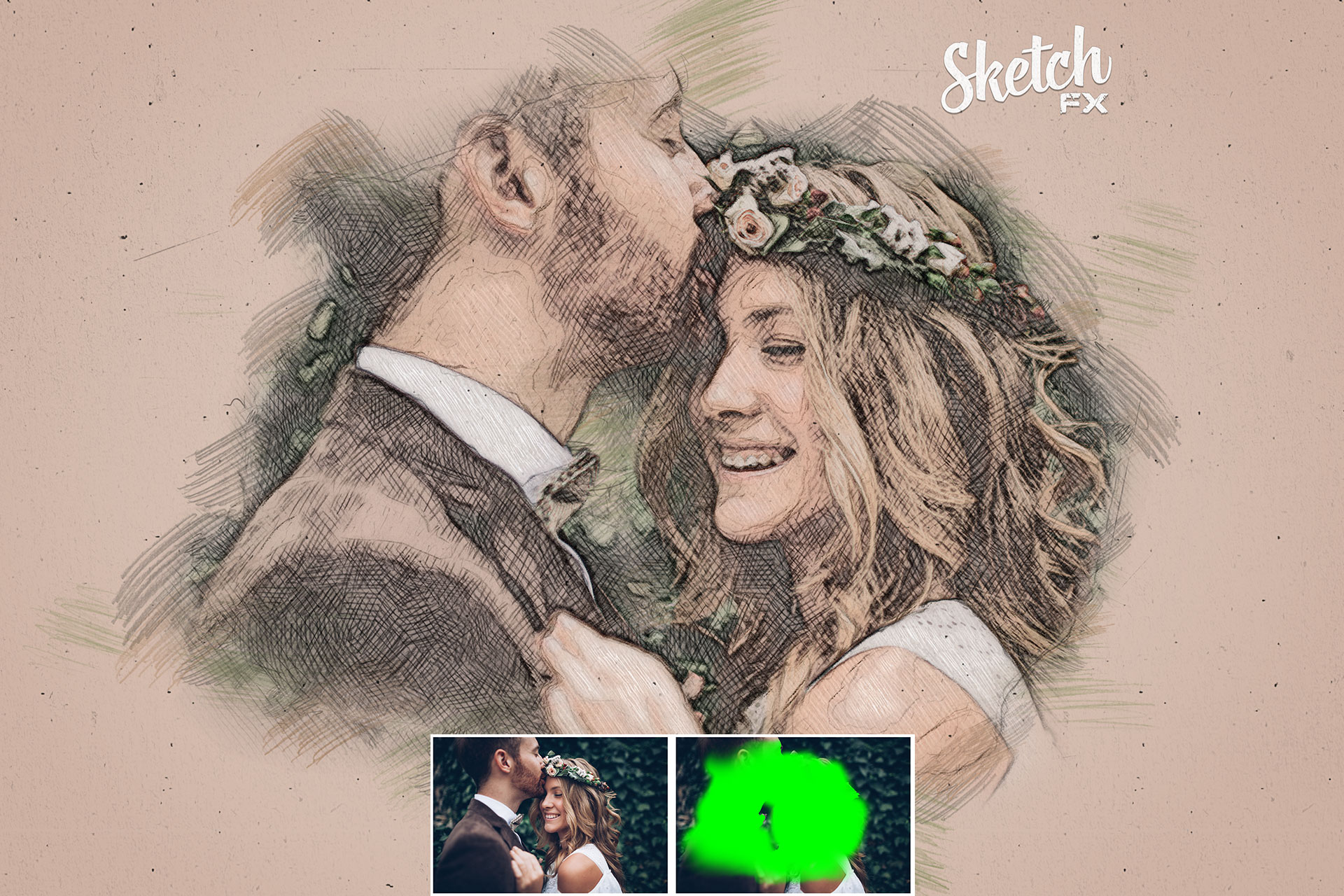
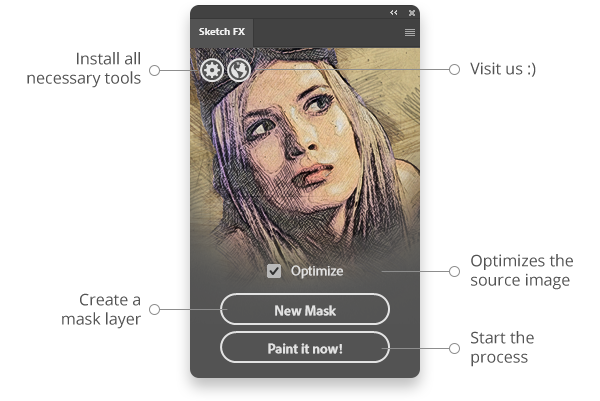
- Mask the area of your source image that should be sketched (your subject).
- Click “Sketch it now!” in the plugin panel.
- Customize crosshatching, overlays, and background colors to fit your style.
Tips for the best Sketch Look
To get the most realistic results from Sketch FX, keep these tips in mind:
- Contrast is key: Photos with good lighting and defined shadows produce the best crosshatching effects.
- Background separation: Since you mask your subject, try to use photos where the subject clearly stands out.
- Combine it: You can mix the sketch effect with real photos for a “mixed media” collage look.
Frequently Asked Questions (FAQ)
Is this really a full Pencil Sketch Photoshop Plugin?
Yes. Sketch FX is a full UXP plugin, not just a simple action. It uses a dedicated interface to control the complex processing steps.
Can I bring back the original colors?
Absolutely. The plugin generates a hidden layer called “sketch_image_color”. Simply turn its visibility on to blend the original photo colors with the sketch lines.
Does it work on Mac M1/M2/M3?
Yes, it is fully compatible with modern Apple Silicon Macs and Windows PCs running Photoshop 2021 or newer.
Love artistic effects? Check out our Watercolor FX Plugin (Internal Link) for painted styles.
Watch the Tutorial
See how fast you can turn a photo into a drawing:
You no longer need the FX-Box. Simply double-click the .ccx file to install via Adobe Creative Cloud.
Often copied and used thousands of times – here is the original.
With Sketch FX, you get professional sketch results in seconds – and full control to refine every detail.
Gallery: Authentic Results
See authentic results created directly with the plugin. No additional editing needed: