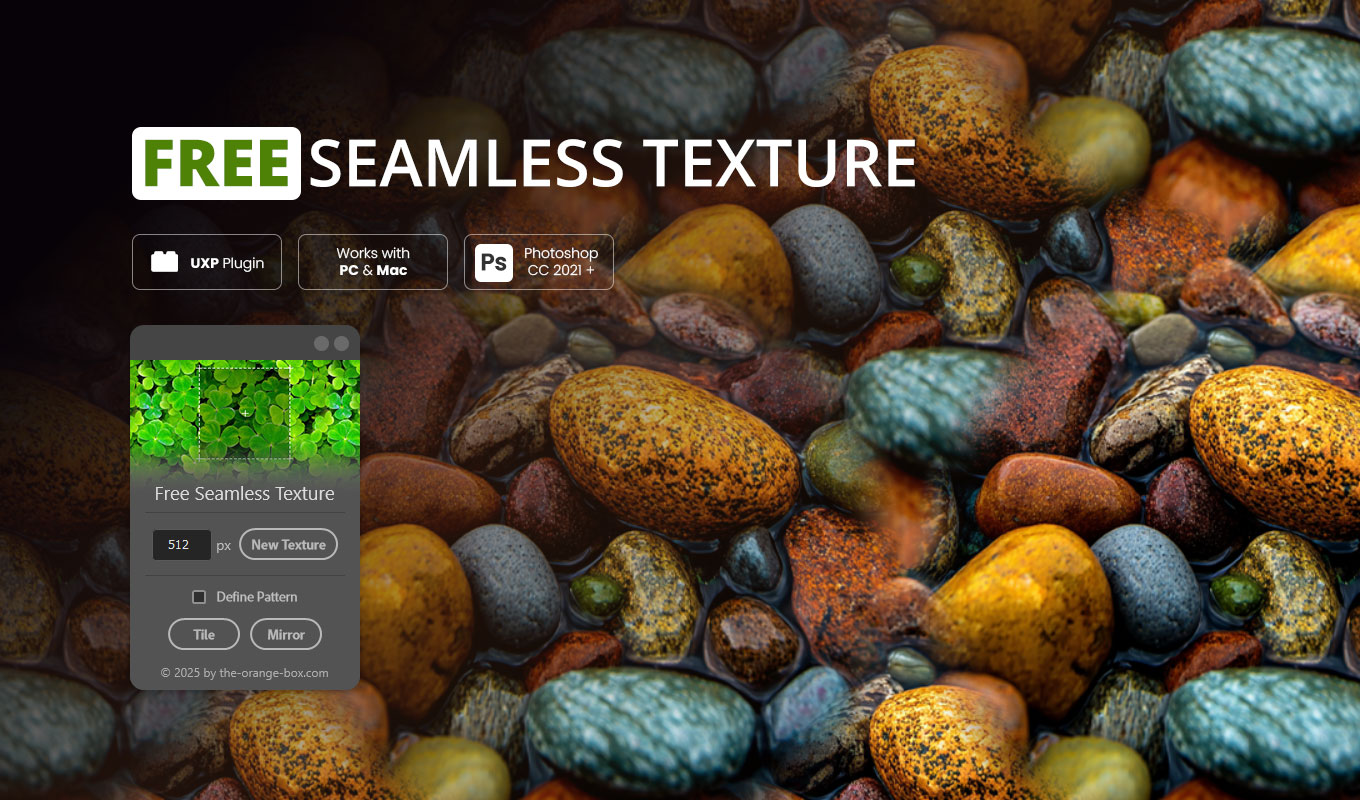


Looking for a fast and free Seamless Texture Generator for Photoshop? You found it.
The Seamless Texture Generator is a simple but powerful Photoshop plugin that saves you hours of manual work. With just one click, it turns any image layer into a perfectly seamless texture. Whether you want to use it for backgrounds, digital papers, website design, or 3D textures – this tool makes the process fast and effortless.
Instead of struggling with offset filters, stamp tools, and manual corrections, you get instant results that are ready to use. The plugin can even send your generated texture directly into the Photoshop pattern palette, so you can start applying it immediately in your projects.
Why use a Seamless Texture Generator?
Creating patterns manually is tedious. Usually, you have to use the “Offset” filter, move pixels around, and manually paint over the visible seams with the Clone Stamp tool. This Seamless Texture Generator automates that entire workflow using smart mirroring and blending algorithms.
It is the perfect tool for:
- ✅ Graphic & Web Designers: Create infinite backgrounds for websites.
- ✅ 3D Artists & Game Developers: Generate textures for walls, floors, and terrains.
- ✅ Illustrators: Make unique base textures for digital painting.
- ✅ Agencies & Freelancers: Save time on repetitive tasks.
Key Features of the Plugin
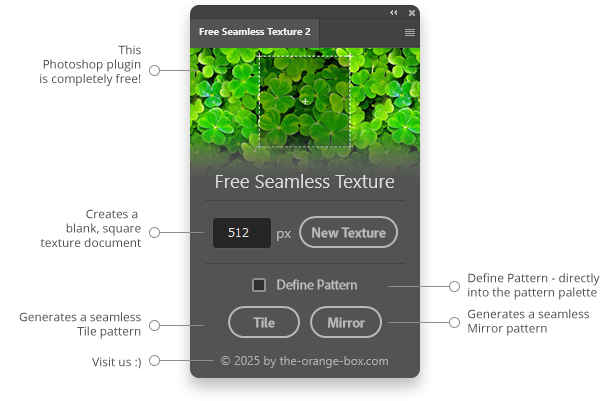
This tool is designed to be the most efficient Seamless Texture Generator on the market while remaining 100% free. Here is why you should install it:
- ✅ 100% Free: No hidden costs, just a useful FX Tool.
- ✅ One-Click Workflow: No complex settings. Just select a layer and click.
- ✅ Non-Destructive: Your source layer stays untouched. The result is a new Smart Object.
- ✅ Two Generation Modes:
- • Tile Pattern: Repeats the image naturally. Best for organic textures like grass, stone, or noise.
- • Mirror Pattern: Reflects the image for an artistic, symmetrical look (Kaleidoscope effect).
- ✅ Instant Export: Includes a “Define Pattern” button to save your work directly into Photoshop.
How to use the Seamless Texture Generator
Using the plugin is incredibly simple. Follow these steps:
- Open any image or photo in Adobe Photoshop.
- Launch the Seamless Texture Generator from the Plugins panel.
- Select the layer you want to convert.
- Choose your mode (Tile for natural looks, Mirror for artistic designs).
- Click Generate.
The plugin will calculate the edges and blend them perfectly. You can then use the “Define Pattern” button to add it to your library.
Frequently Asked Questions (FAQ)
Is this Seamless Texture Generator really free?
Yes, this is a free tool provided by The Orange Box to help the creative community.
Does it work on Mac and Windows?
Absolutely. Since it is built on the modern UXP architecture, it runs smoothly on both macOS (including M1/M2/M3 chips) and Windows.
Can I use the textures for commercial projects?
Yes! The plugin is just a tool. The textures you create with it belong to you. You can use them for commercial client work, games, or print products.
Do I need the old FX Box?
No. This is a standalone plugin. You do not need any other software manager.
Check out our other tools like Mockup Batch to automate your workflow even further.
Watch the Tutorial
Simply double-click the .ccx file to install. Make sure you have the Creative Cloud Desktop App installed.
This Seamless Texture Generator requires Photoshop CC 2021 or newer. Photoshop 2026 Ready!