
Instant sharpness & HDR-like detail – for free
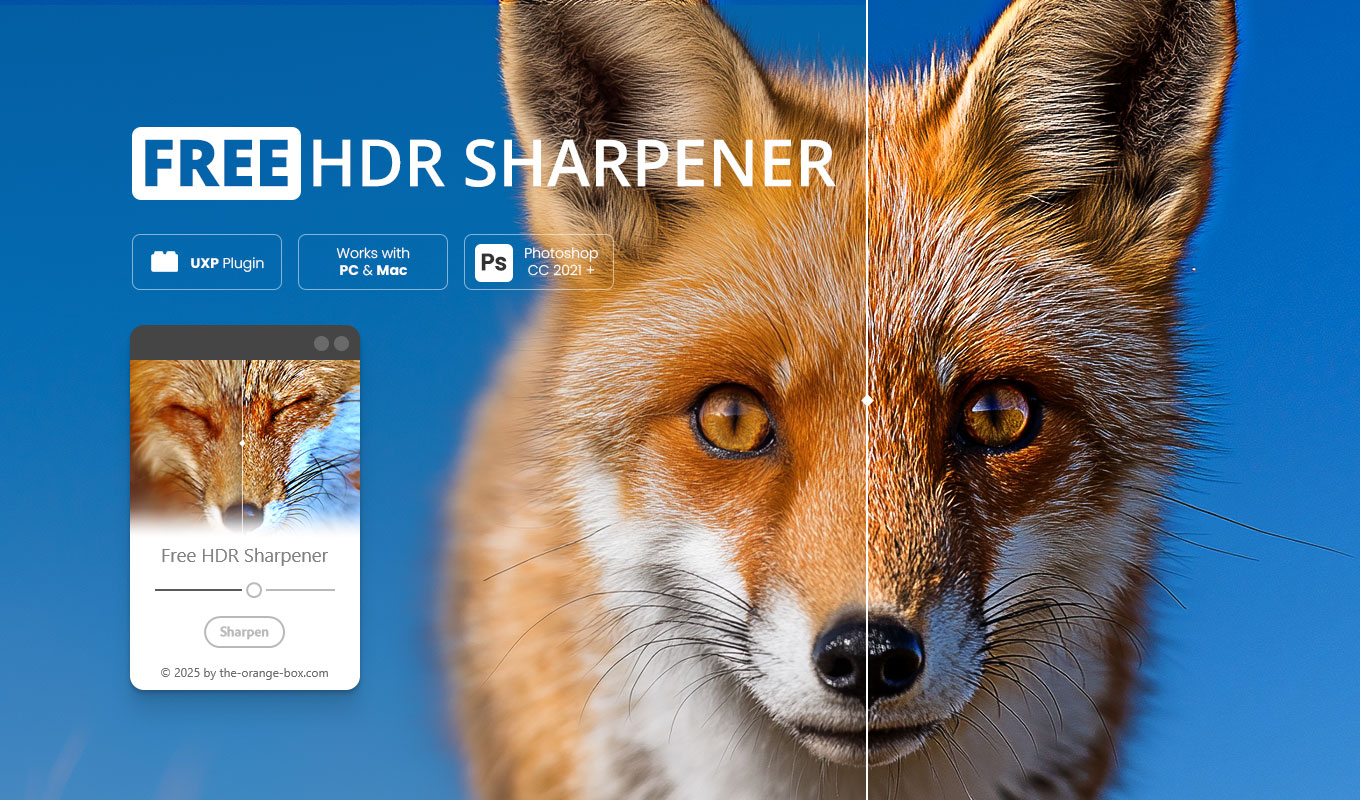
Do your photos look flat or slightly soft? This Free HDR Sharpener Photoshop Plugin instantly enhances your images with HDR-like clarity. Unlike standard sharpening filters that often just add noise, this tool increases the dynamic range and boosts local contrast to make your photos pop.
It is the perfect solution for photographers and retouchers who want to bring out hidden textures. Choose your desired sharpness intensity from 1 to 10 and instantly see the difference. The workflow is simple, effective, and fully non-destructive.

Why use this HDR Sharpener Photoshop Plugin?
Photoshop has many sharpening tools (Unsharp Mask, Smart Sharpen), but they can be tricky to control. Often, they create ugly halos or destroy the image quality.
This Free HDR Sharpener Photoshop Plugin uses a different approach. It works similarly to the “Structure” or “Clarity” sliders in Lightroom but directly inside Photoshop layers. It enhances the micro-contrast of your image, giving it that gritty, detailed “HDR look” without looking fake.
Perfect for:
- ✅ Landscape Photography: Bring out details in rocks, foliage, and clouds.
- ✅ Street Photography: Add grit and texture to urban scenes.
- ✅ Macro Shots: Enhance the finest details of insects or products.
- ✅ Sports & Action: Make the subject stand out from the background.
Key Features
We designed this tool to be the most efficient Free HDR Sharpener Photoshop Plugin for your daily workflow:
- ✅ 100% Free: No hidden costs, just a powerful UXP Plugin.
- ✅ One-Click HDR Effect: Instantly boosts details and contrast.
- ✅ Non-Destructive: Creates a separate layer/group. Your original image stays untouched.
- ✅ 10 Intensity Levels: From subtle sharpening (Level 1) to extreme HDR looks (Level 10).
- ✅ Stackable: Combine it with other effects easily.
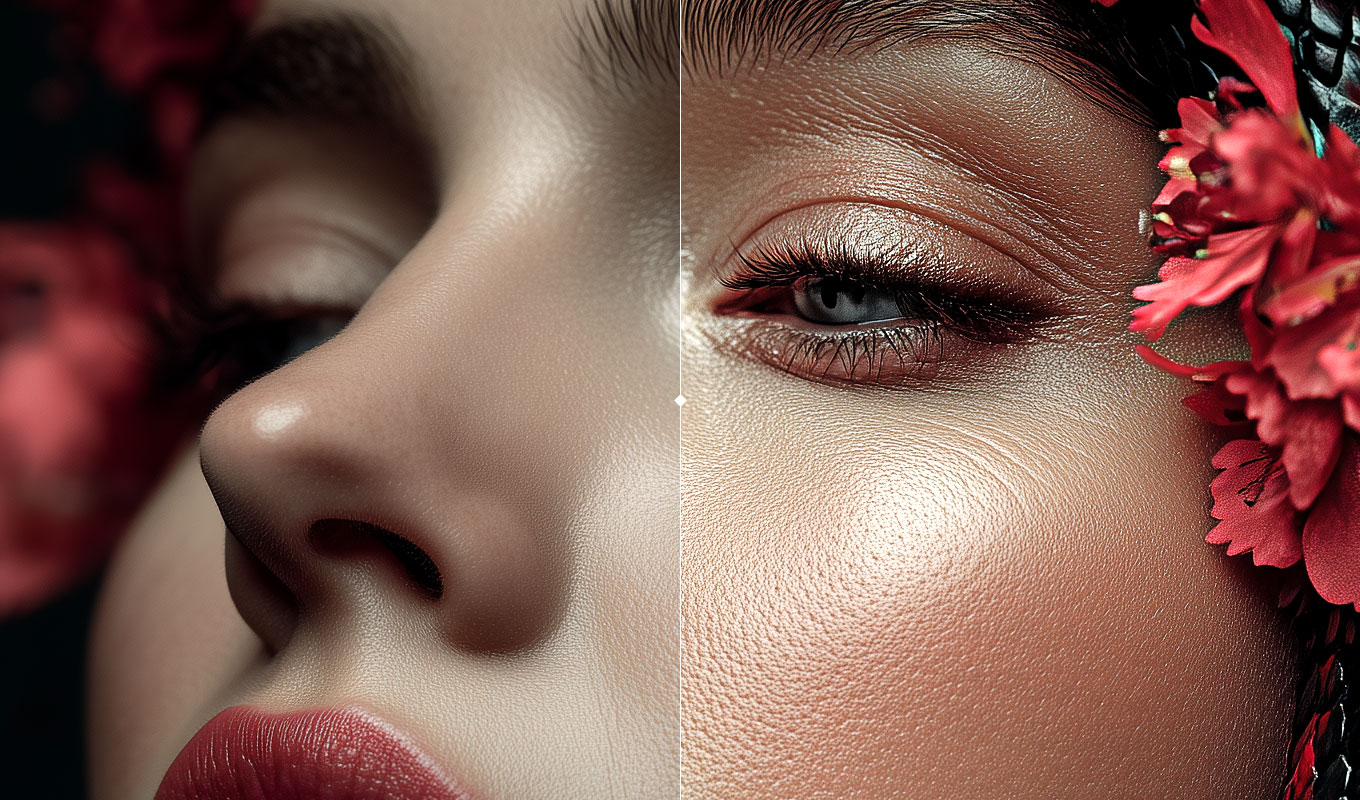
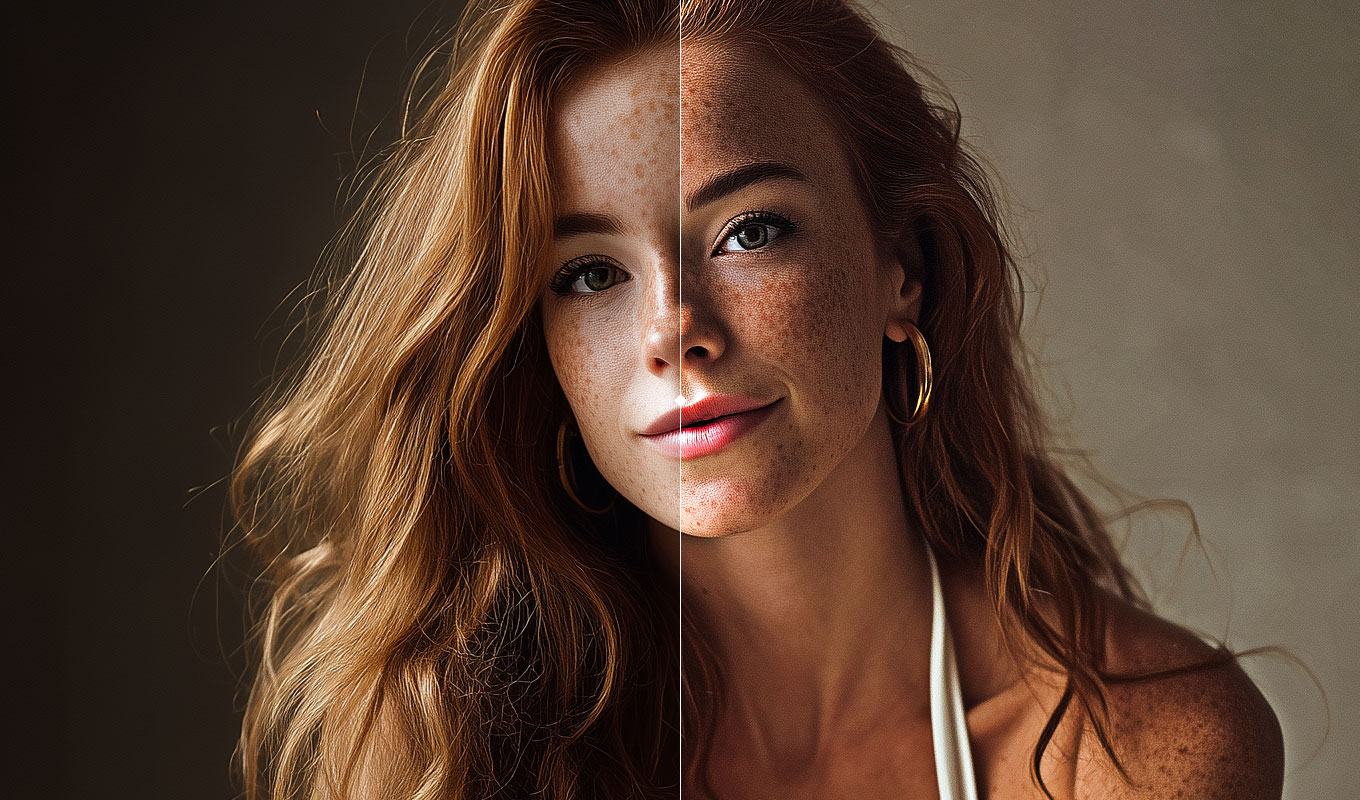
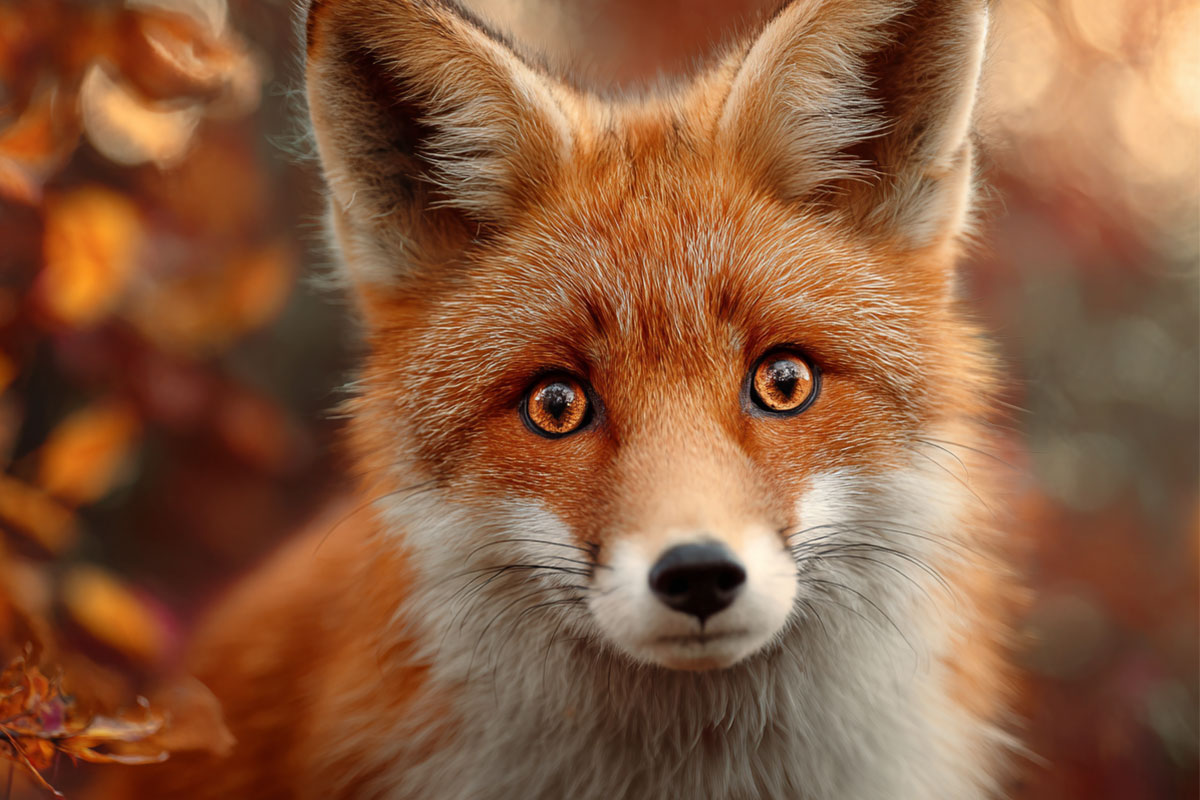
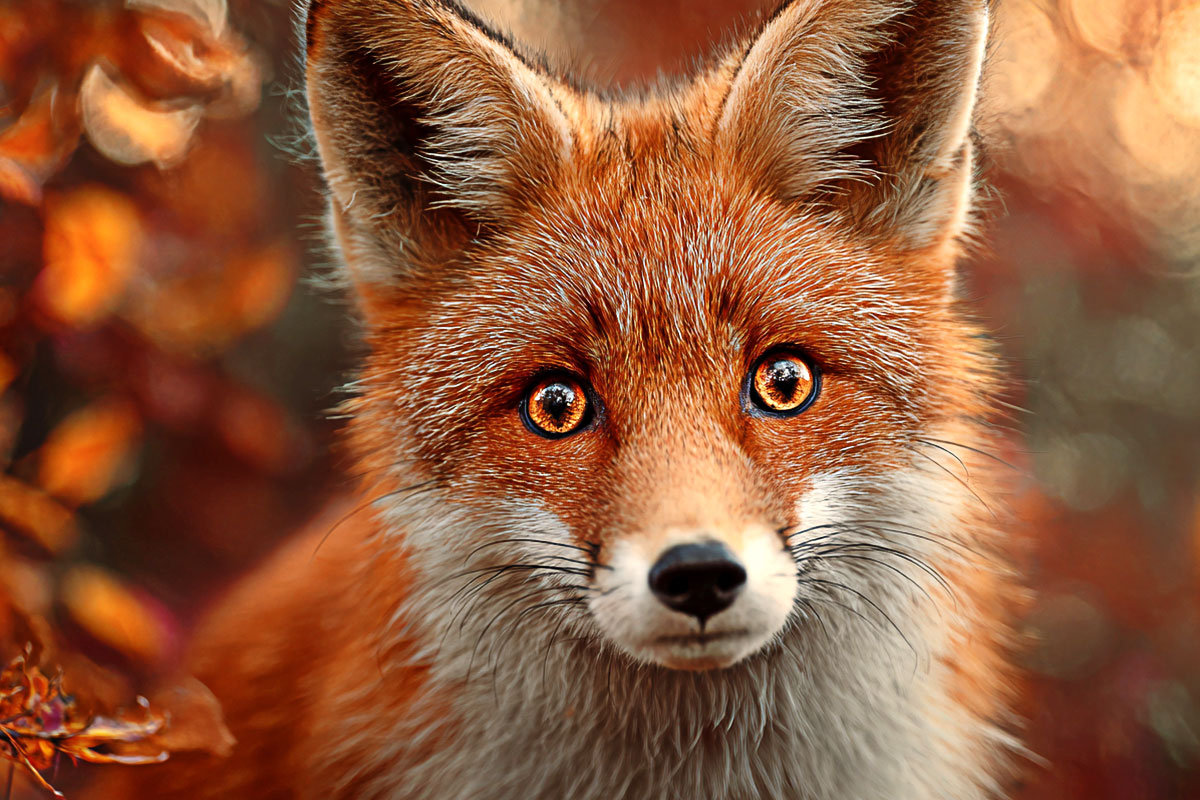
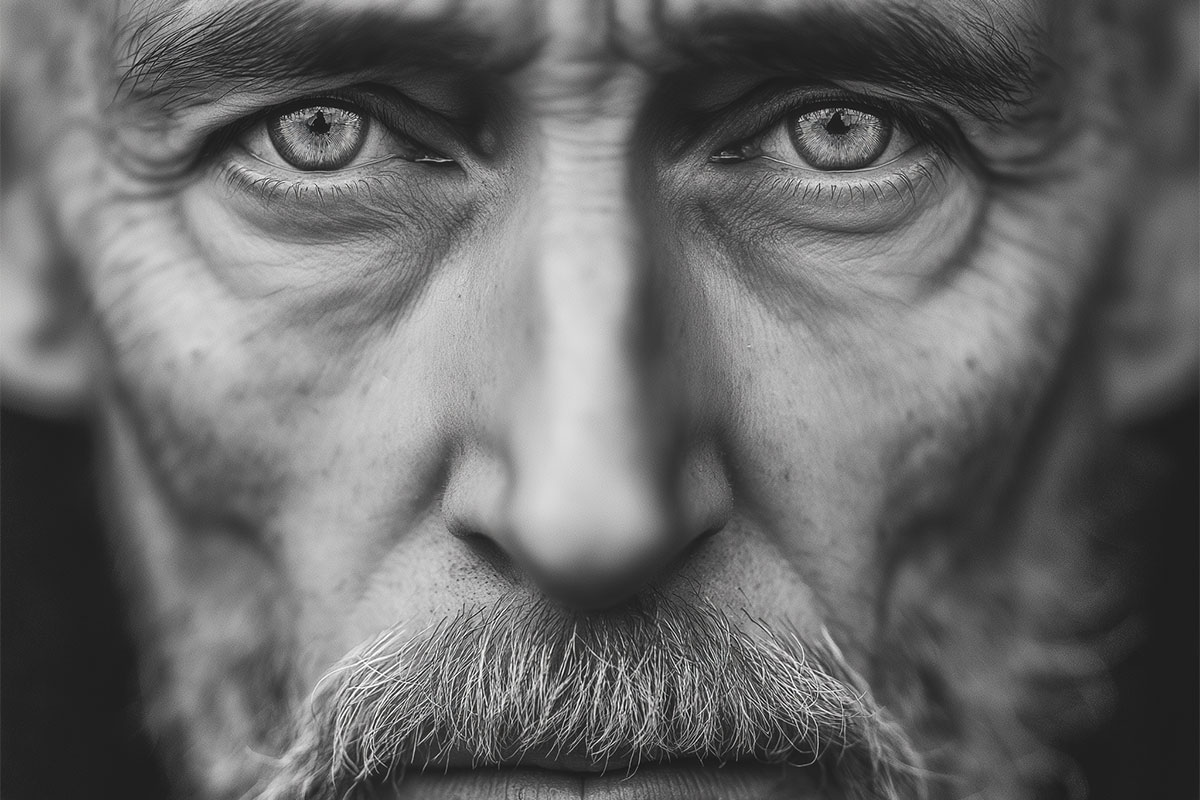
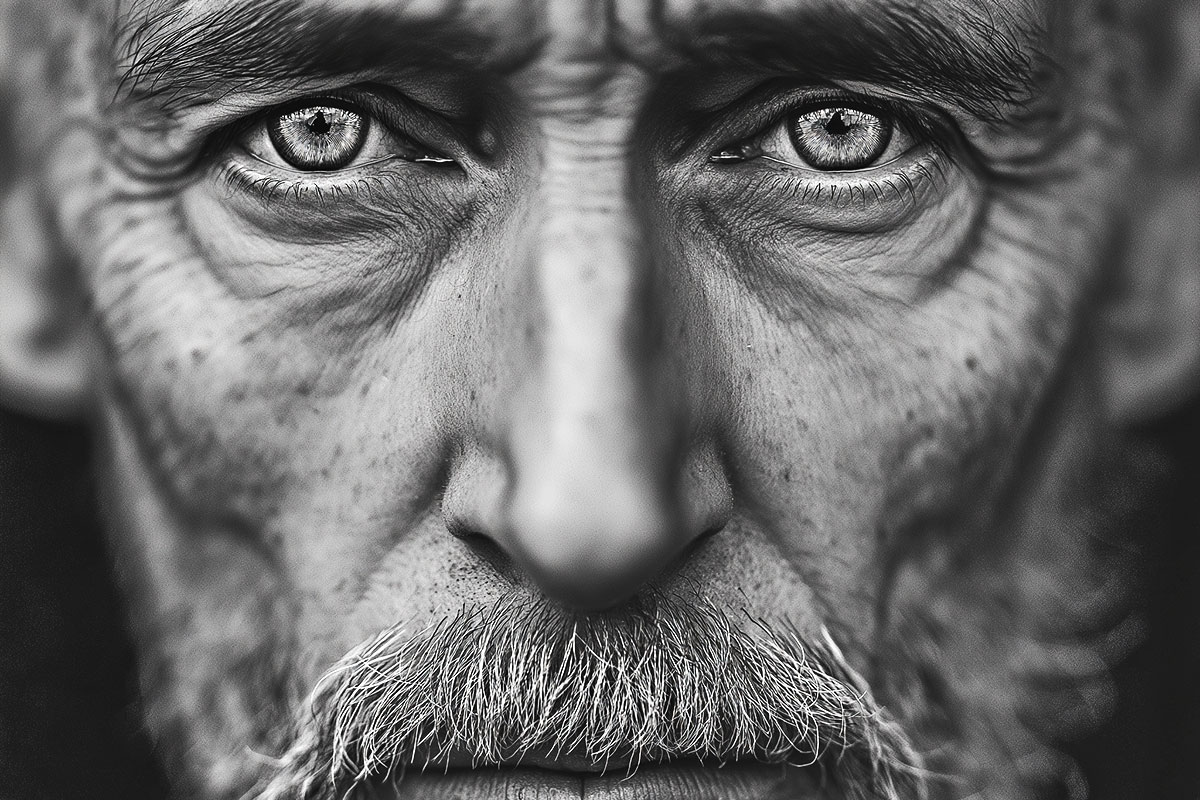
Real Results (Before & After)
See authentic results created directly with the plugin. No additional editing needed:
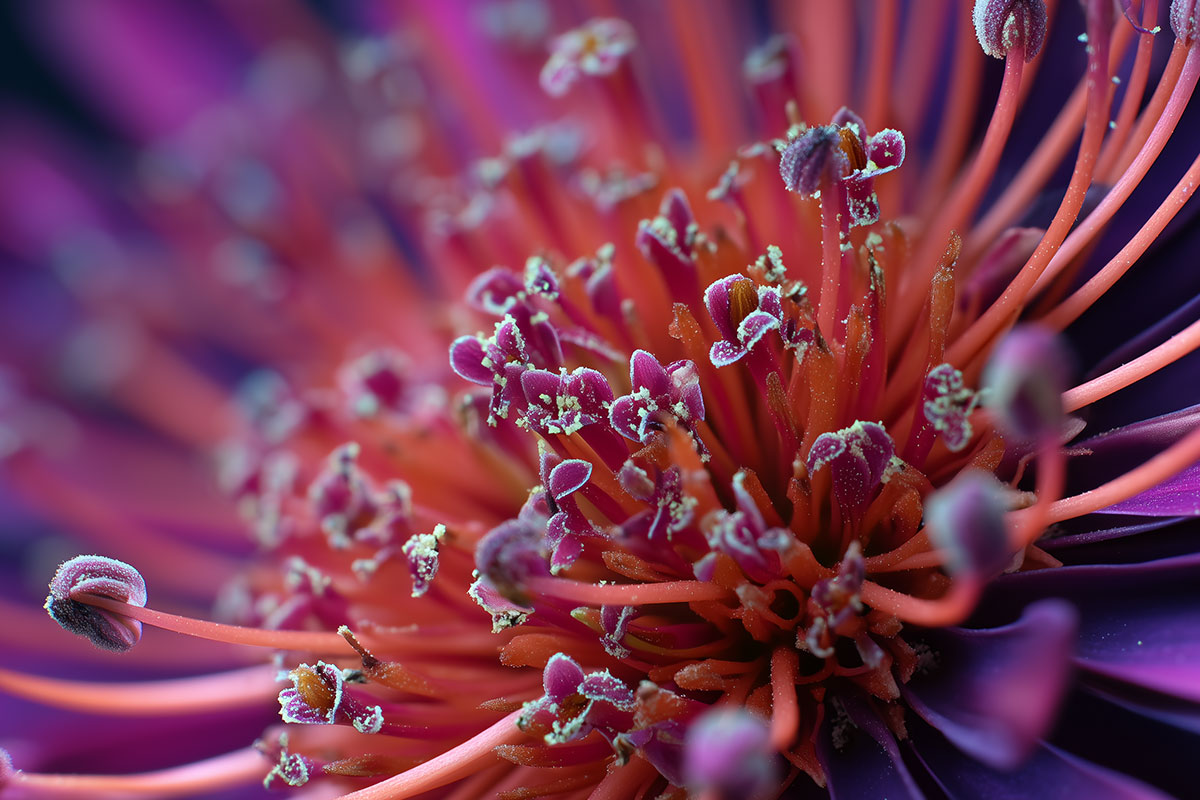
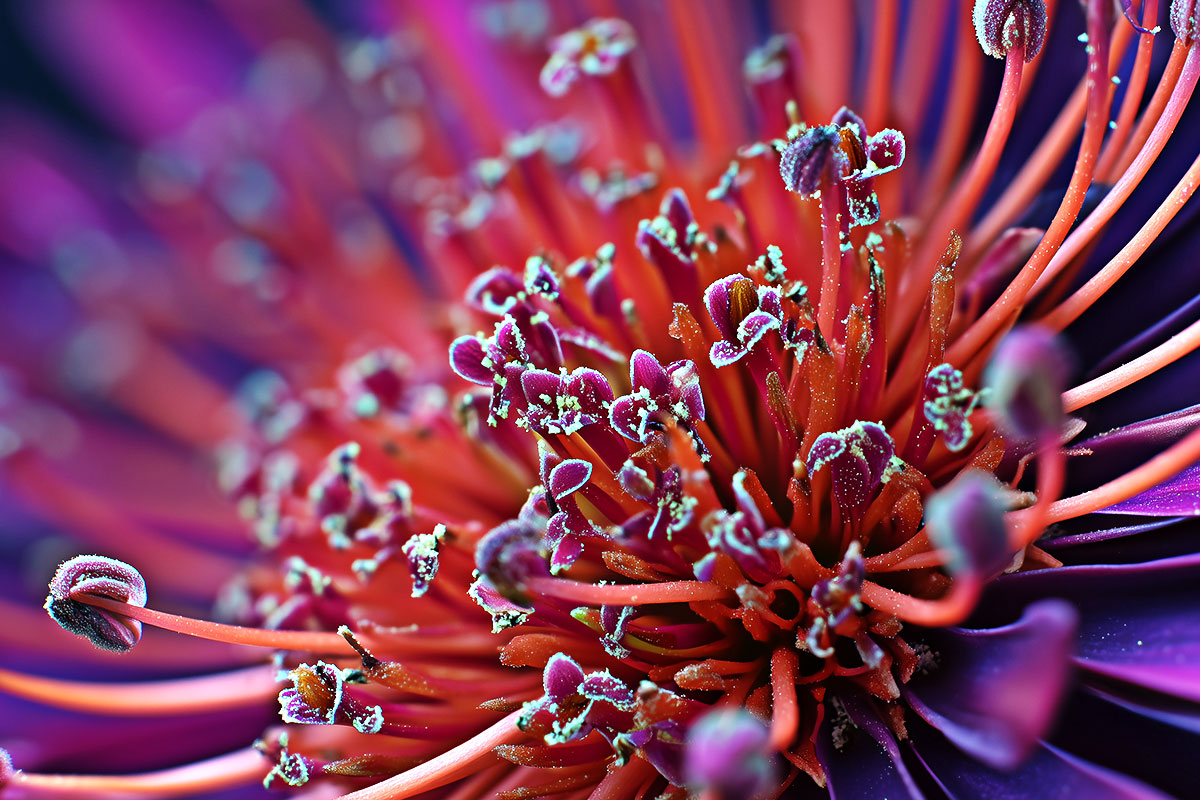
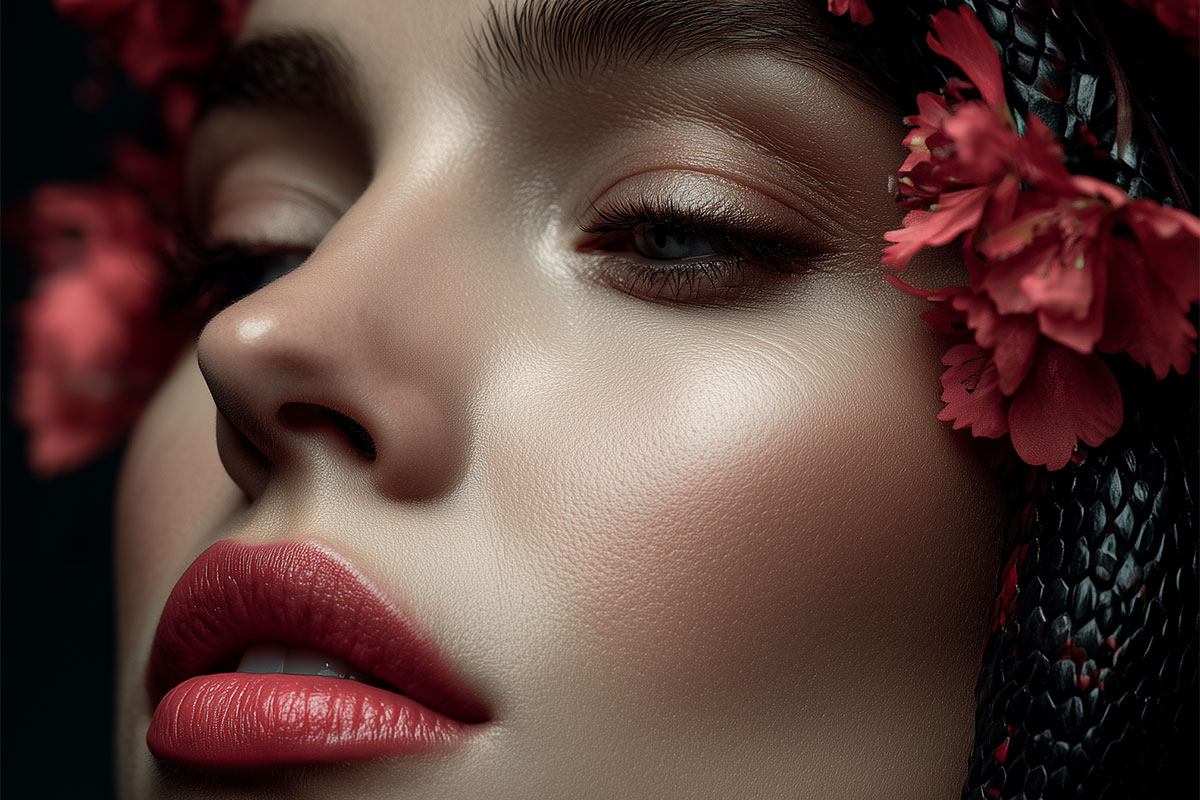
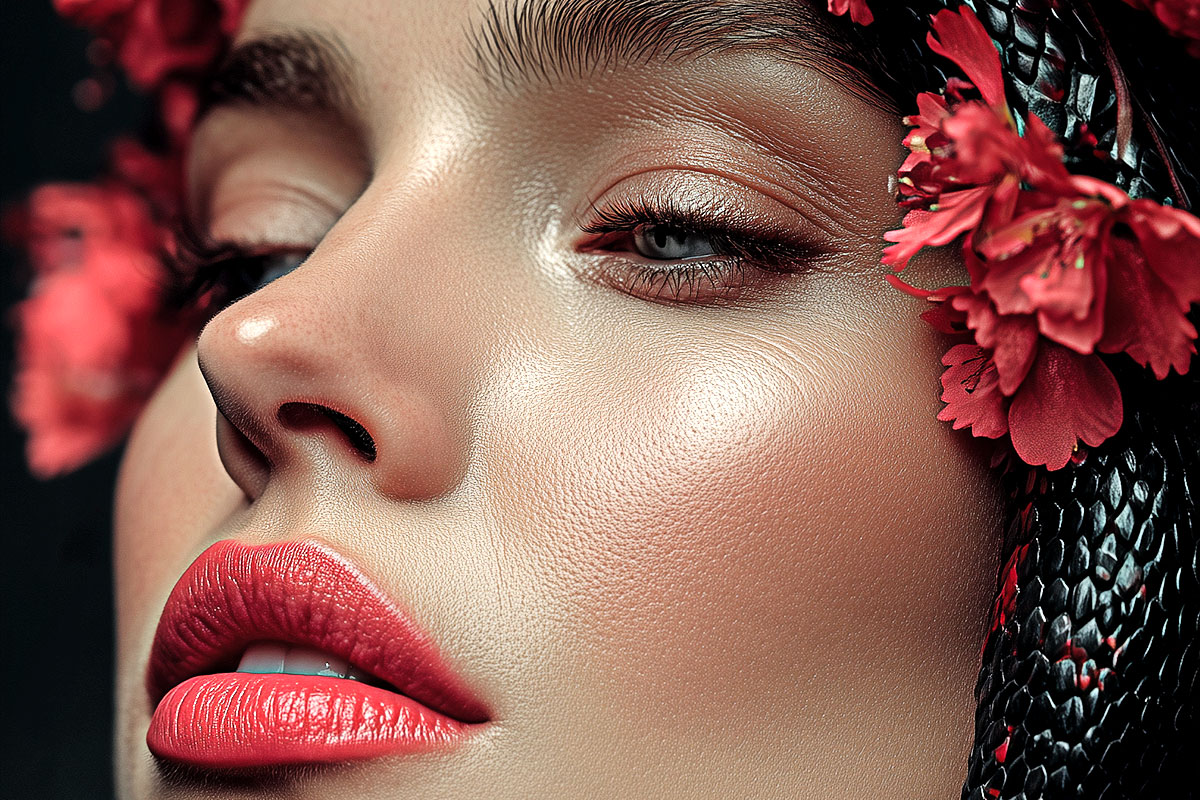
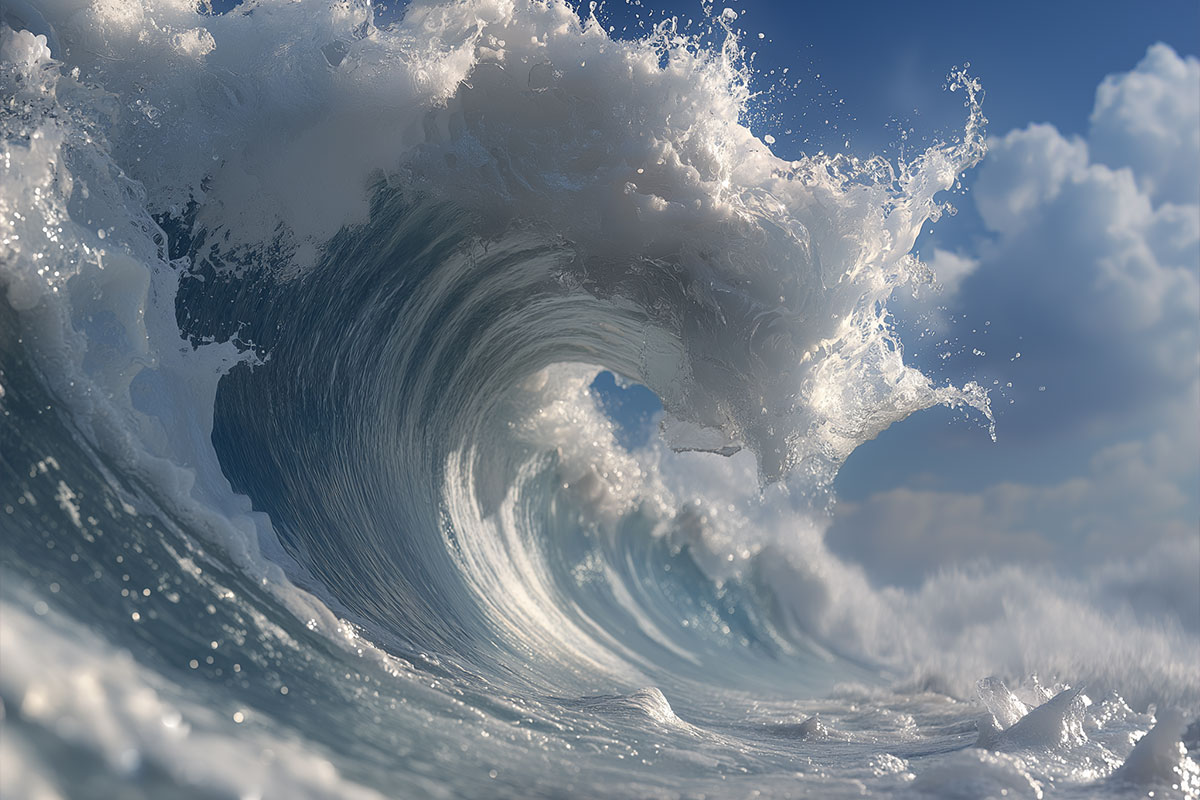
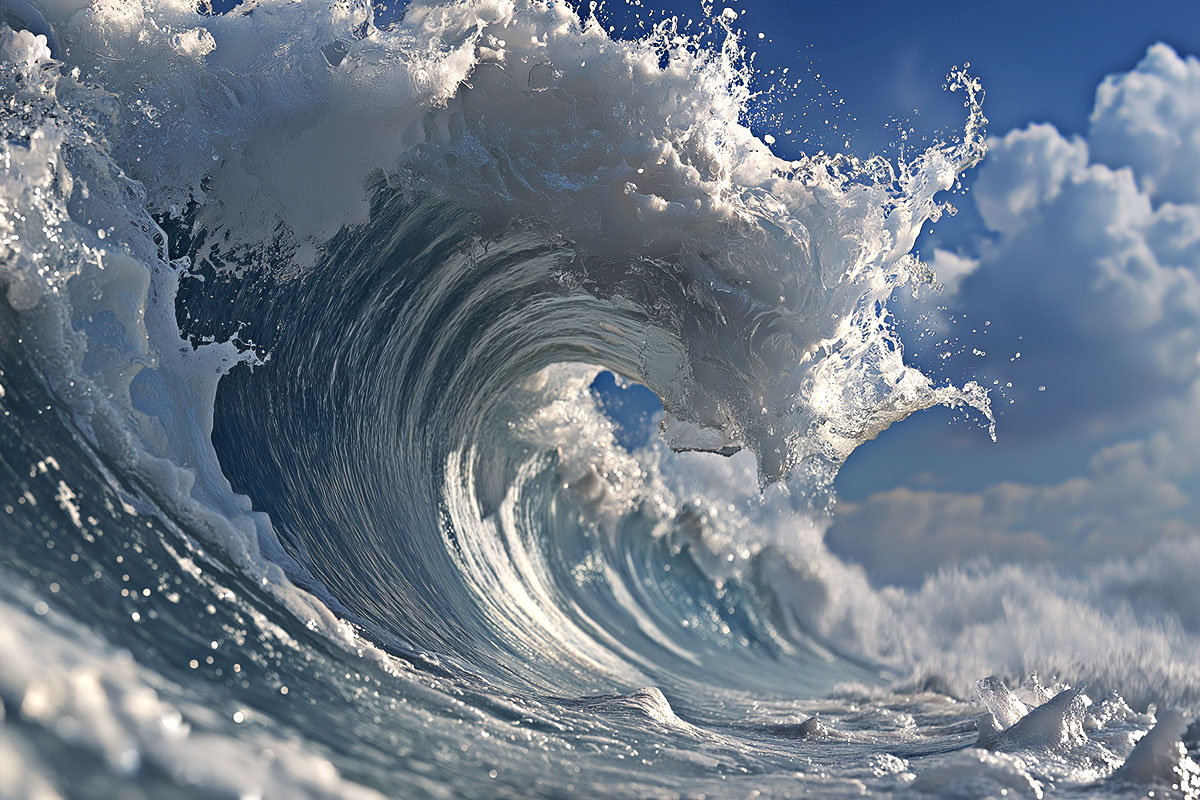
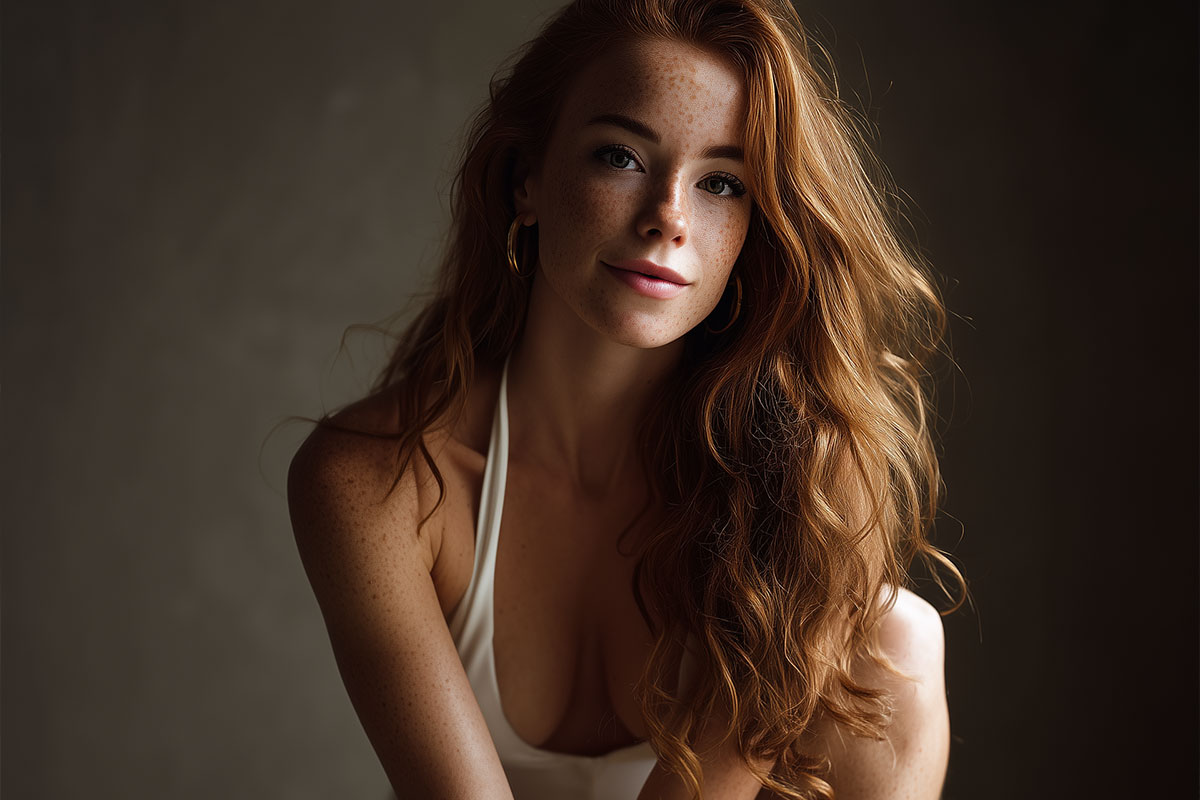
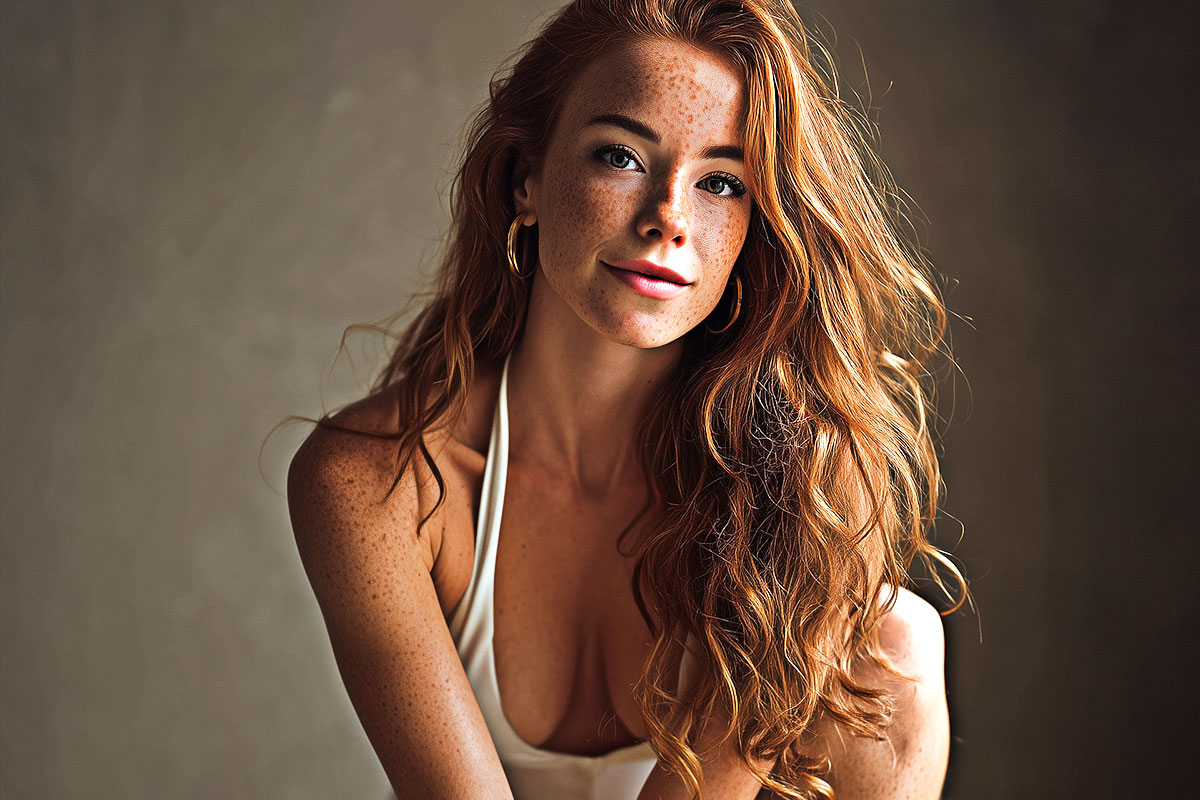
How it works
- Open your image in Adobe Photoshop.
- Launch the Sharpener Tool from the Plugins panel.
- Select your desired level (1–10). We recommend starting with Level 3 or 4 for natural results.
- Click Sharpen – done!
Pro Tip: You can lower the opacity of the generated layer later to fine-tune the effect.
Frequently Asked Questions (FAQ)
Is this really a Free HDR Sharpener Photoshop Plugin?
Yes. The plugin is completely free. It was originally part of the “FX Box” but is now a standalone tool.
Does it work on Mac (M1/M2/M3)?
Yes. The plugin is built on UXP, the latest Adobe standard. It runs natively on Apple Silicon Macs and Windows PCs.
Can I use it for print?
Absolutely. Since it increases local contrast, it is excellent for preparing images for print, where details often get lost.
Looking for a painted look instead? Check out our Free Oil Paint Plugin.
Watch the Quick Tutorial
You no longer need the FX-Box to install the plugin. Simply double-click the .ccx file and follow the instructions.
This HDR Sharpener Photoshop Plugin requires Photoshop CC 2021 or newer.