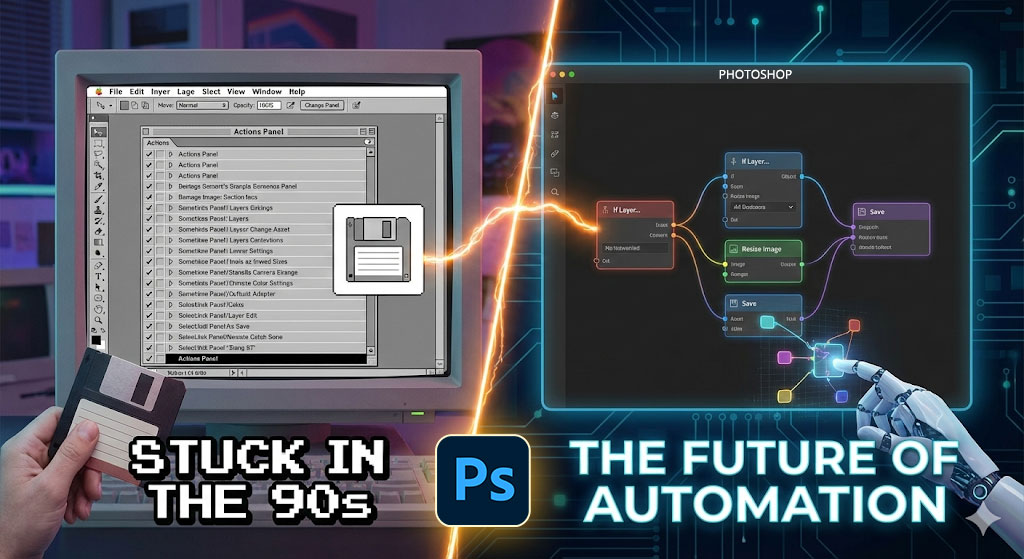
Smart Photoshop Automation has always been a struggle. I love Photoshop. I’ve been using it daily for over 20 years. But there is one thing that has always driven me crazy: Actions.
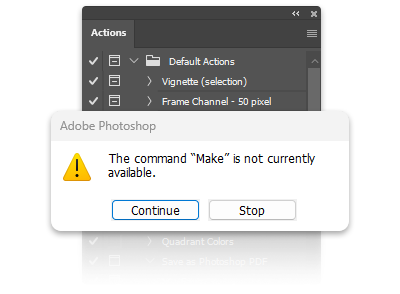
Don’t get me wrong, Actions are great—as long as everything runs perfectly. But the moment a layer has a different name, an image is landscape instead of portrait, or I need to make a decision (“Is this a Smart Object or a text layer?”), standard Actions hit a wall. They are stubborn. They just blindly work down a list, from top to bottom. Bam. Error message. Workflow stopped.
The Idea: Building Blocks Instead of Lists
The concept for ezActions didn’t happen overnight. It emerged while I was developing my previous plugins (MockupBatch and Collage Maker). I kept realizing: I need a system that is more flexible.
I didn’t want to keep writing new “specialty plugins” for every single edge case. I wanted a modular system. Like Lego for Photoshop. I wanted building blocks that I could visually assemble:
- “Find Layer X”
- “If image is landscape, then…” (If-Condition)
- “Else do that…”
My goal wasn’t to build the most complex tool in the world, but the most helpful one for daily use. A system that takes the annoying work off my shoulders without overwhelming me with thousands of options.
How ezActions Changes My Workflow
Instead of rigid lists, I now have logic. Here are three examples of what that actually means:
1. Decisions Instead of Error Messages My If-Node asks a simple question: “Is this a background layer?” or “Is the image wider than 1920px?”. If Yes -> take Path A. If No -> take Path B. In the end, a Sequence Node merges both paths back together. This is simple logic that is completely missing in standard Actions.
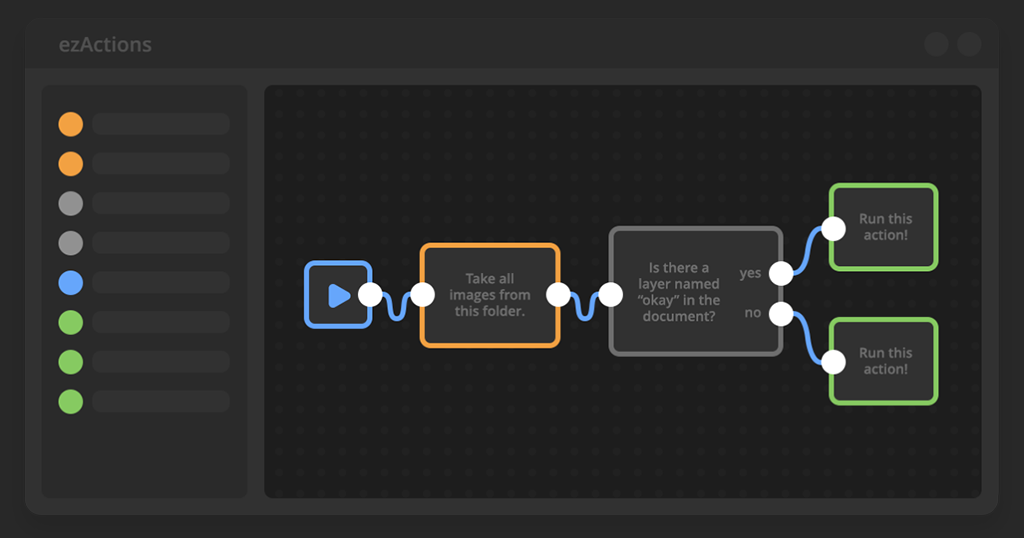
2. Mockups on the Assembly Line I work with mockups a lot. It used to be a pain: Open Smart Object, place image, adjust, save, close. Repeat 100 times. Now, the Smart Object Replace Node takes over. It says: “Find the Smart Object ‘Screen’, take all images from this folder, and save a new version for each.” The plugin handles scaling and fitting. I drink my coffee.
3. Order in the Chaos Instead of an endless, messy list of commands, I now have a visual graph. I see at a glance where my files come from (Open Node), what happens to them (Action Node), and where they end up (Save Node).
The Best Part: These are just examples. Since everything is based on building blocks, you can assemble the same Nodes completely differently tomorrow to solve entirely new problems. You build complex workflows simply, without writing a single line of code.
The “Action-Nodes” Moment
When I was already deep into developing ezActions and the first prototypes were running, I inevitably stumbled upon Action-Nodes during my research.
I admit: My first thought was, “Damn, does this already exist?”. But when I looked closer, I quickly realized the difference. Action-Nodes is technically impressive, but to me, it often felt like visual programming. Very complex, very technical.
But we are graphic designers. We are photographers. We are visual people, not mathematicians or programmers. We think in images, not in lines of code.
That is exactly how the tool needs to feel. My goal with ezActions was (and is) different: I didn’t want to build a programming environment. I wanted to build a tool that feels immediately familiar. I wanted to hide the complexity and put the workflow front and center. “ez”, basically.
The Confirmation: The Future is Node-Based
The fact that I’m not totally wrong with this approach was recently confirmed by Adobe itself. With the announcement of Project Graph, they showed that they also see the future of creativity in connected Nodes.
That’s a great validation of my vision. But while Adobe is still researching the future of AI linking, with ezActions we can solve the problems we have in our daily production today.
Where Do We Stand Right Now?
The plugin is no longer just an idea. It runs. Currently, it can already handle:
- Logic: Make decisions (If/Else) based on image size, filename, or layer structure.
- Smart Objects: Automatically swap contents (perfect for mockups).
- Loops: Process folders including subfolders.
- Your Old Actions: They aren’t replaced, but controlled and made smarter.
- Share & Save: Built a genius workflow? Save it, use it again tomorrow, or export it to share with colleagues and friends.
Stop Writing Actions. Start Building Workflows.
Join the exclusive waitlist for ezActions – the first visual, node-based automation plugin for Adobe Photoshop.
Build complex smart workflows in seconds without writing a single line of code.
Hi, I’m Mic, creator of The Orange Box. I develop Photoshop tools that simplify workflows and deliver high-quality results with one click — practical, modern, and built for real everyday use.