Create realistic watercolor illustrations in one click
No subscriptions. No hassle. Just pure creativity.
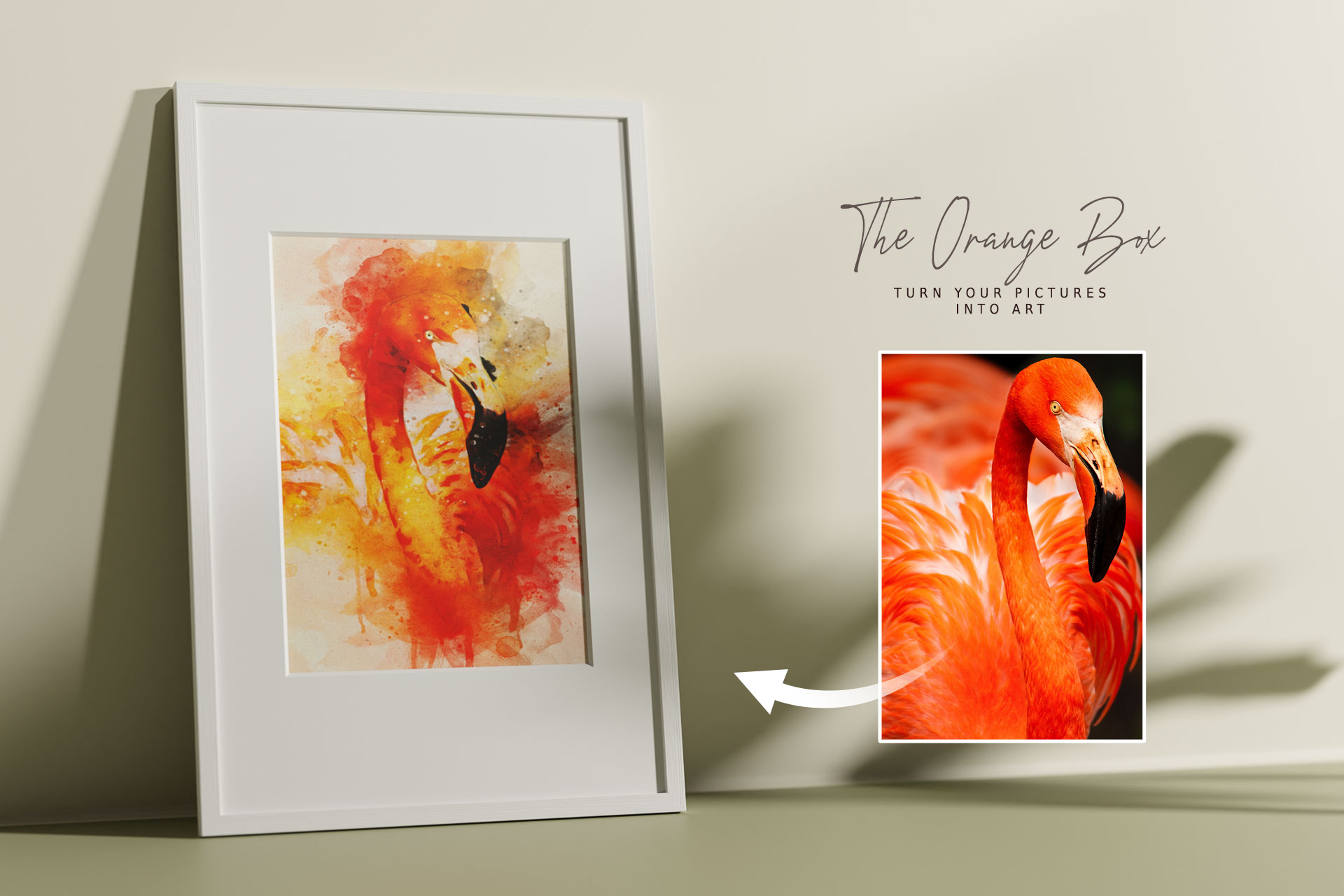
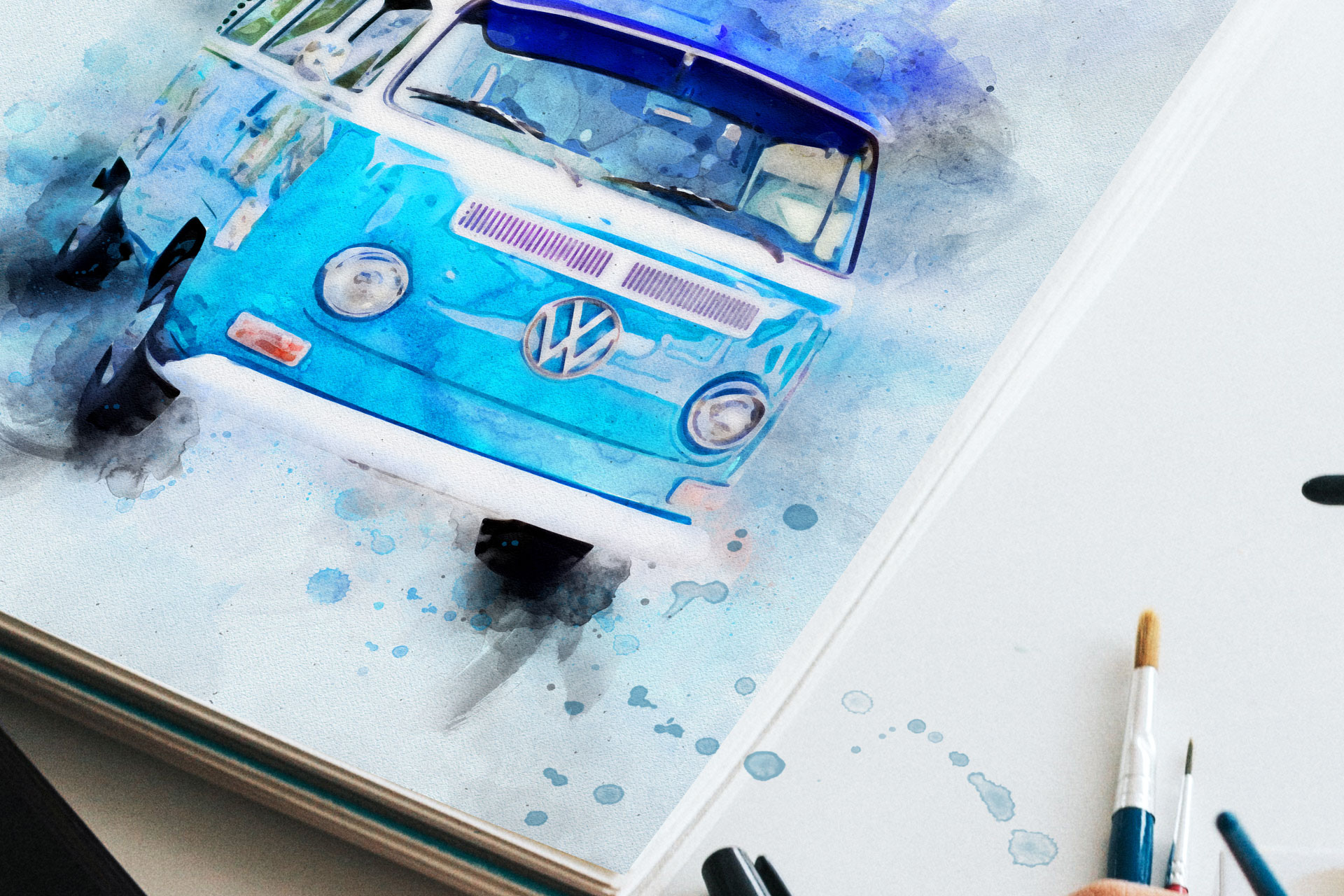
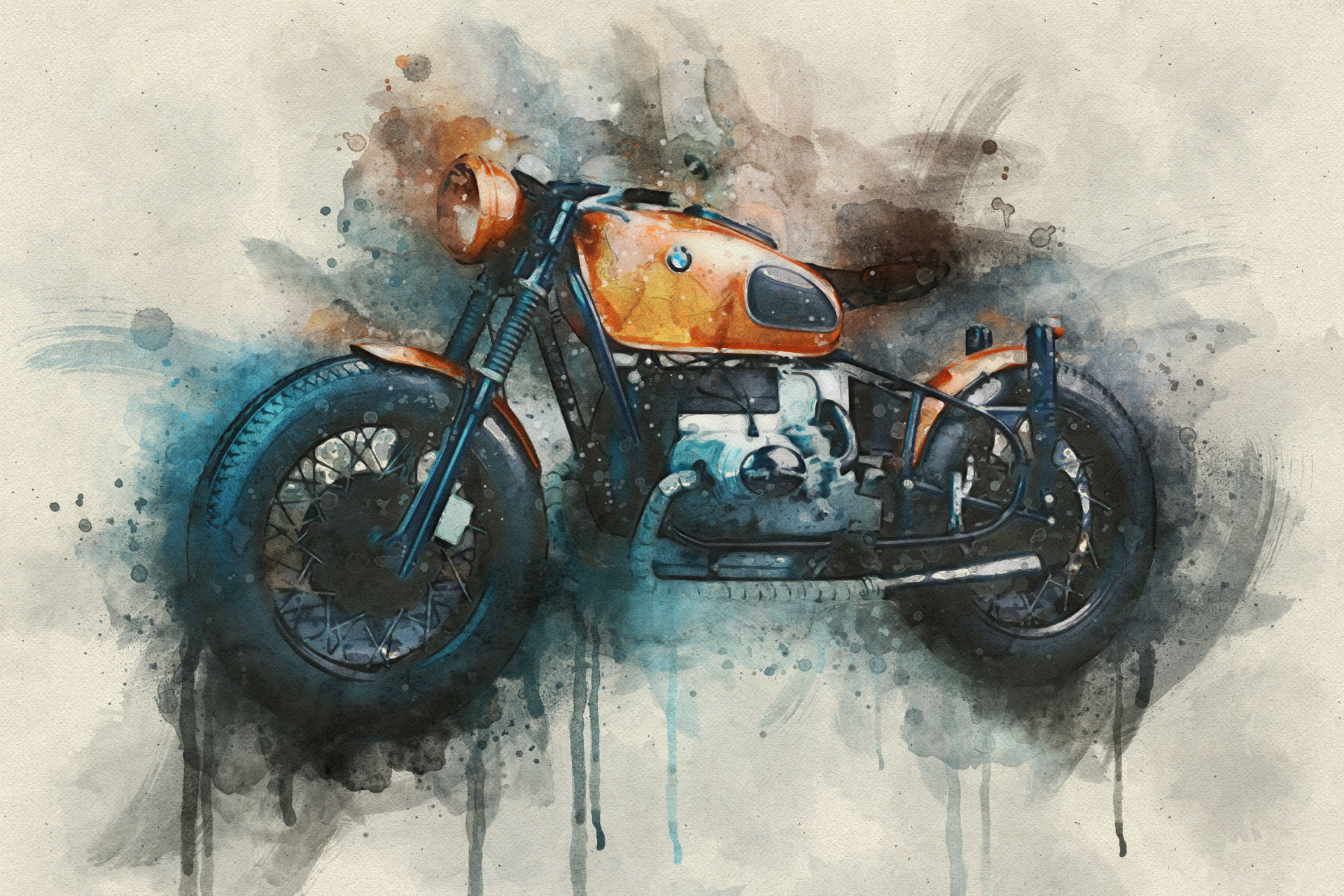
Watercolor FX creates the most authentic painted look available today. This powerful Watercolor Photoshop Plugin transforms your photos into stunning artworks directly inside Photoshop – perfect for portraits, objects, and landscapes.
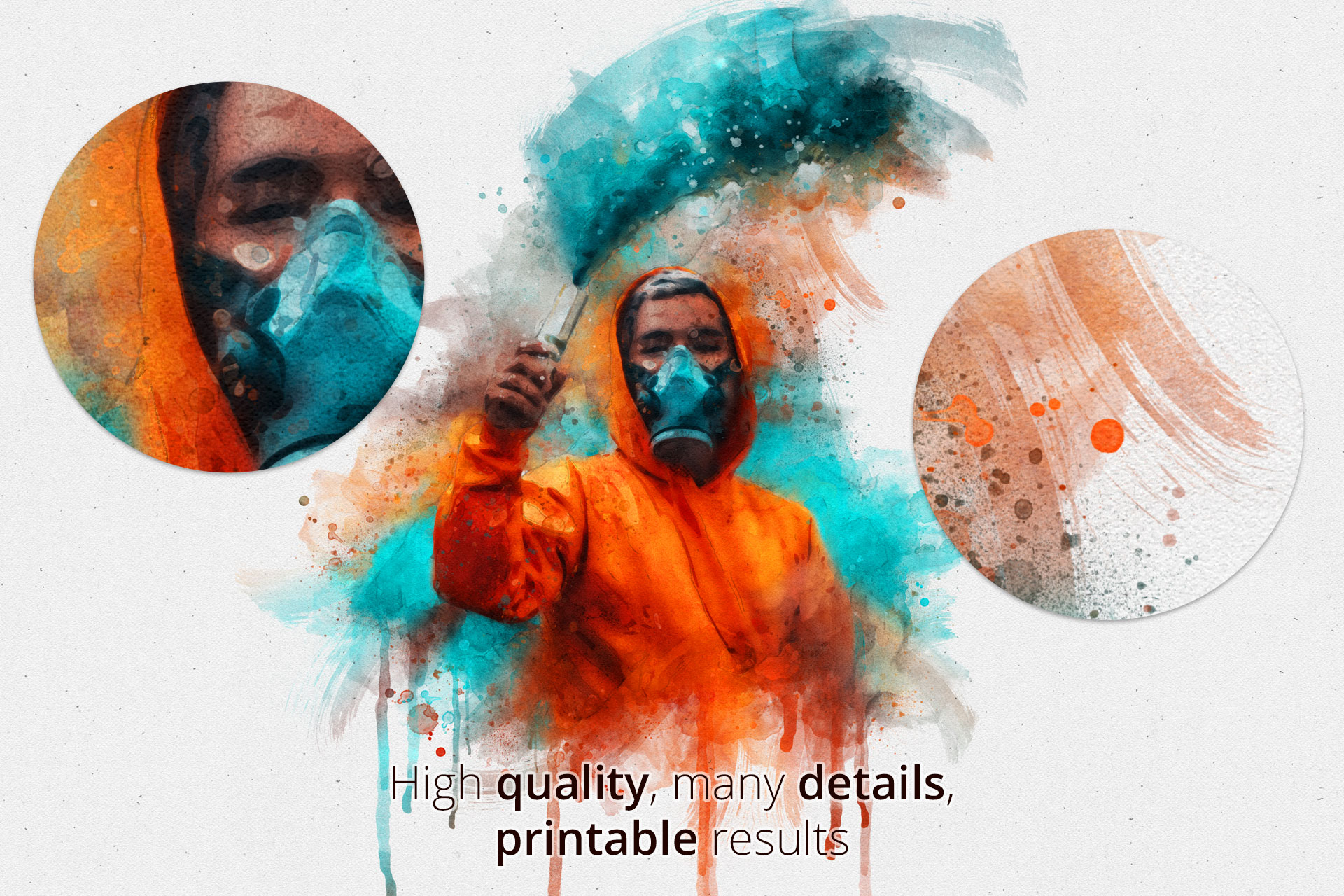
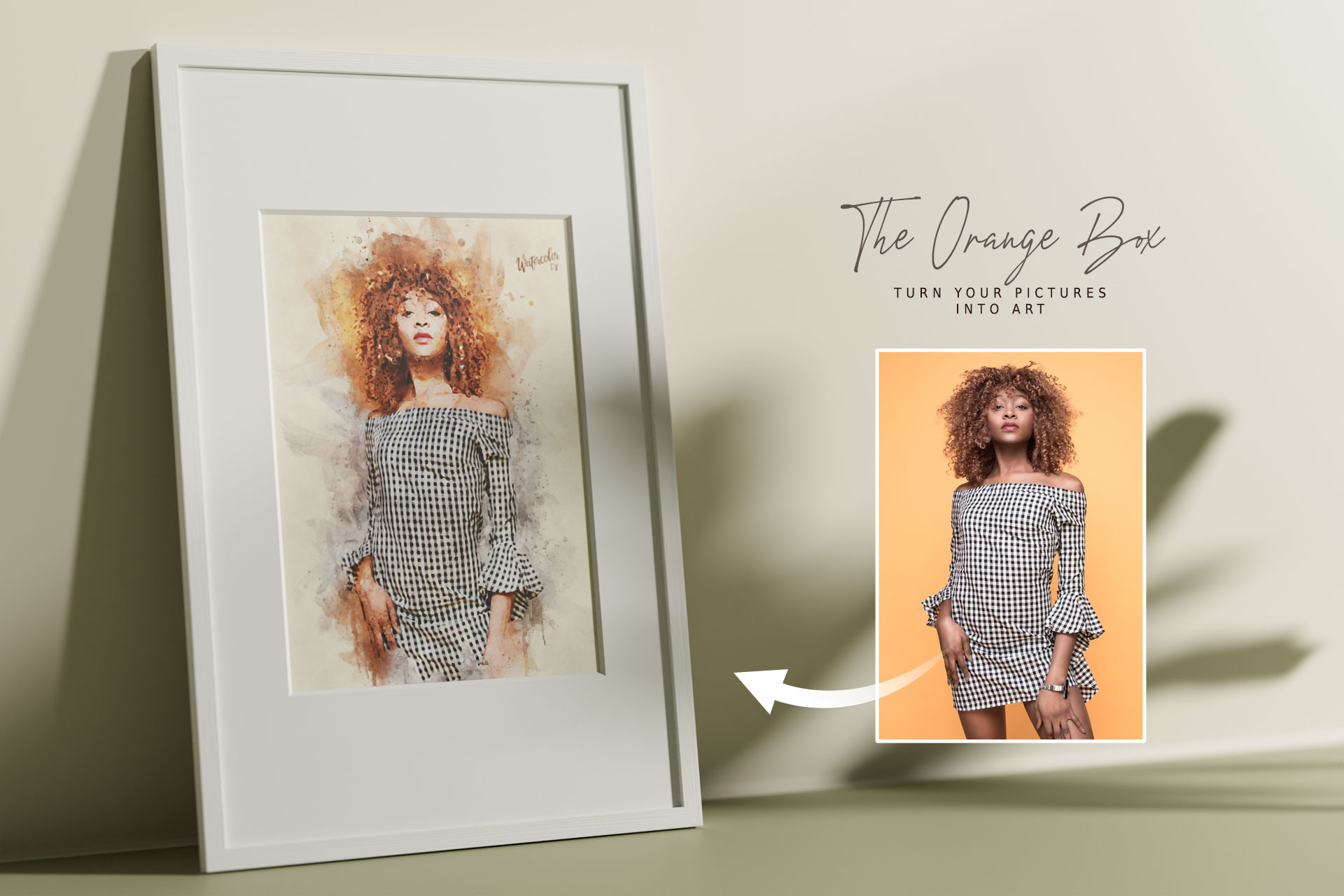
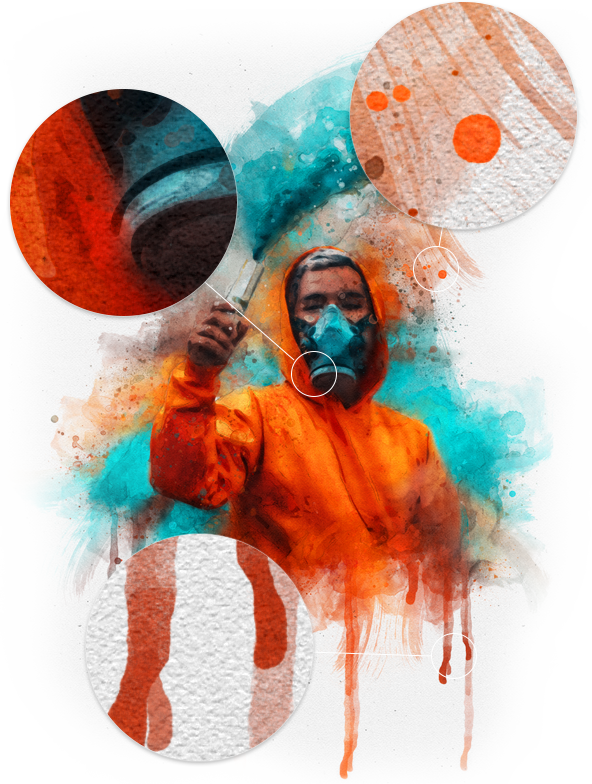
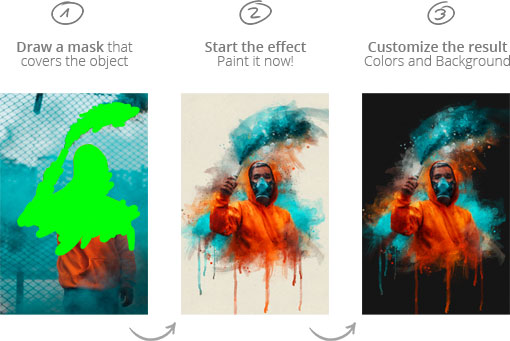
The plugin applies soft washes of color, natural textures, and artistic brush splashes that make your images look like they were painted by hand. Just like in the example image, even the finest details – hair, fabric patterns, skin tones – are preserved while being blended seamlessly with watercolor strokes and splatters. The result combines realistic image detail with a vibrant, artistic finish.
Transform your photos into:
- ✅ Expressive portraits with flowing color transitions and a painted atmosphere
- ✅ Stylish object or fashion shots with authentic paper texture and watercolor depth
- ✅ Atmospheric landscapes with soft edges, light washes, and artistic overlays
The Original: Often copied, never equaled.
There are many imitators, but Watercolor FX is the original. Why? Because it offers full control. Every effect is fully editable. You can change colors and contrast, hide or adjust overlays, experiment with splashes and pencil strokes, and adapt the background to fit your style.
This Watercolor Photoshop Plugin gives you professional results in seconds – and the flexibility to refine every detail until your artwork looks exactly the way you want.
Who is this plugin for?
We designed this tool for creatives who need high-quality results fast:
- ✅ Designers & Illustrators
- ✅ Photographers looking for artistic styles
- ✅ Digital Artists & Creatives
- ✅ Agencies & Freelancers
Why choose Watercolor FX?
Unlike simple filters, this is a complex Watercolor Photoshop Plugin that builds a layered artwork.
- ✅ One-click watercolor effect – fast and effortless
- ✅ Automatic optimization:
- • Intelligent effect setup based on your image
- • Automatically resizes small images for best results
- • Centers masked areas for perfect composition
- ✅ Full editing flexibility:
- • Change colors, contrast & presets anytime
- • Hide or modify overlay effects
- • Adjust visibility, opacity & blend modes of detail layers (splashes, pencil strokes)
- • Customize background color easily
- ✅ High-quality output:
- • Always RGB, 300 dpi resolution (Print Ready)
- • Upscales to minimum 3000 px on the longest side
- ✅ Non-destructive workflow – your original image stays untouched
- ✅ Compatibility: Works on both PC & Mac (Language independent)
How it works
Creating art has never been this easy:
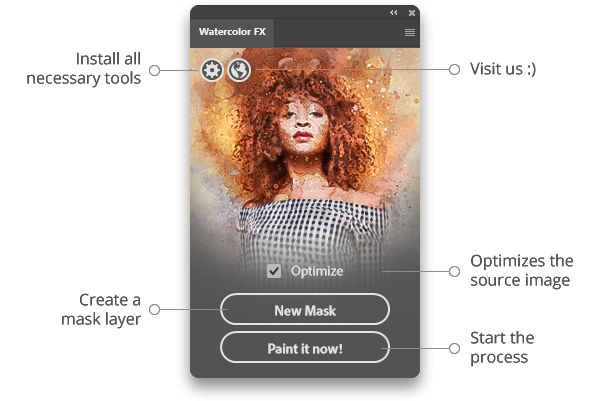
- Mask the area of your source image that should be painted (focus area).
- Click “Paint it now!” in the plugin panel.
- Customize overlay effects, detail layers & background colors to your taste.
Frequently Asked Questions (FAQ)
Is this really a full Watercolor Photoshop Plugin?
Yes. Unlike simple actions, Watercolor FX is a full UXP plugin with a dedicated interface that handles the complex calculations for you.
Can I print the results?
Absolutely. The plugin ensures your document is set to 300 dpi and at least 3000px. This makes the resulting artwork perfect for high-quality prints, posters, or merchandise.
Do I need to be a painter?
No. The plugin handles the artistic brushwork. You simply choose the subject by masking it, and the algorithm does the rest.
Does it work on Mac M1/M2/M3?
Yes, it is fully compatible with modern Apple Silicon Macs and Windows PCs running Photoshop 2021 or newer.
Ideally combined with our Sketch FX.
Watch the Tutorials
See the plugin in action and learn how to create stunning portraits:
You no longer need the FX-Box. Simply double-click the .ccx file to install via Adobe Creative Cloud.
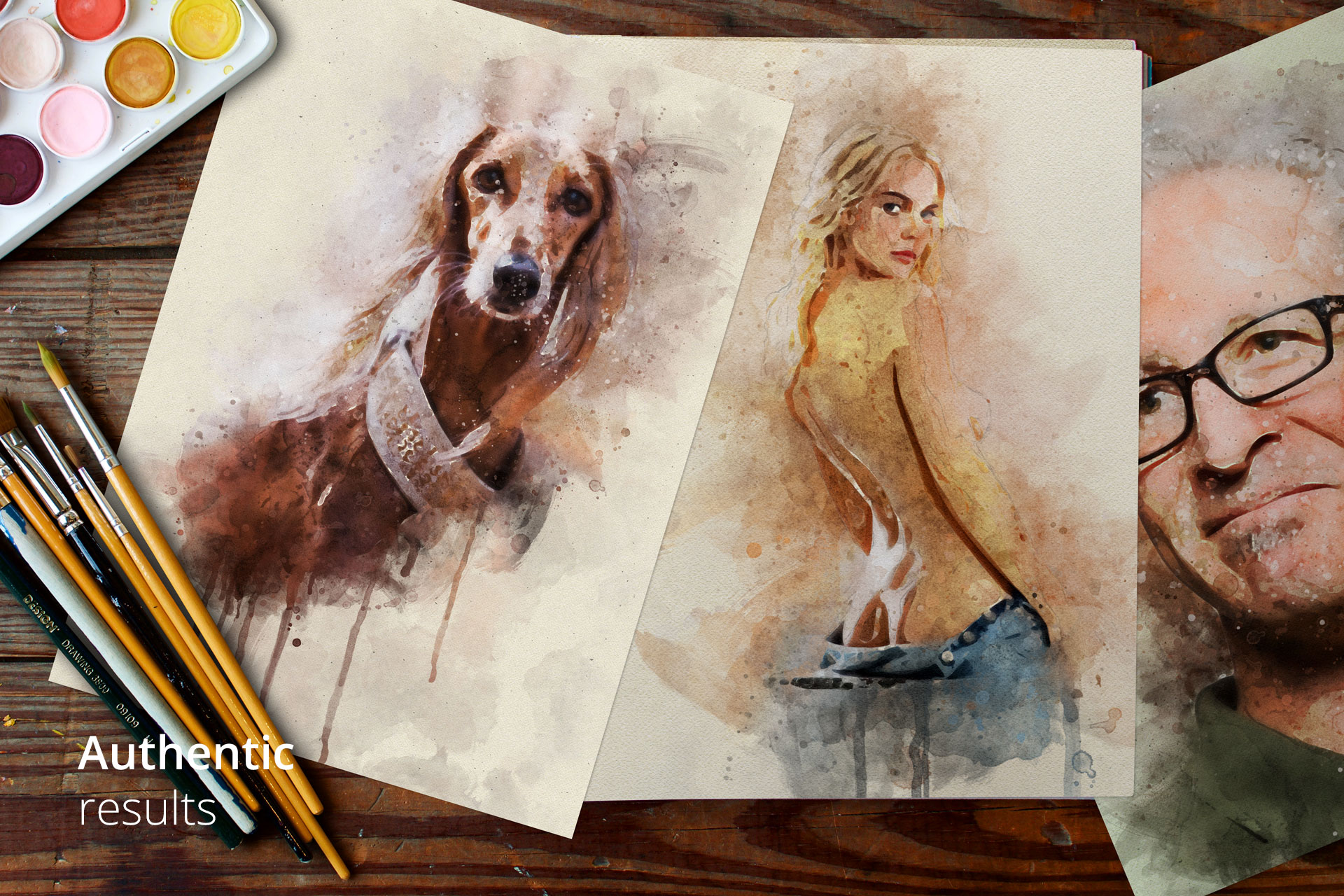
Gallery: Authentic Results
See authentic results created directly with the plugin. No additional editing needed: