
Pixel2Vector II – Free Pixel to Vector Photoshop Plugin
Convert pixels into vectors — instantly.
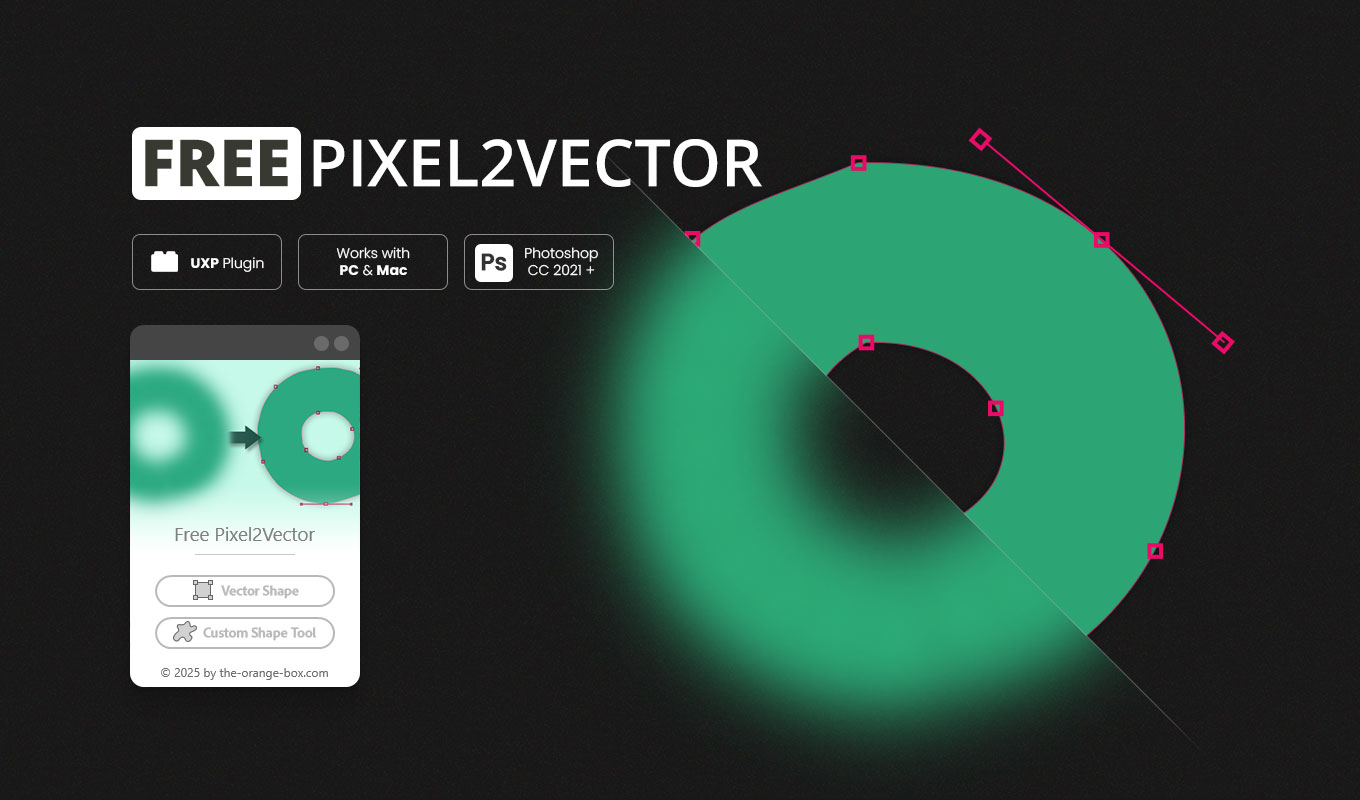
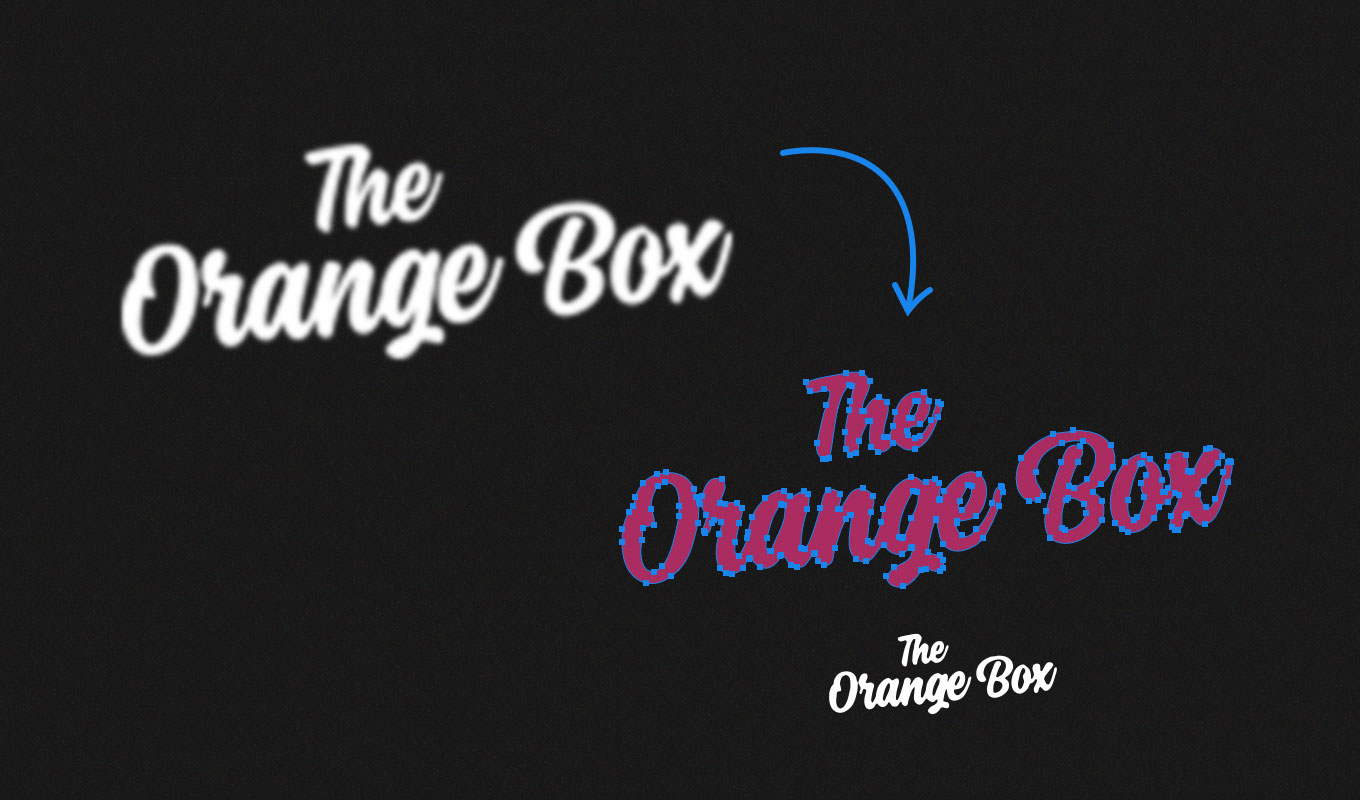
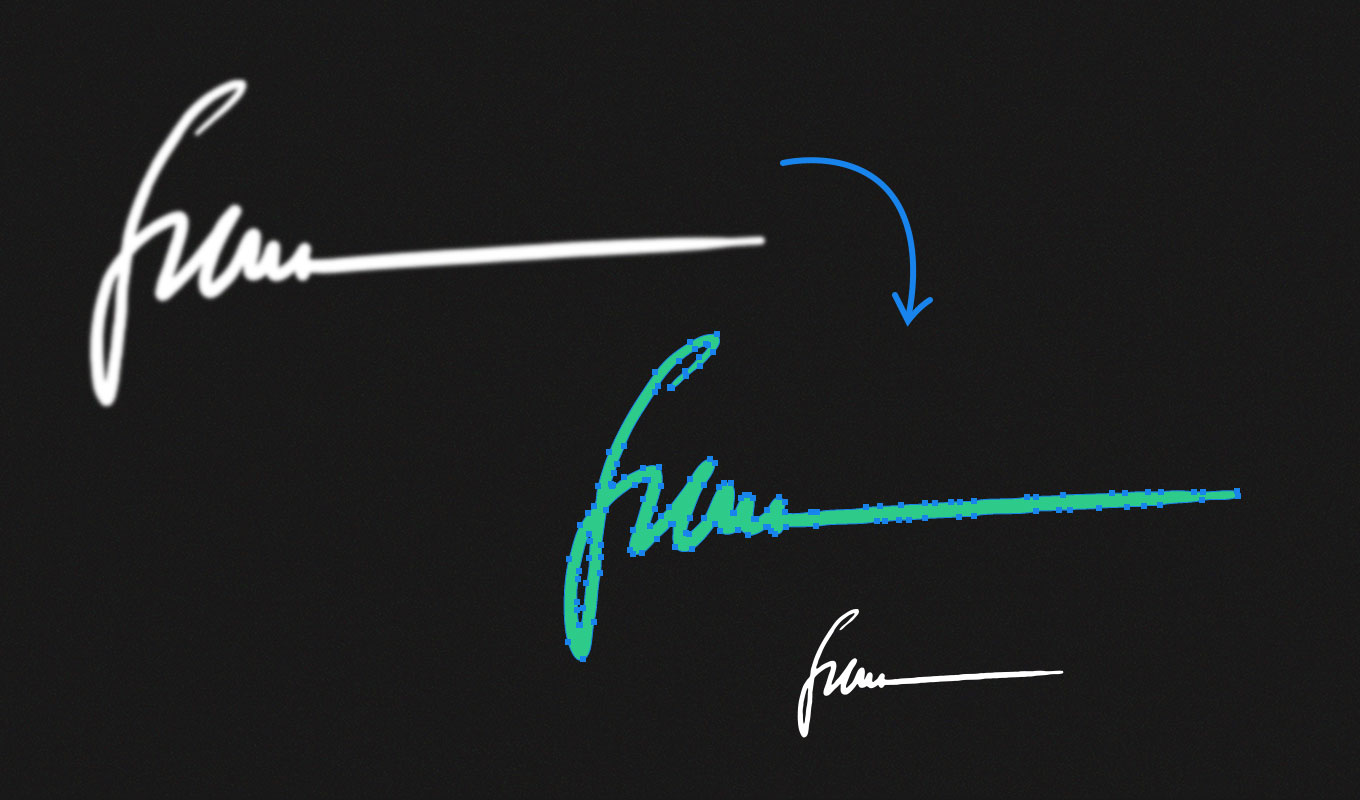
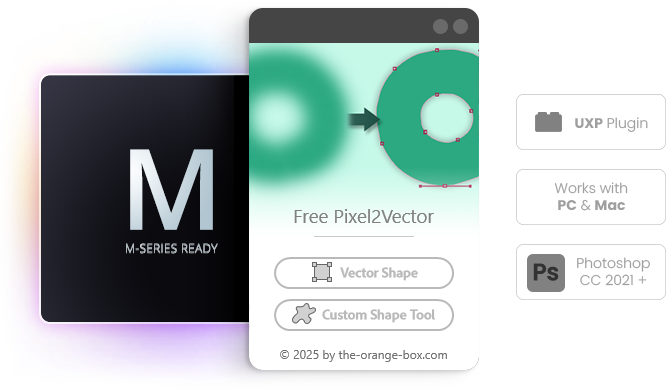
Pixel2Vector II is a free Pixel to Vector Photoshop plugin that instantly transforms any pixel-based layer, group, or smart object into a clean, scalable vector shape — with just one click.
Refine logos, clean up icons, or turn hand-drawn sketches into editable vector paths — all directly inside Photoshop.
What’s New in Version 2
We have updated the Pixel to Vector Photoshop plugin to be faster and better:
- Faster & more reliable: Completely rebuilt on Adobe’s modern UXP framework for better performance and stability.
- Smarter conversion engine: Improved precision for cleaner vector paths and smoother edges.
- Enhanced scaling logic: Automatically optimizes shape size for maximum detail and accuracy.
- Custom Shape Library support: Optionally save your shapes directly to Photoshop’s shape presets.
- Modern, English-language alerts and UI.
Key Features
Why this is the essential Pixel to Vector Photoshop plugin for your workflow:
- ✅ One-click pixel to vector conversion
- ✅ Creates editable Shape Layers or Custom Shapes
- ✅ Works with layers, groups, and smart objects
- ✅ Non-destructive workflow — your original pixels stay untouched
- ✅ Perfect for logos, icons, lettering, and artwork
- ✅ 100% free and compatible with Photoshop CC 2021 and newer
Who it’s for
This tool is designed for efficient asset creation:
Graphic designers · Illustrators · UI / UX designers · Agencies · Content creators
Why you’ll love it
- Speeds up your creative workflow inside Photoshop
- Produces perfectly clean, scalable vectors (Shape Layers)
- Ideal for print, web, and animation assets
- Now faster, smarter, and more stable than ever
Made for Creators, on Mac and PC
This UXP-based Pixel to Vector Photoshop plugin is fully compatible with Photoshop 2021 and newer, ensuring modern performance and reliability. It runs natively on Apple Silicon Macs, including the M1, M2, and M3 series, and delivers the same seamless experience on Windows PCs. Whether you’re working on Mac or PC, you’ll enjoy fast, stable, and efficient performance.
Frequently Asked Questions (FAQ)
How does this Pixel to Vector Photoshop Plugin work?
It analyzes the transparency (alpha channel) of your selected layer and converts the silhouette into a native Photoshop Path or Custom Shape. It is perfect for turning icons or black-and-white sketches into vectors.
Is it compatible with Apple Silicon (M1/M2/M3)?
Yes, absolutely. As a modern UXP plugin, it runs natively on all new Mac processors as well as Windows.
Is Pixel2Vector really free?
Yes, this Pixel to Vector Photoshop plugin is 100% free to download and use.
Watch the Tutorial
You no longer need the FX-Box to install the plugin. Simply double-click the .ccx file and follow the instructions.
This Pixel to Vector Photoshop plugin requires Photoshop CC 2021 or newer. Photoshop 2026 Ready!