
Turn your photos into painted artworks – for free
Looking for a way to give your images a realistic artistic touch? This Free Oil Paint Photoshop Plugin instantly transforms your photos into impressive painted artworks. Unlike standard filters that often look digital and flat, this tool analyzes your image to create depth and texture.
Best results are achieved with image sizes between 1,000 – 4,000 pixels, but the effect automatically adapts to any resolution. It is completely non-destructive, easy to install, and works in just one click – leaving your original photo untouched.
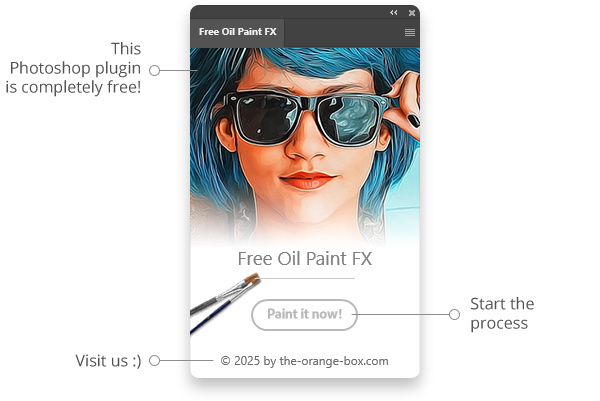
Why use this Oil Paint Photoshop Plugin?
While Photoshop has a native filter, this plugin offers a curated, one-click workflow that combines multiple effects to achieve a more authentic “canvas” look. It saves you time tweaking sliders and setting up Smart Objects manually.
Perfect for:
- ✅ Photographers: Create unique artistic versions of your shots.
- ✅ Designers: Generate backgrounds or stylized assets.
- ✅ Artists & Illustrators: Use photos as a base for digital painting.
- ✅ Content Creators: Make your thumbnails pop with an artistic style.
- ✅ Agencies & Freelancers: Deliver creative results faster.
Key Features
This tool is designed to be the simplest Oil Paint Photoshop Plugin you have ever used:
- ✅ 100% Free: A professional FX Tool at no cost.
- ✅ One-Click Workflow: No complex settings needed.
- ✅ Smart Resolution: Automatic adjustment for different image sizes.
- ✅ Non-Destructive: Works with Smart Objects so your original image stays safe.
- ✅ Stackable: Fully editable and combinable with other FX Tools.
Tips for the Best Painted Look
To get the most out of this Oil Paint Photoshop Plugin, follow these simple tips:
- Resolution Matters: For the most realistic brush strokes, use images between 2,000px and 3,000px on the long edge.
- Contrast is Key: Photos with good lighting and strong contrast usually produce the best “painted” results.
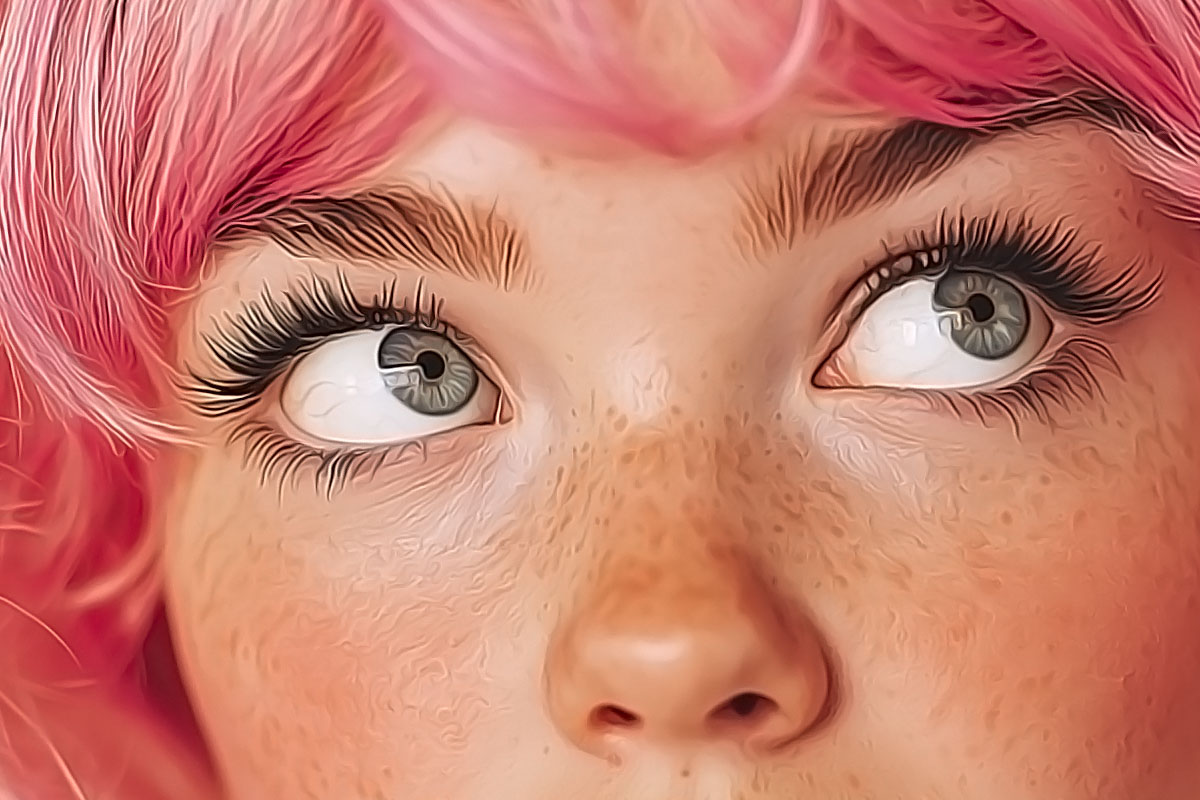
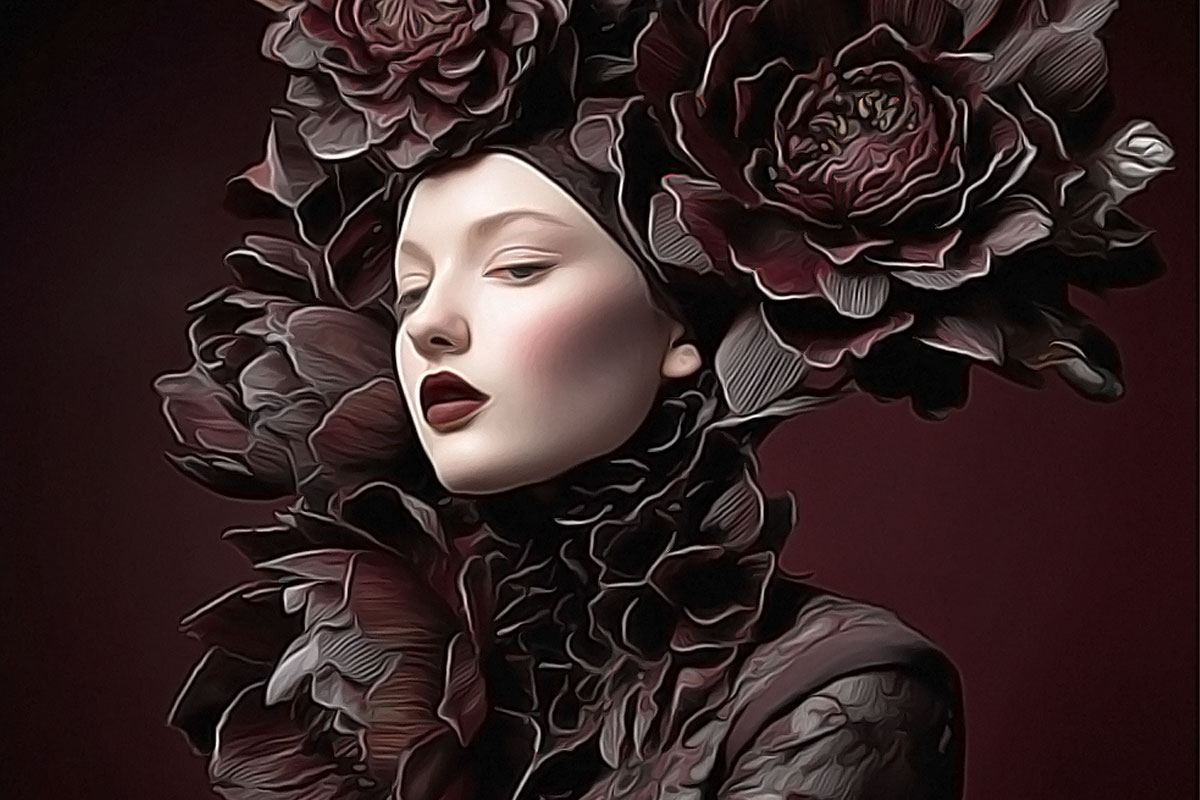
- Portraits vs. Landscapes: The plugin works on both! It smooths out skin tones beautifully while adding texture to landscapes.
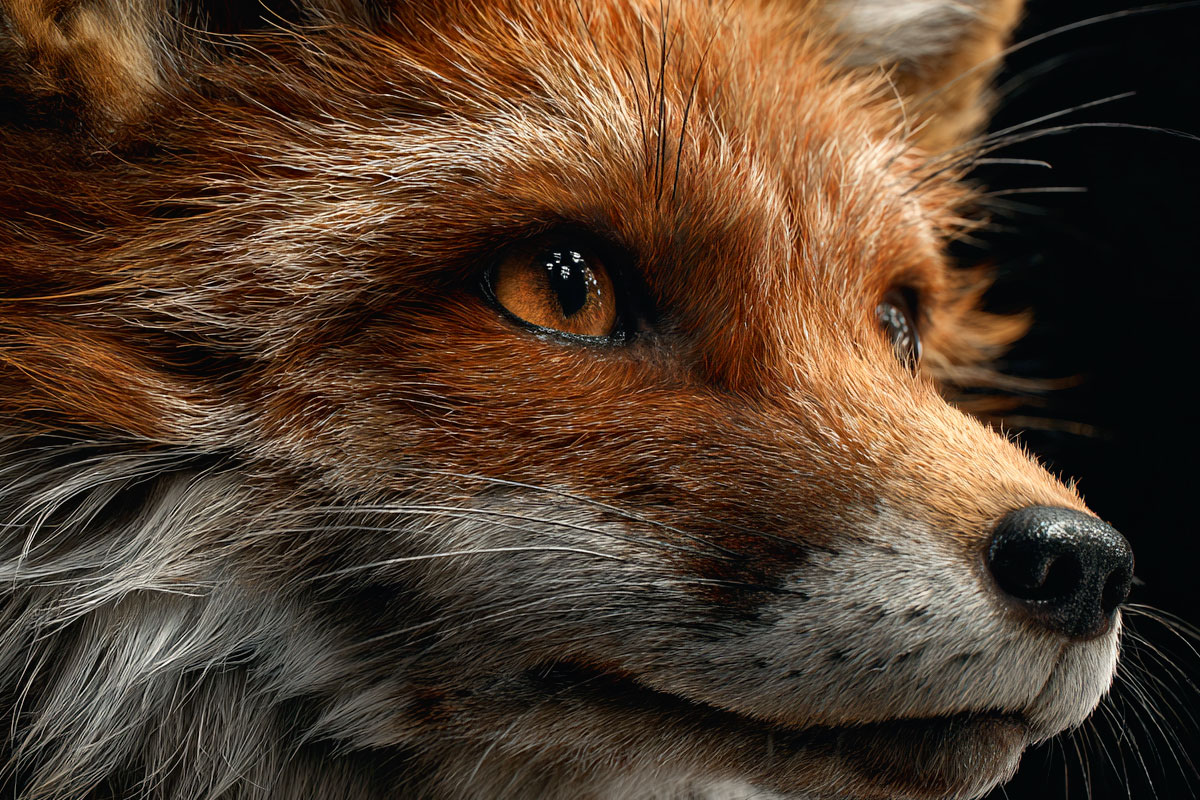
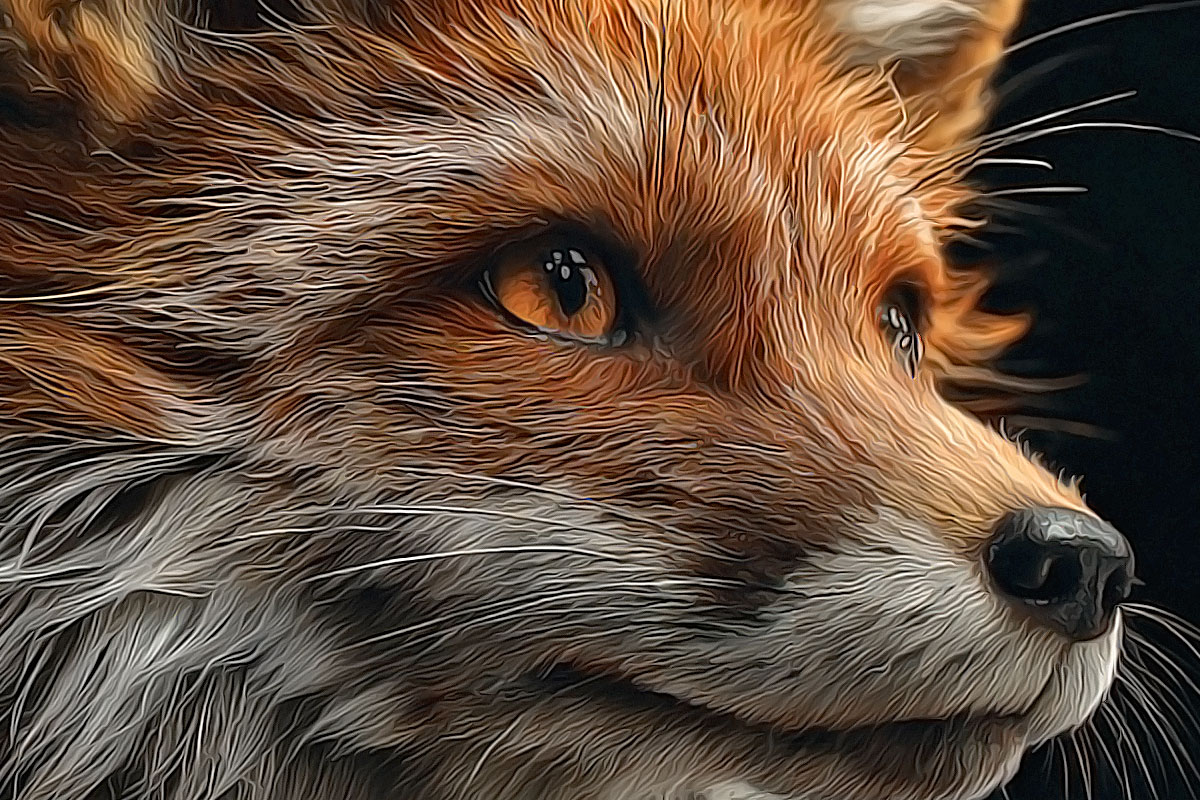
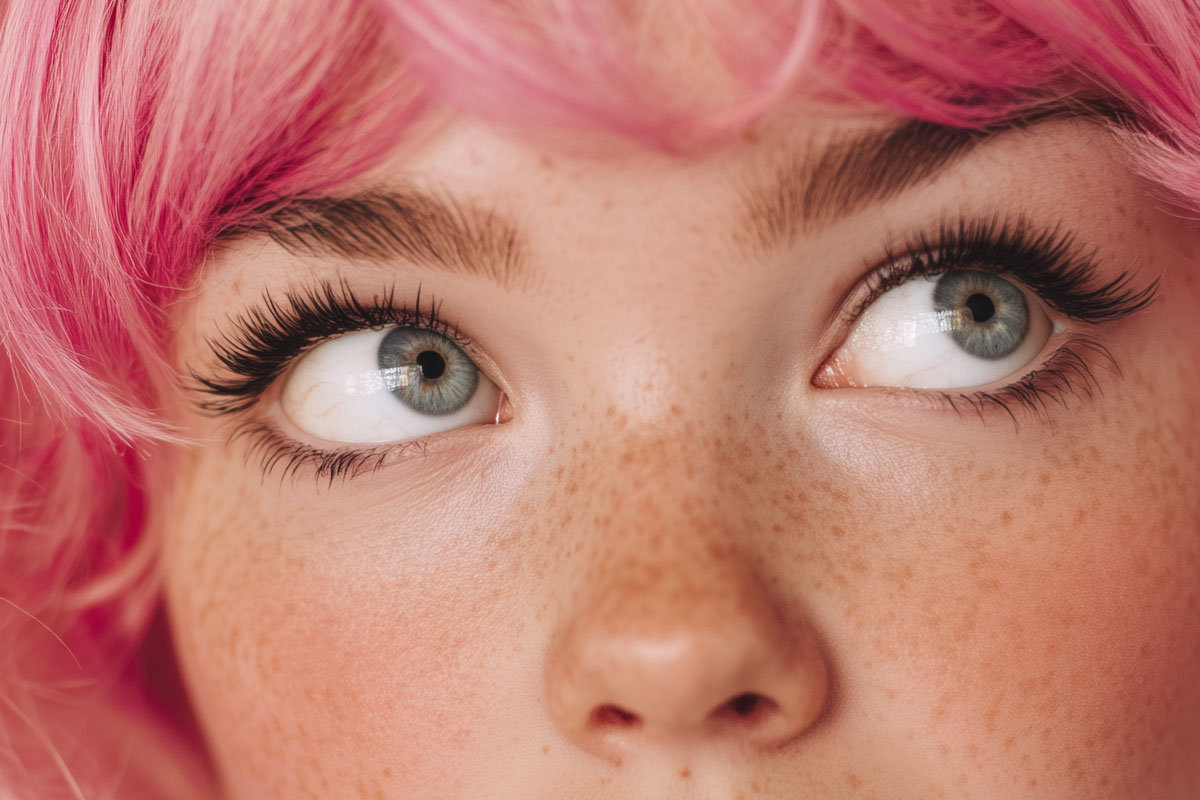
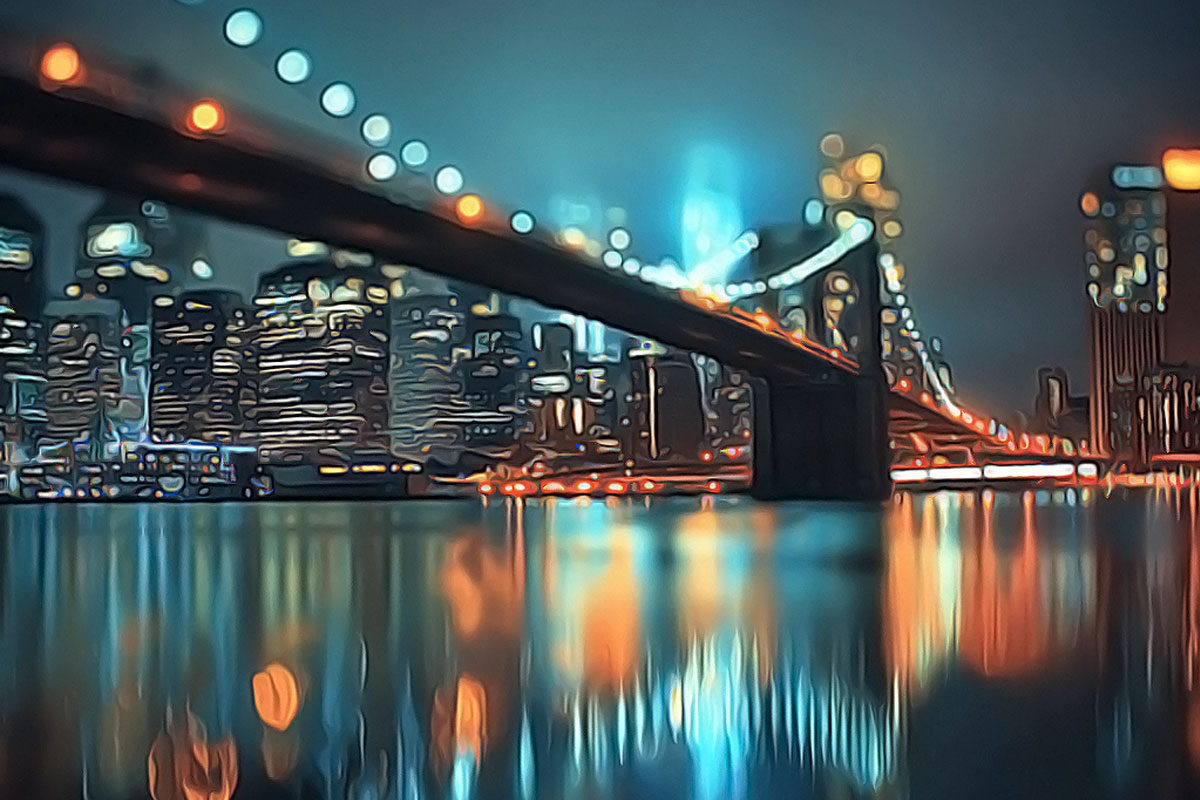
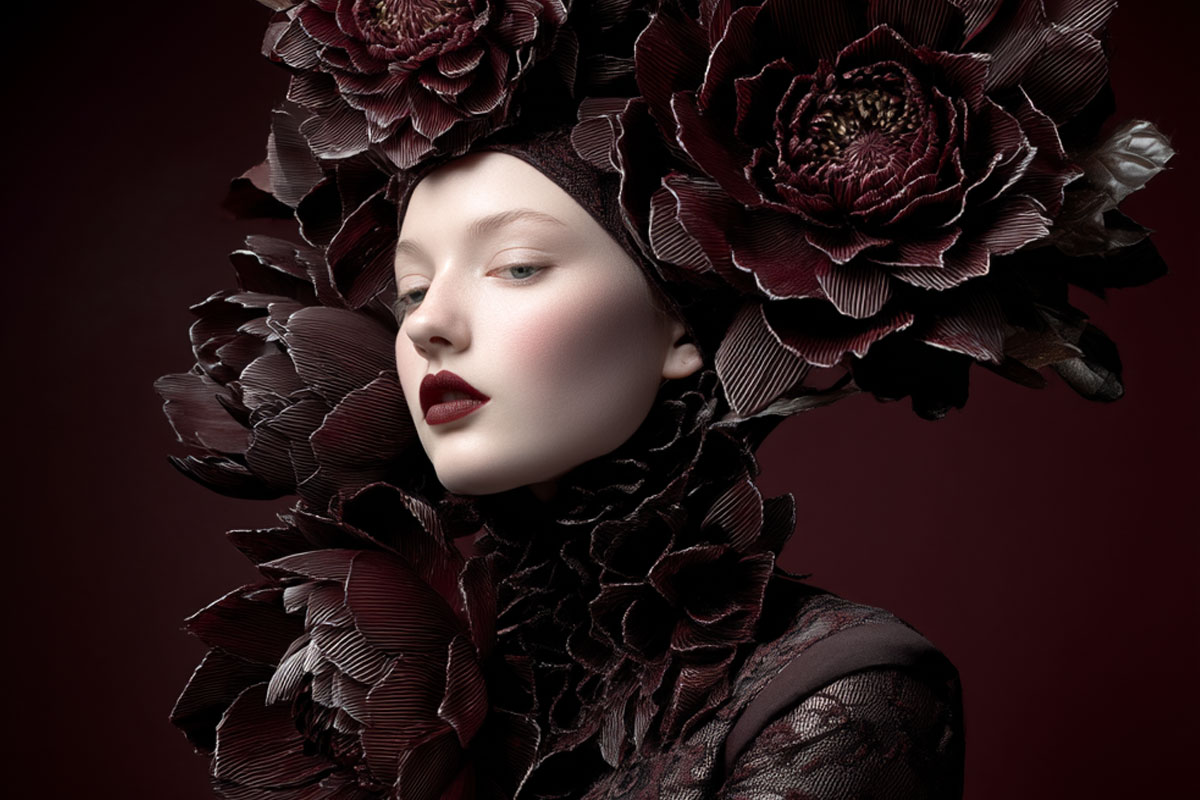
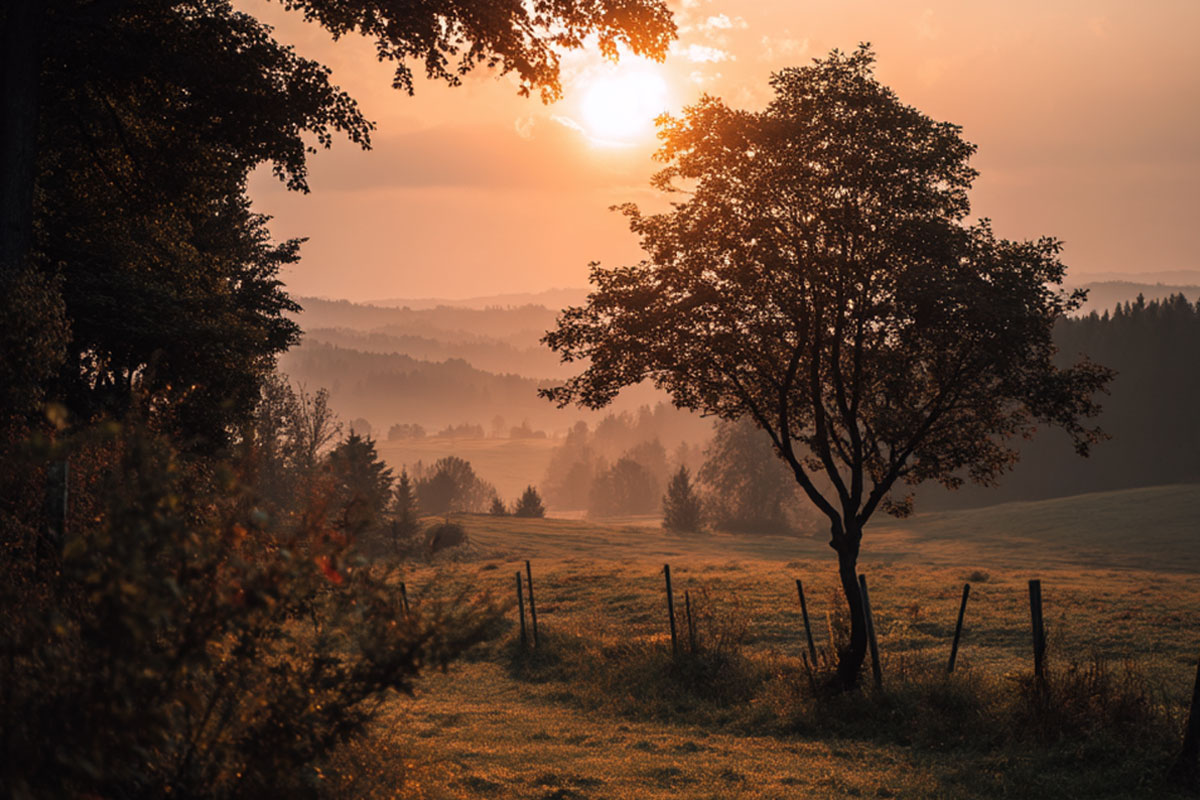
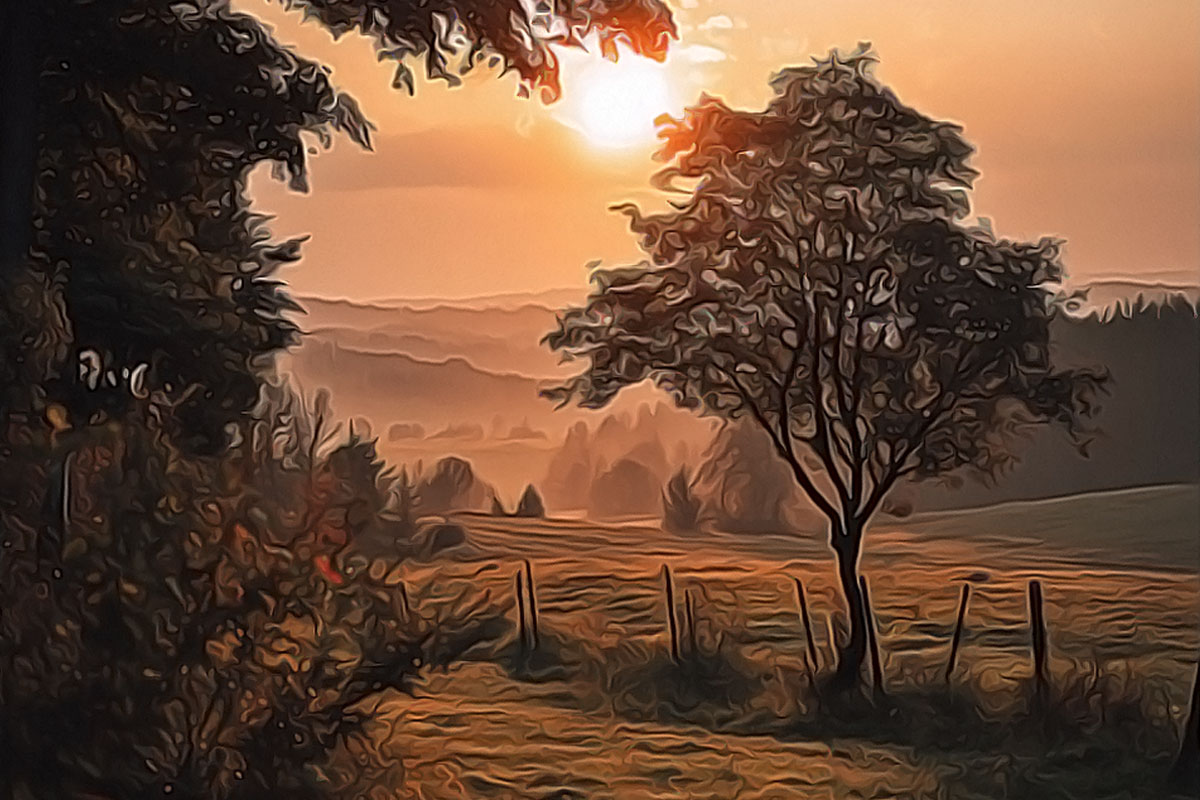
Real Results (Before & After)
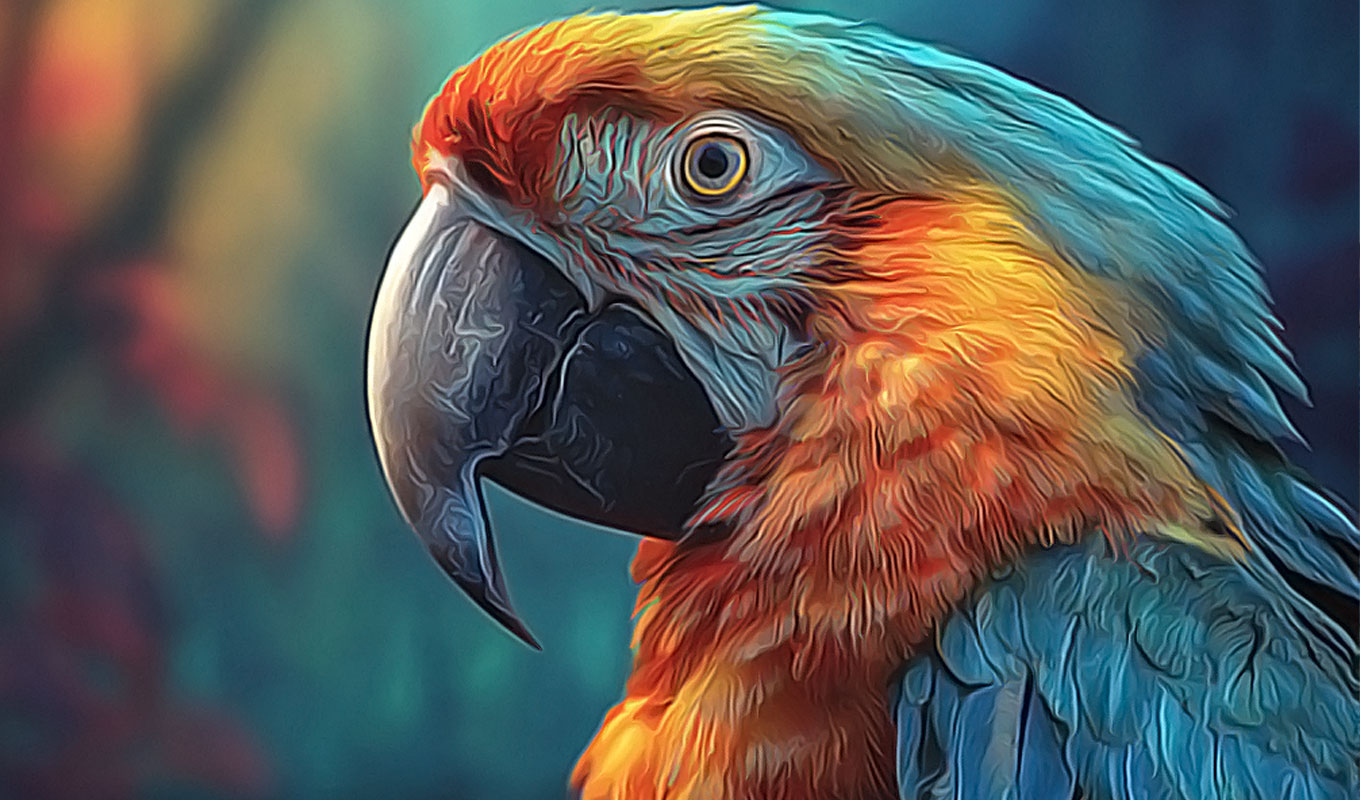
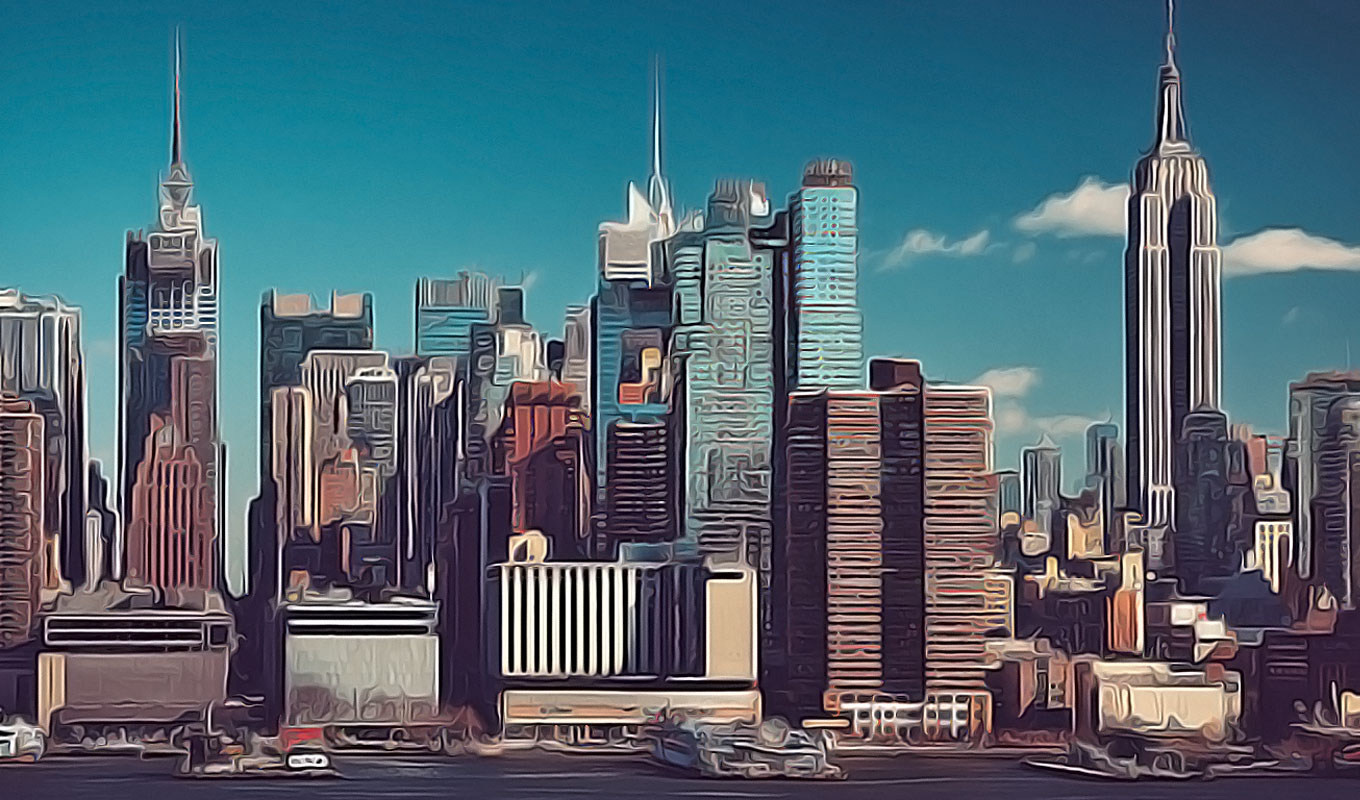
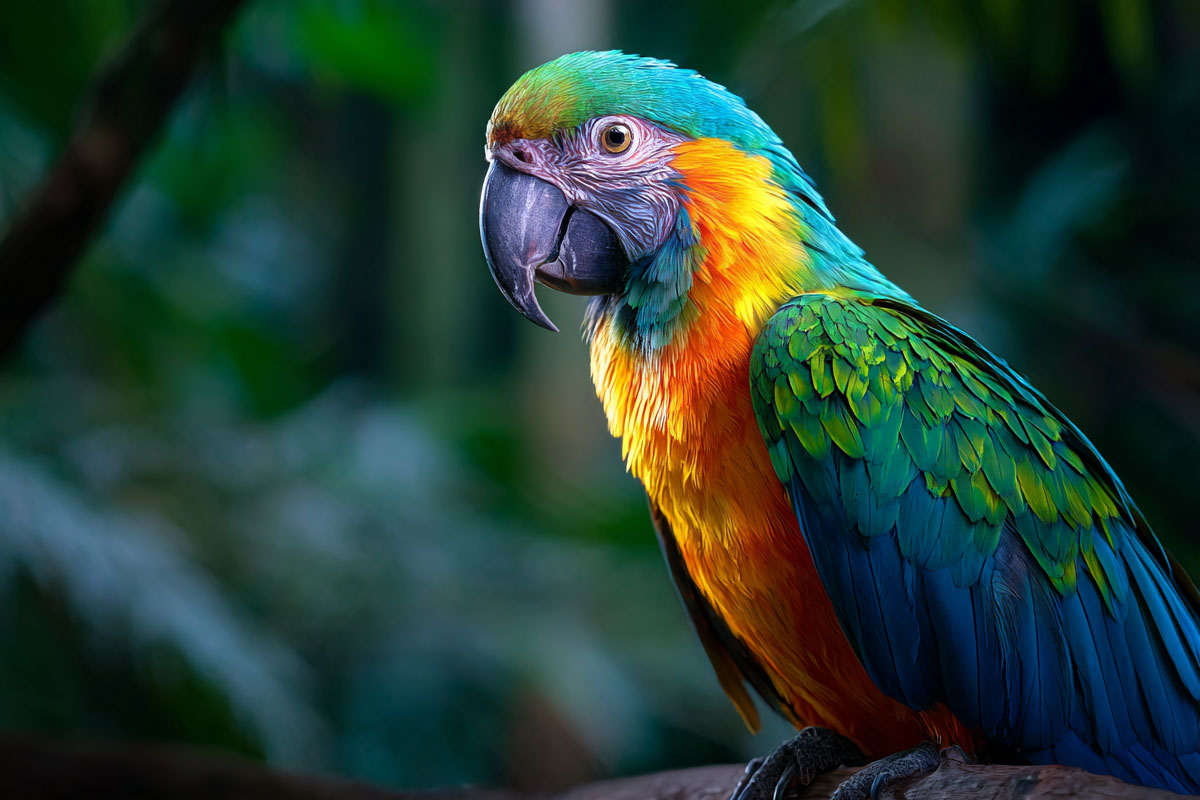
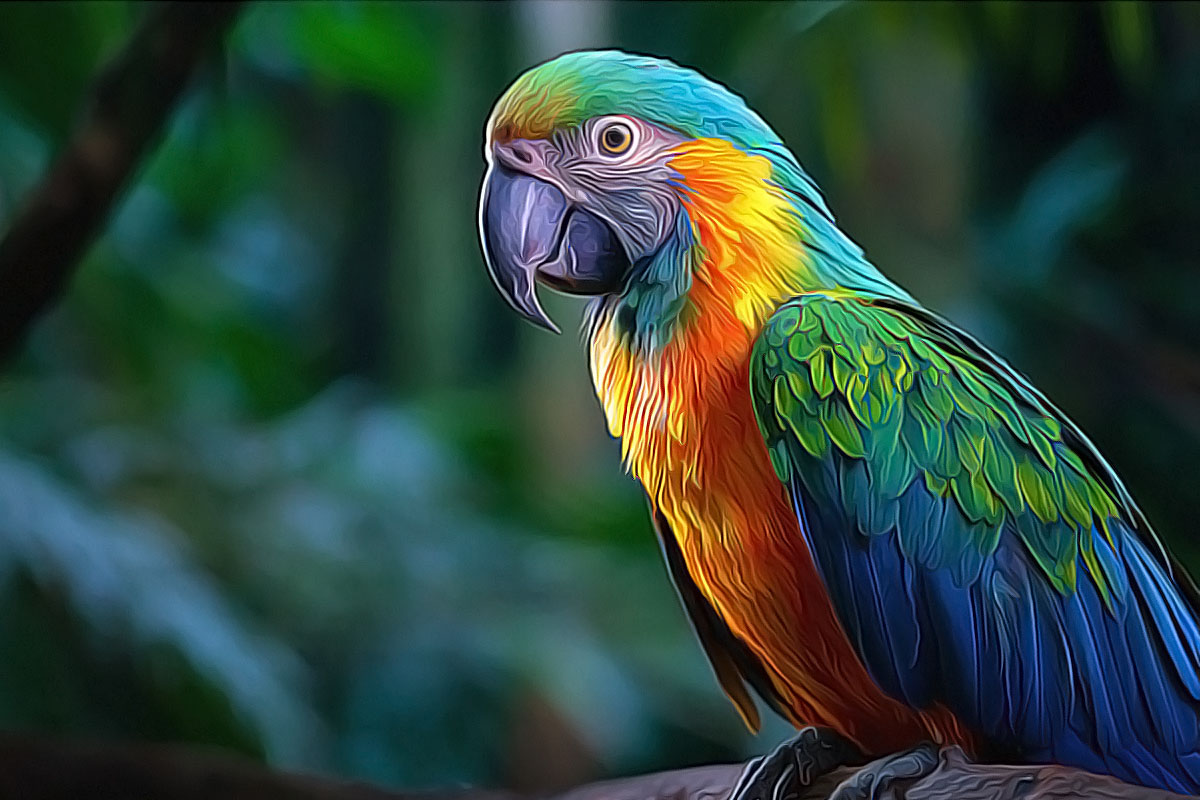
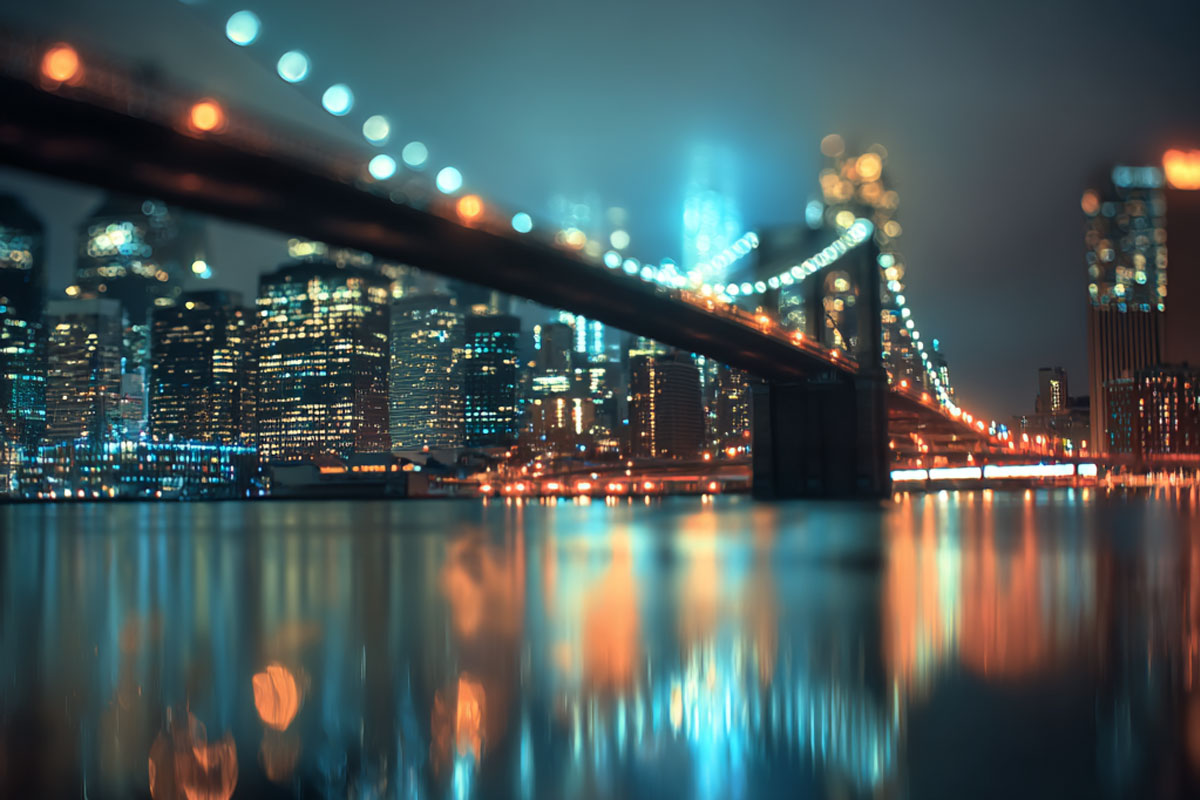
See authentic results created directly with the plugin. No additional editing needed:
How it works
- Open your photo in Adobe Photoshop.
- Launch the Free Oil Paint plugin from the Plugins panel.
- Click Paint it now – watch your image transform into a painting.
- (Optional) Refine the Smart Filters if you want to tweak the look.
Frequently Asked Questions (FAQ)
Is this Oil Paint Photoshop Plugin free?
Yes, it is 100% free. We want to help creatives expand their toolset without monthly costs.
Does it work on Mac and PC?
Absolutely. The plugin runs on the modern UXP architecture, making it compatible with Windows and macOS (including Apple Silicon M1/M2/M3).
Do I need the FX-Box?
No! This is the modern, standalone version. You do not need any old manager software.
Also check out our Pixel to Vector Plugin to convert your art into shapes.
Watch the Quick Tutorial
You no longer need the FX-Box to install the plugin. Simply double-click the .ccx file and follow the instructions.
This Oil Paint Photoshop Plugin requires Photoshop CC 2021 or newer.