


Explain complex ideas with simple 3D visuals
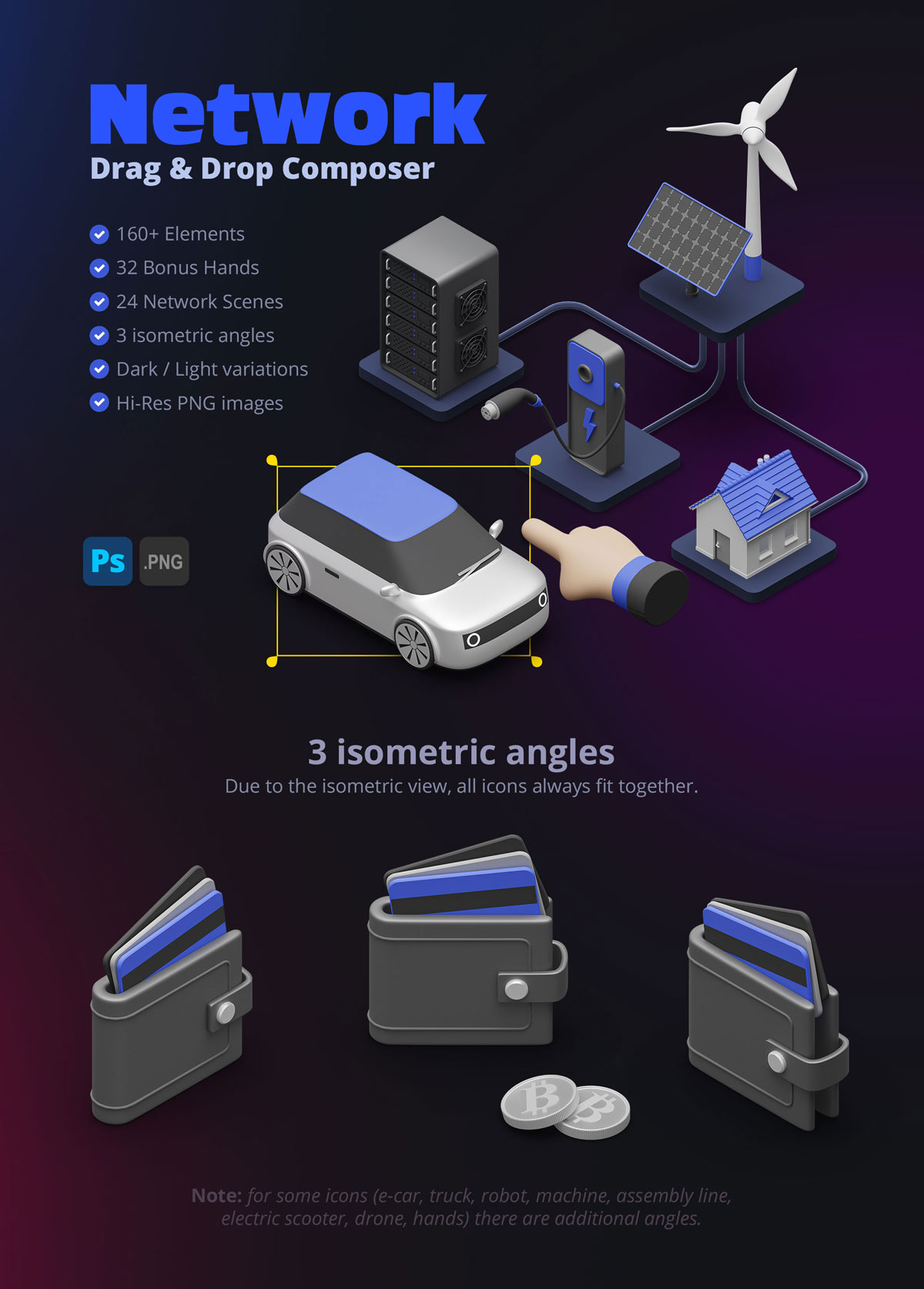
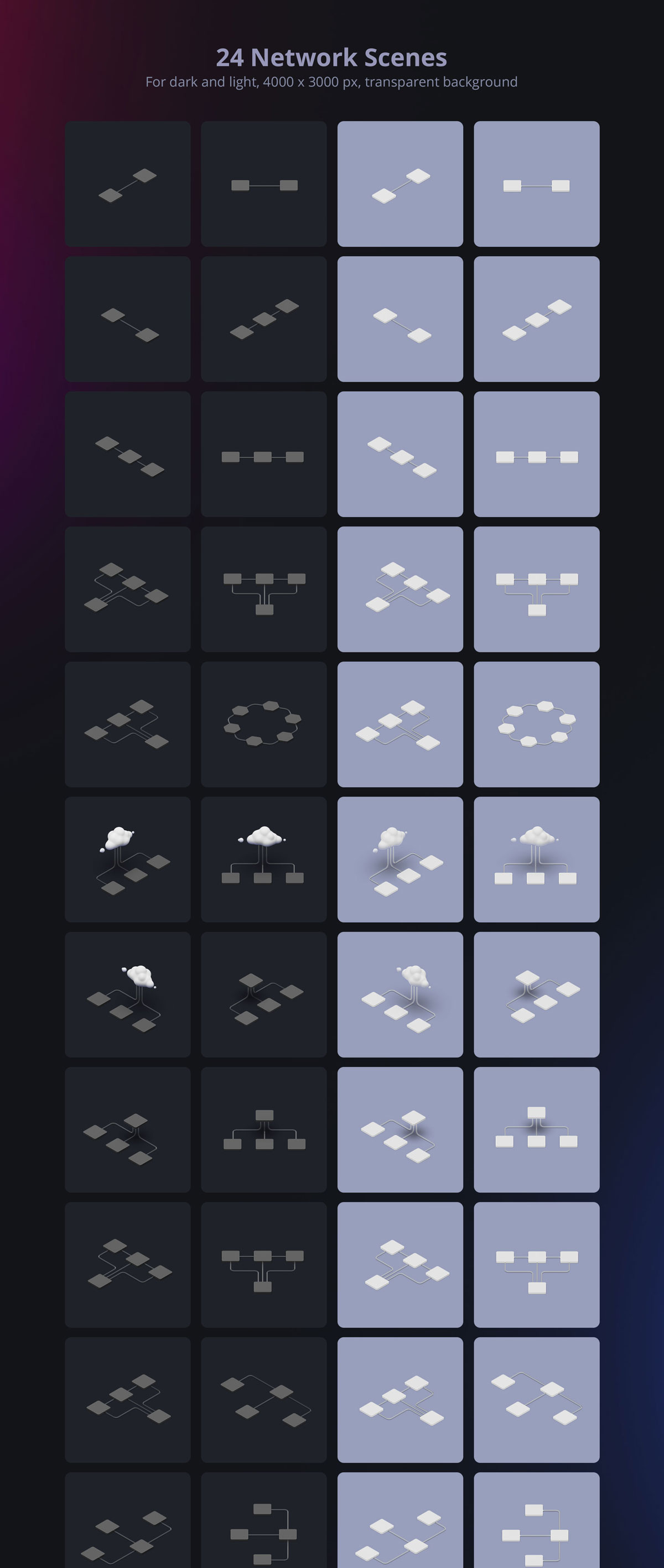
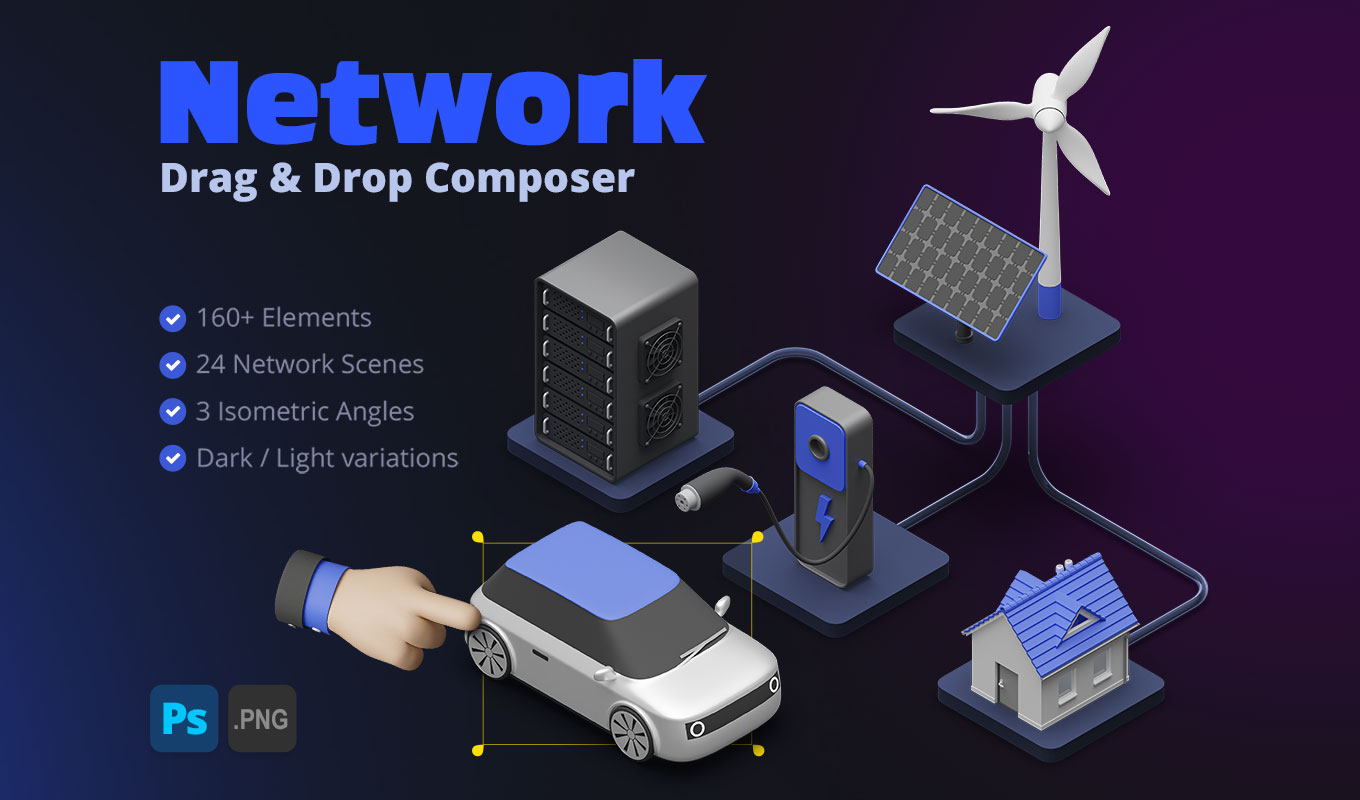
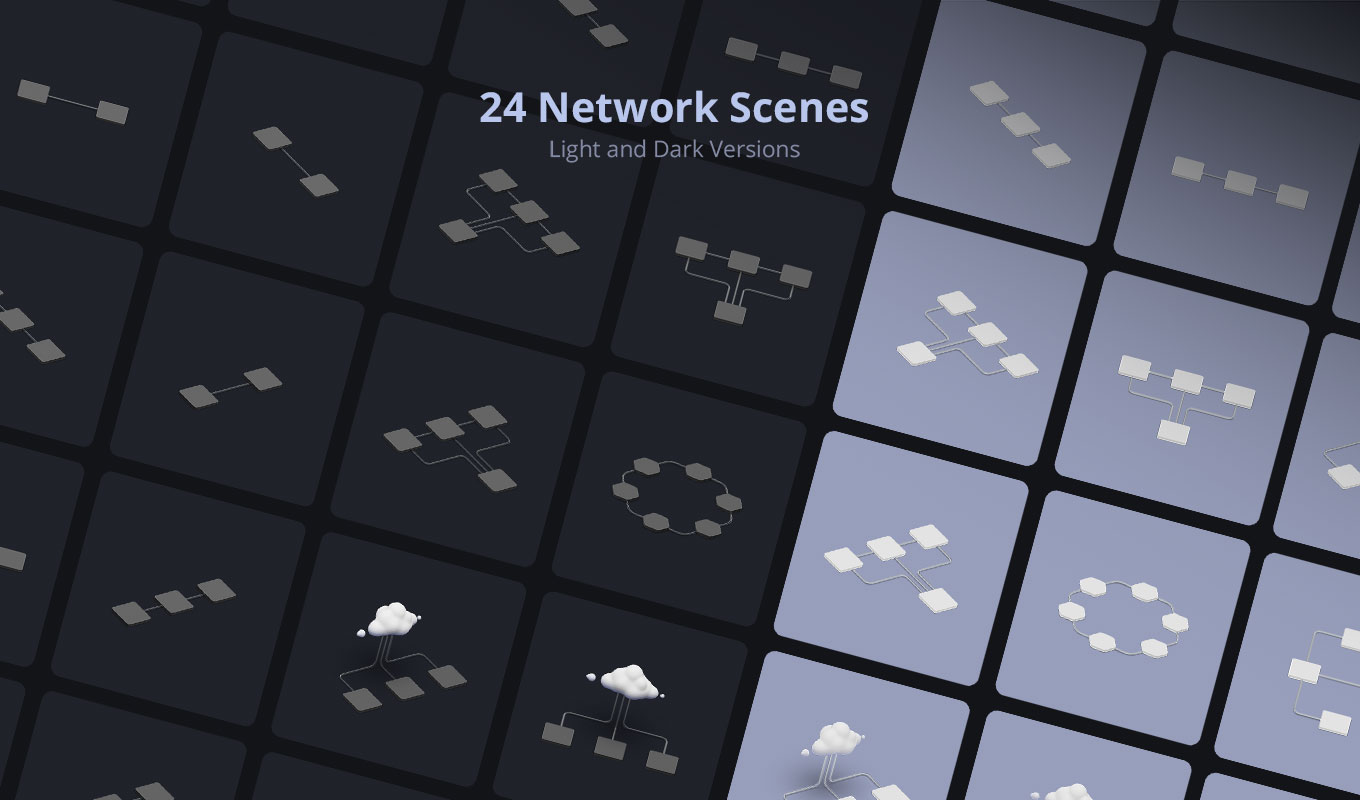
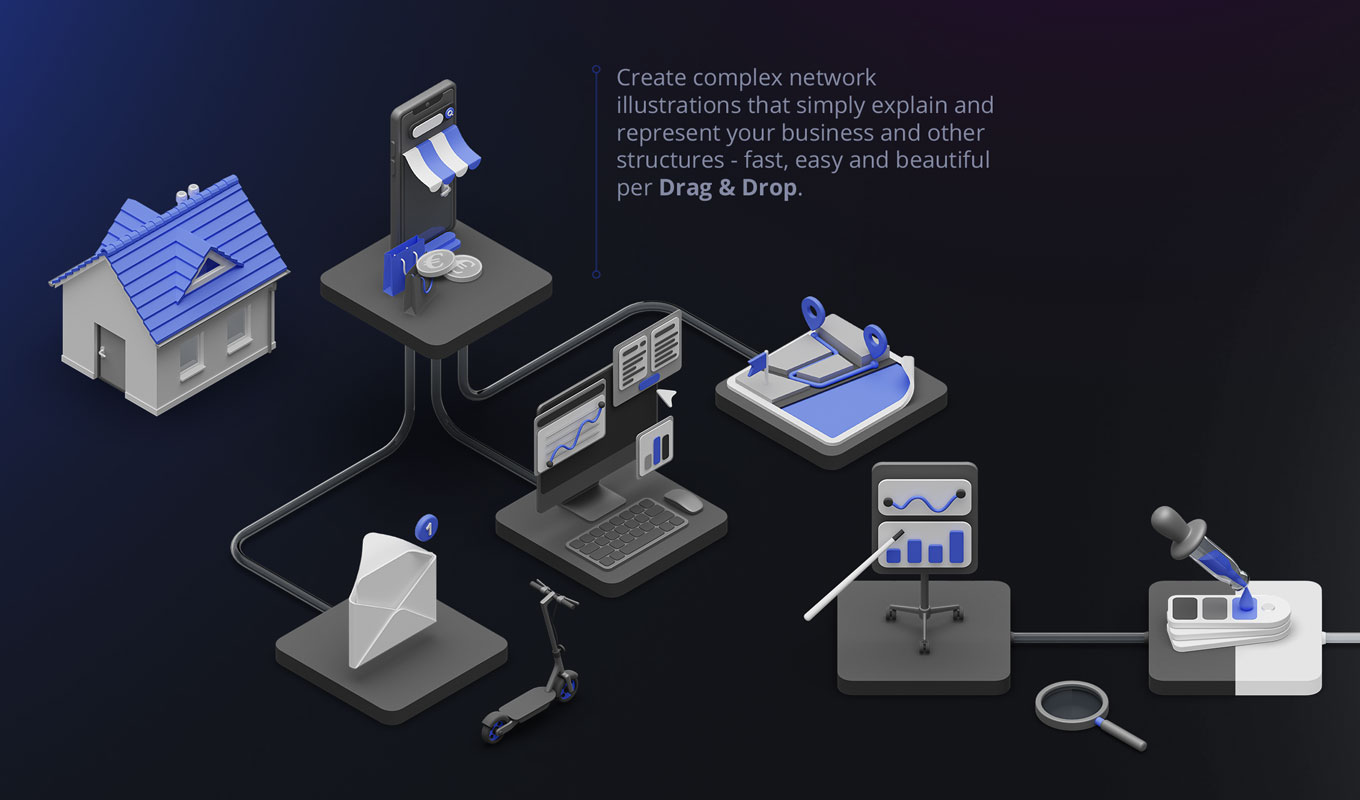
Create professional 3D Network Illustrations that make your business structures, workflows, and concepts instantly understandable. With the Network 3D Scene Composer, you get a versatile kit of drag & drop elements to build countless variations of network scenes, icons, and process diagrams – perfect for web design, presentations, and infographics.
All icons are designed with a clean single-color style, making them easy to adjust to your brand colors (e.g. via Hue/Saturation in Photoshop). The transparent PNG format ensures full compatibility with any creative software, while the included mockups give you a quick start for polished results.
Why use these 3D Network Illustrations?
Visualizing abstract concepts like “cloud computing”, “social networks”, or “logistics” is hard. Flat icons often look boring. This pack solves that by providing high-quality 3D Network Illustrations that add depth and professionalism to your work without requiring you to learn 3D software.
Perfect for:
- ✅ Pitch Decks: Impress investors with clean 3D visuals.
- ✅ Website Headers: Create custom hero images in minutes.
- ✅ Social Media: Stand out with unique 3D compositions.
- ✅ Training Materials: Explain workflows clearly.
What’s included in the pack
This isn’t just a set of icons; it’s a complete scene builder for 3D Network Illustrations:
- ✅ 35 Hand Poses × 3 Skin Tones (Transparent PNGs)
- ✅ 40 Arms × 3 Skin Tones + Tattooed Version
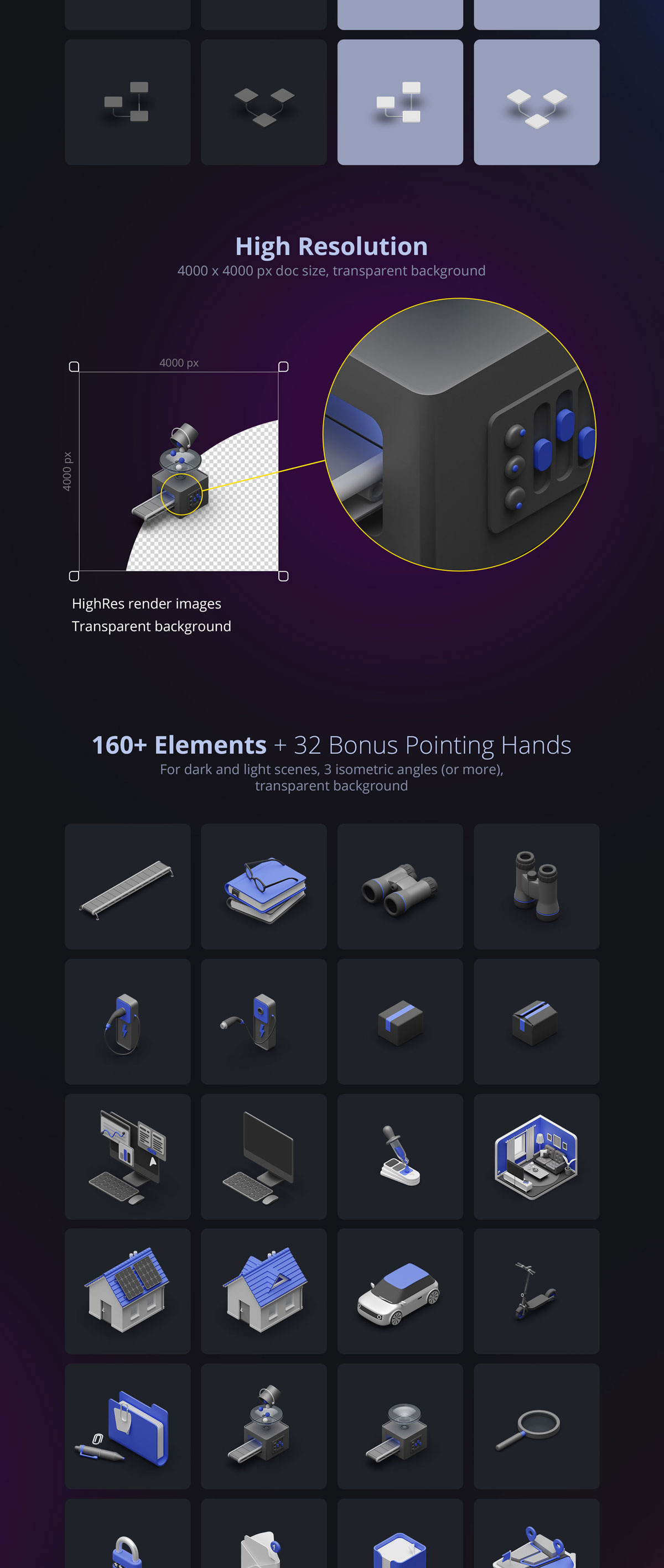
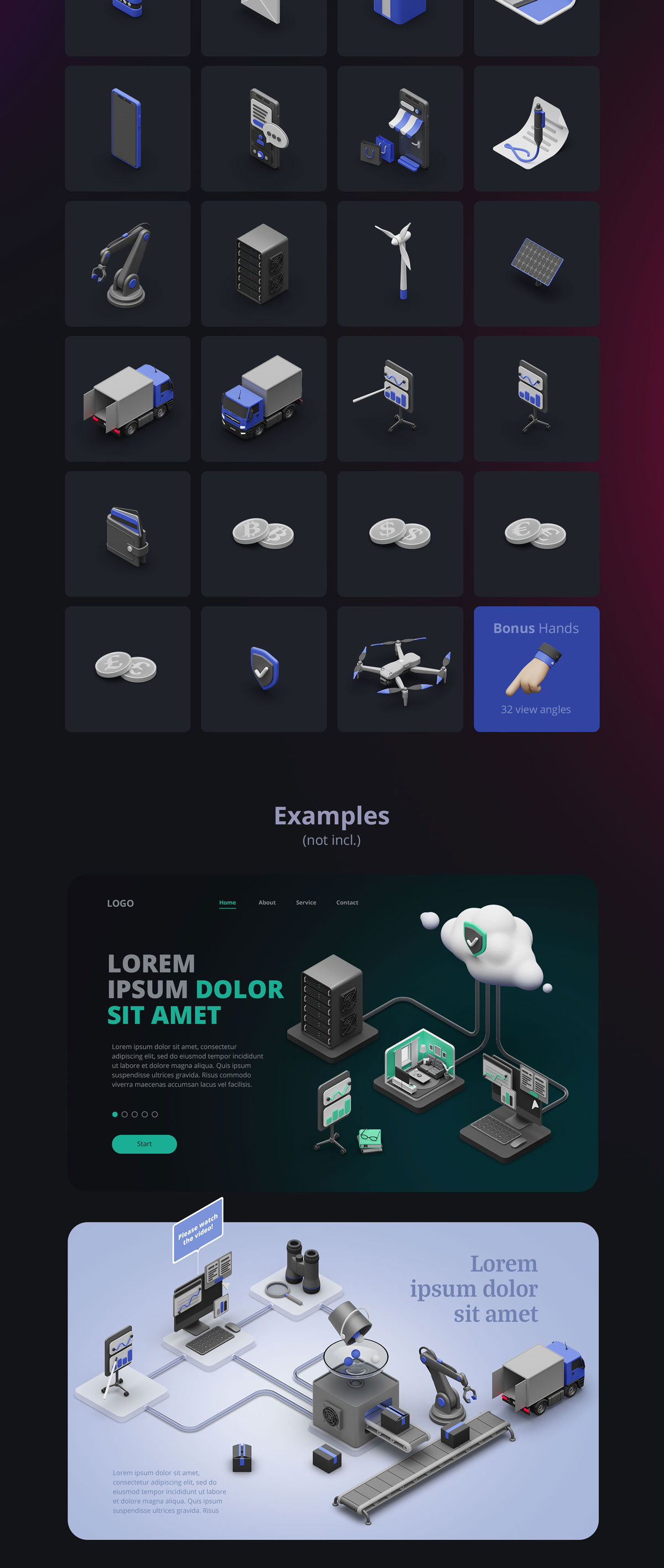
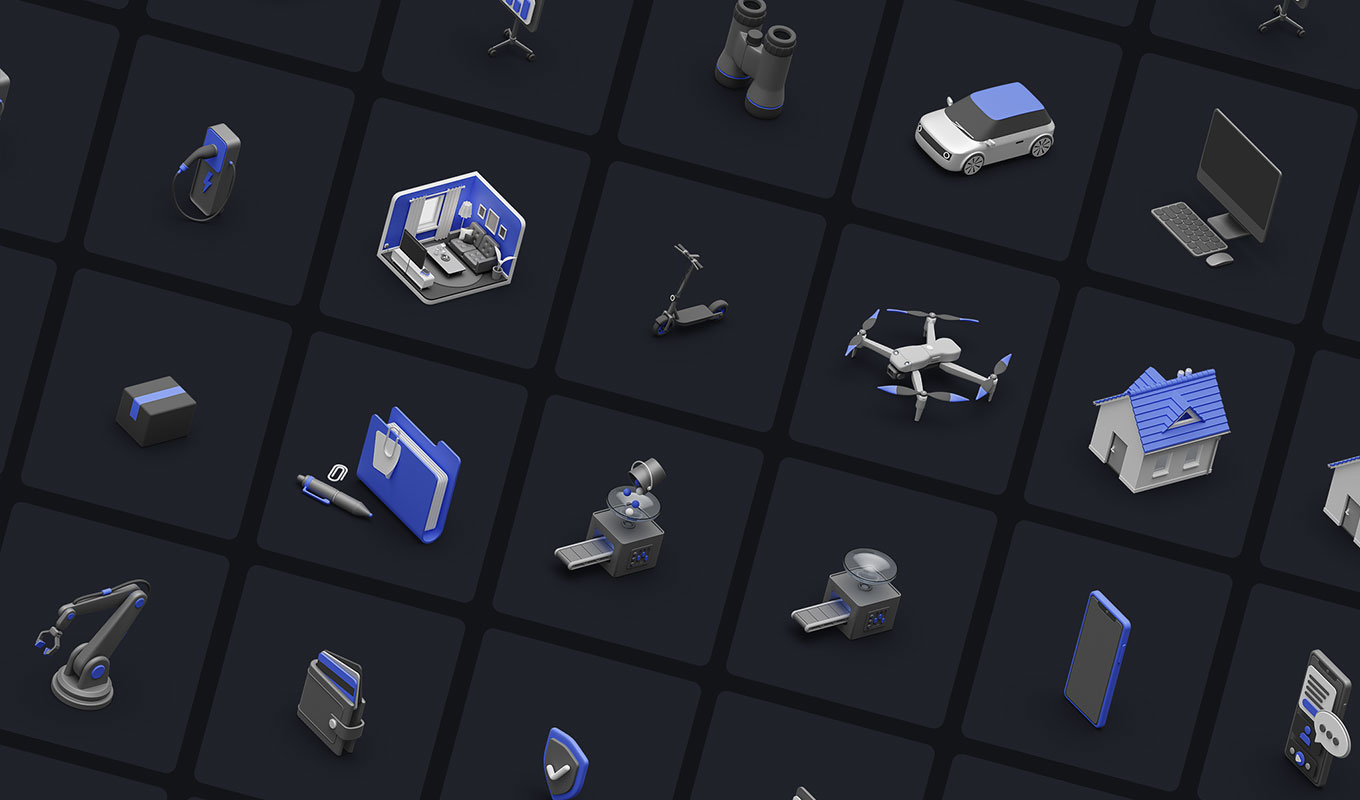
- ✅ 95+ Additional Elements (Icons, Lines, Nodes) with separate shadows
- ✅ 14 Percentage Graphics in 2 color sets
- ✅ 7 Professional PSD Mockups (Photoshop only)
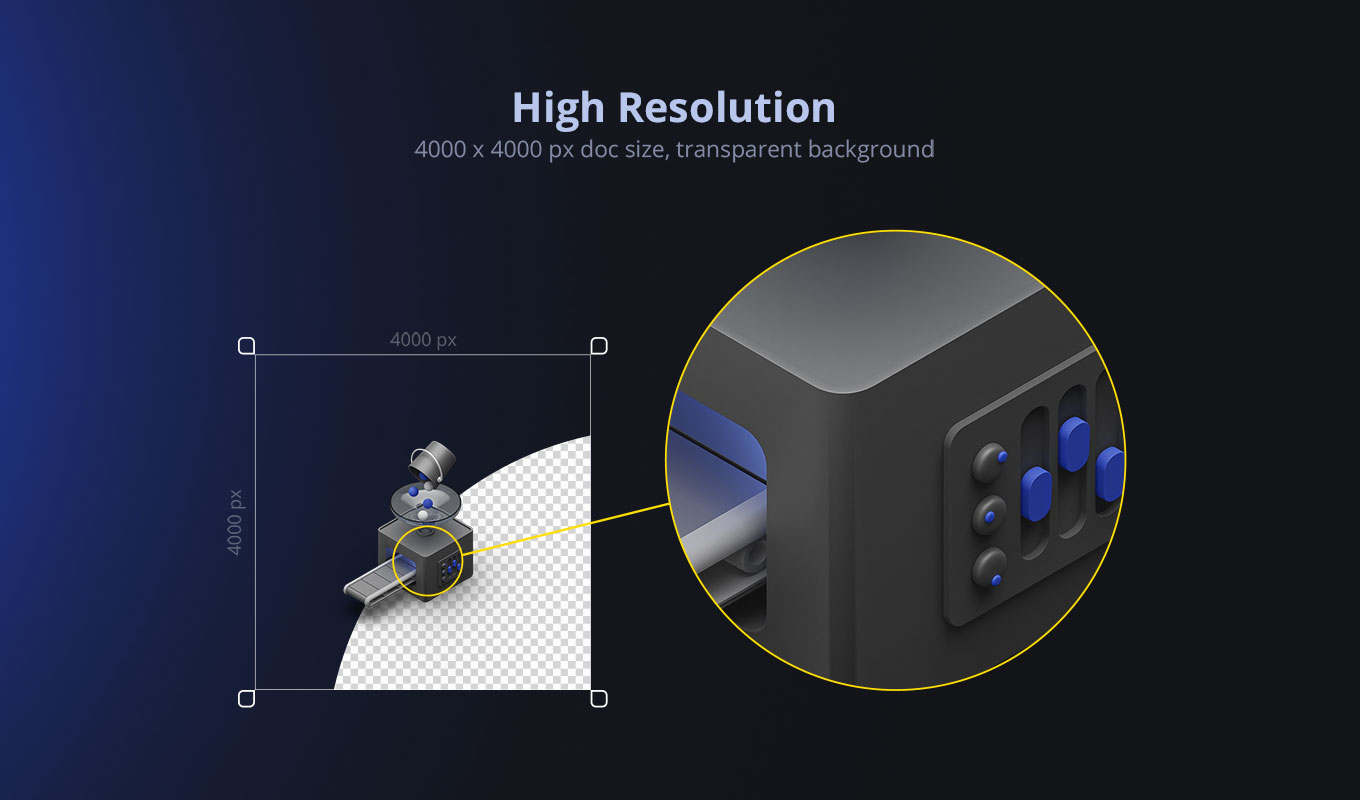
- ✅ High Resolution: 4000 × 3000 px with transparent background
Who is it for?
We designed this kit for anyone who needs to communicate clearly:
- ✅ Designers & Illustrators
- ✅ Business Consultants & Trainers
- ✅ Marketers & Agencies
- ✅ Web & App Developers
Why choose this Scene Composer?
- ✅ Drag & Drop: Build scenes in minutes.
- ✅ Universal Compatibility: Works with Photoshop, Canva, PowerPoint, Figma, etc.
- ✅ Clean 3D Design: Instantly elevates your presentations.
- ✅ Easy Color Adjustments: Adapt icons to your brand.
- ✅ Human Touch: Includes hands and arms for context.
- ✅ Non-Destructive: Transparent PNGs keep editing flexible.
How it works
- Open the PNG or PSD elements in your software (e.g., Photoshop or Canva).
- Drag & drop icons, hands, and connection lines into your canvas.
- Adjust colors and sizes to fit your project branding.
- Combine with the included mockups for instant results.
Frequently Asked Questions (FAQ)
Can I change the colors of the 3D Network Illustrations?
Yes! Since the elements are single-colored 3D renders, you can easily change their hue using “Color Overlay” or “Hue/Saturation” in Photoshop, or simple color adjustments in Canva/PowerPoint.
Do I need Photoshop?
No. The main assets are high-resolution transparent PNGs. You can use them in Word, PowerPoint, Figma, Sketch, Canva, or any other tool. Only the 7 bonus mockups require Photoshop.
Are these vector files?
No, they are high-resolution raster images (4000x3000px). This allows for the realistic 3D lighting and shadows that vectors can’t achieve.
Looking for a way to create your own 3D scenes from scratch? Check out our Protoshot 3D Plugin (Internal Link).
Watch the Tutorial
See how fast you can build a scene:
Preview Gallery
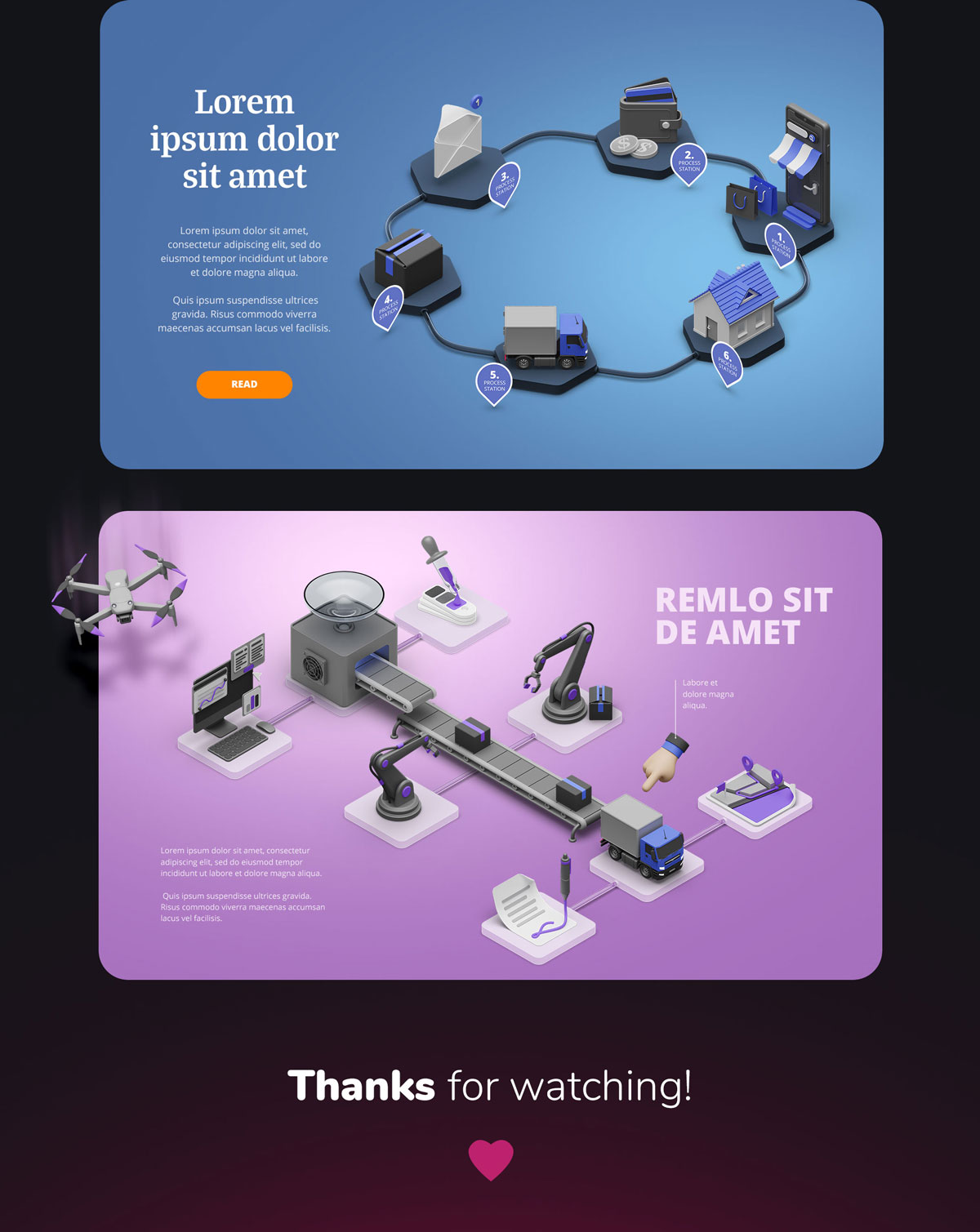
See what you can create with these 3D Network Illustrations: