

Create and customize real 3D mockup scenes directly in Photoshop
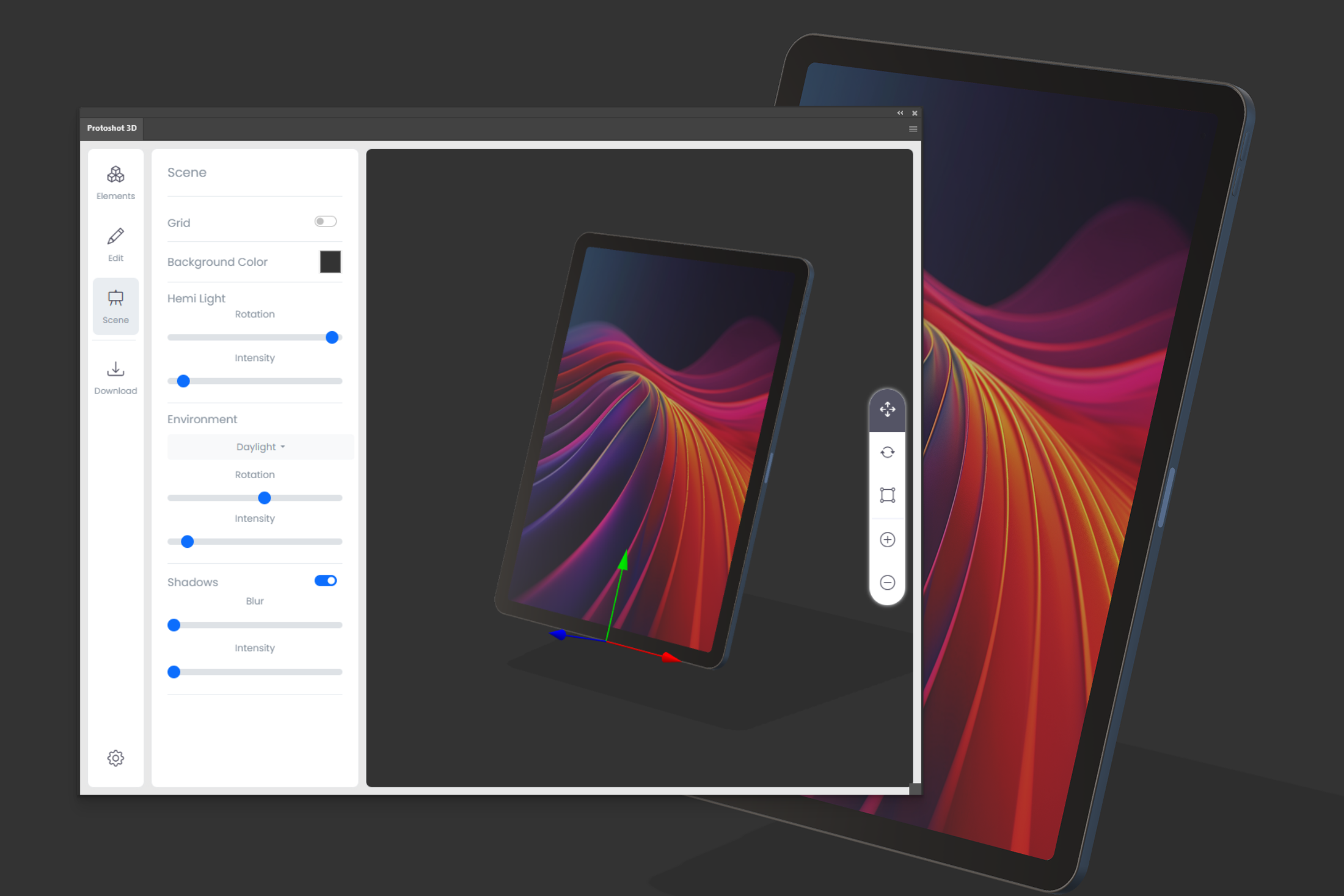
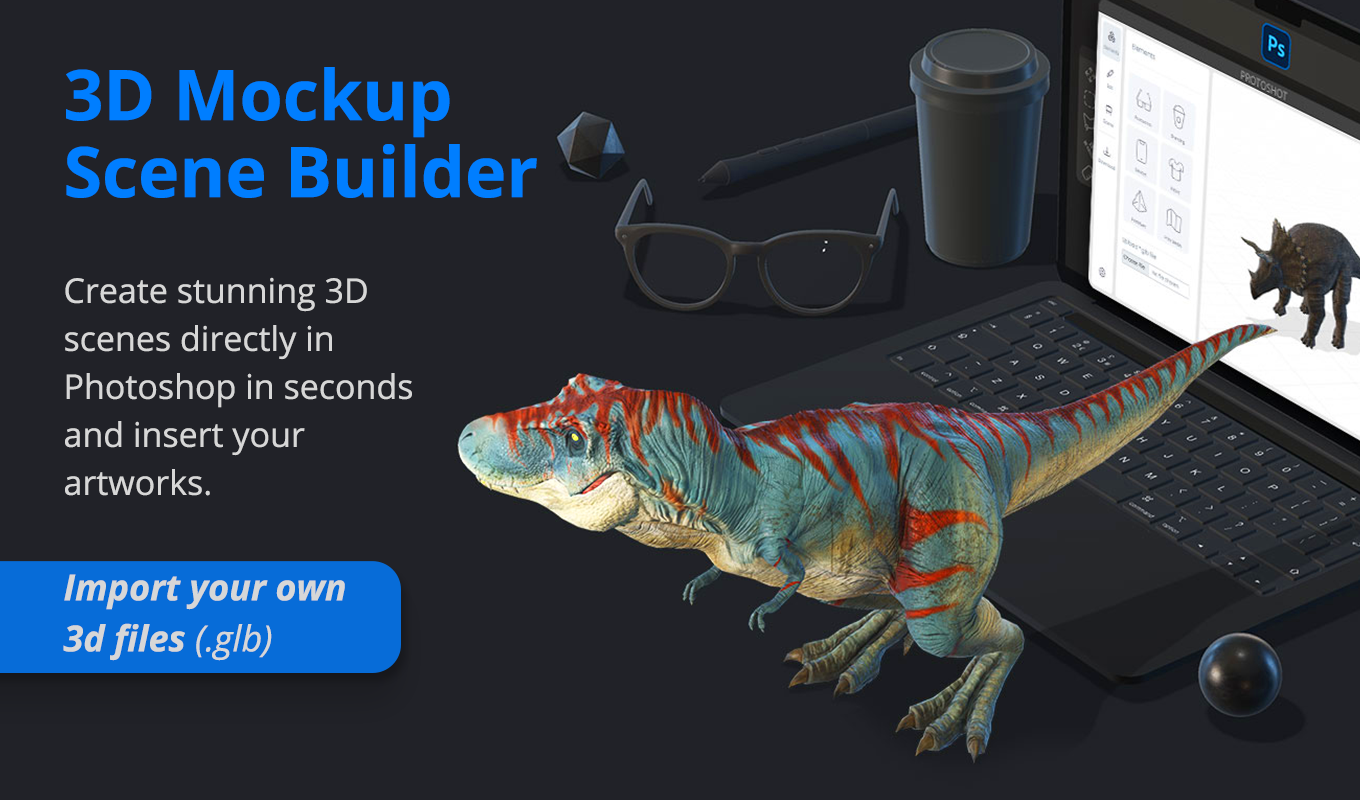
Looking for a true 3D Mockup Photoshop Plugin? Meet Protoshot 3D. Unlike static mockups that lock you into one angle, this tool lets you work with fully interactive 3D models directly on your canvas.
Protoshot 3D is a simple yet powerful solution for graphic designers, marketers, and product creators. Rotate, scale, and position objects freely without limitations. Apply your designs to a growing library of models—including devices, packaging, and apparel—and create highly realistic visualizations in seconds.
Why use this 3D Mockup Photoshop Plugin?
Most designers are stuck with flat PNG mockups. If the angle isn’t right, you have to find a new file. Protoshot 3D changes that.
With built-in lighting and shadow controls, you can fine-tune the appearance of your scene using presets like Studio, Daylight, Loft, Sunrise, and Night. When you’re done, render your scene as a new Photoshop document or insert it as a transparent Smart Object in your active project—in stunning 4K UHD (Ultra High Definition).
Key Features
This 3D Mockup Photoshop Plugin bridges the gap between 2D design and 3D rendering:
- ✅ True 3D Mockup Scene Builder: Work with real 3D models without any prior 3D experience.
- ✅ Seamless Integration: Apply designs and layouts directly onto 3D models via Smart Objects.
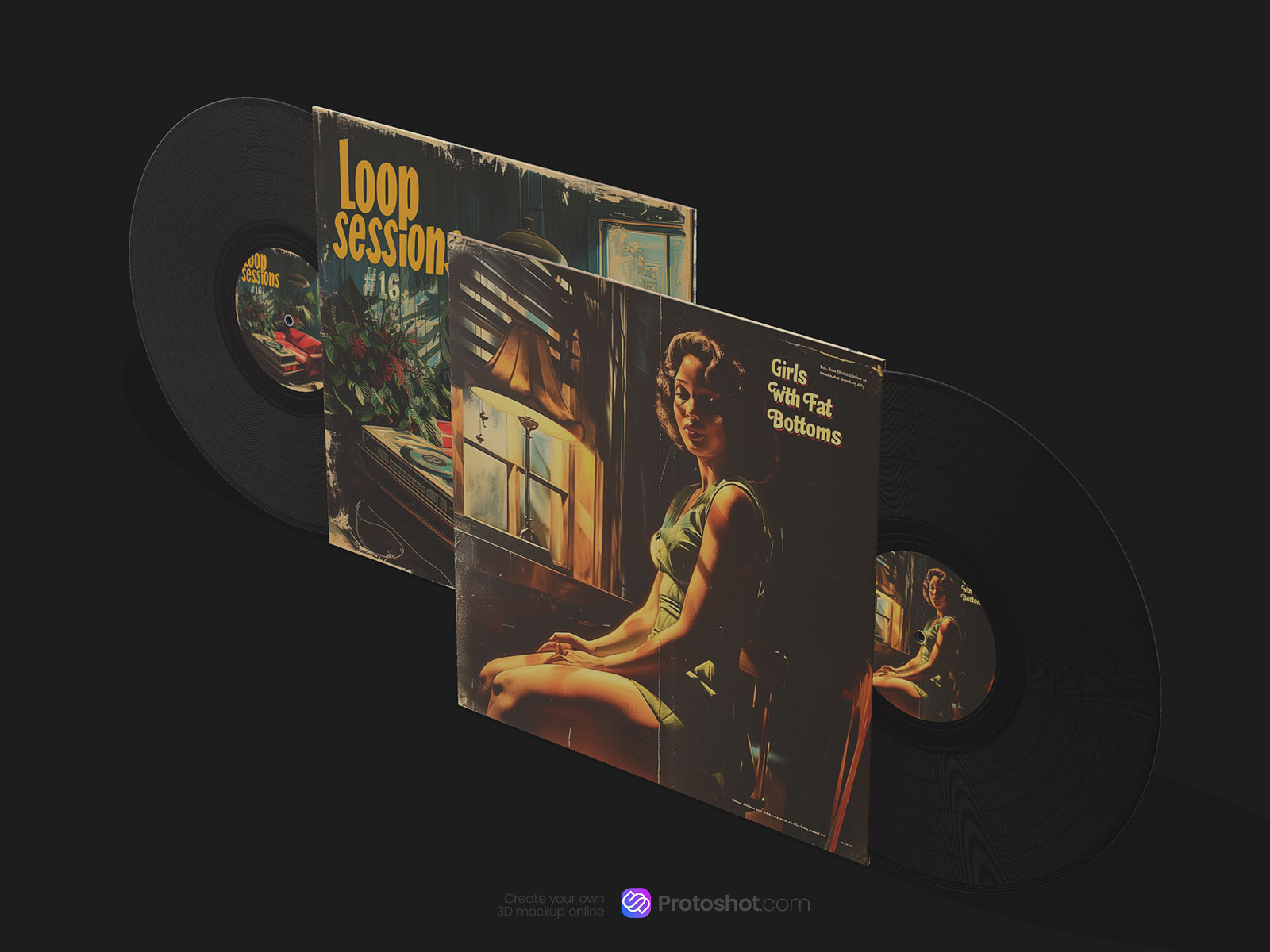
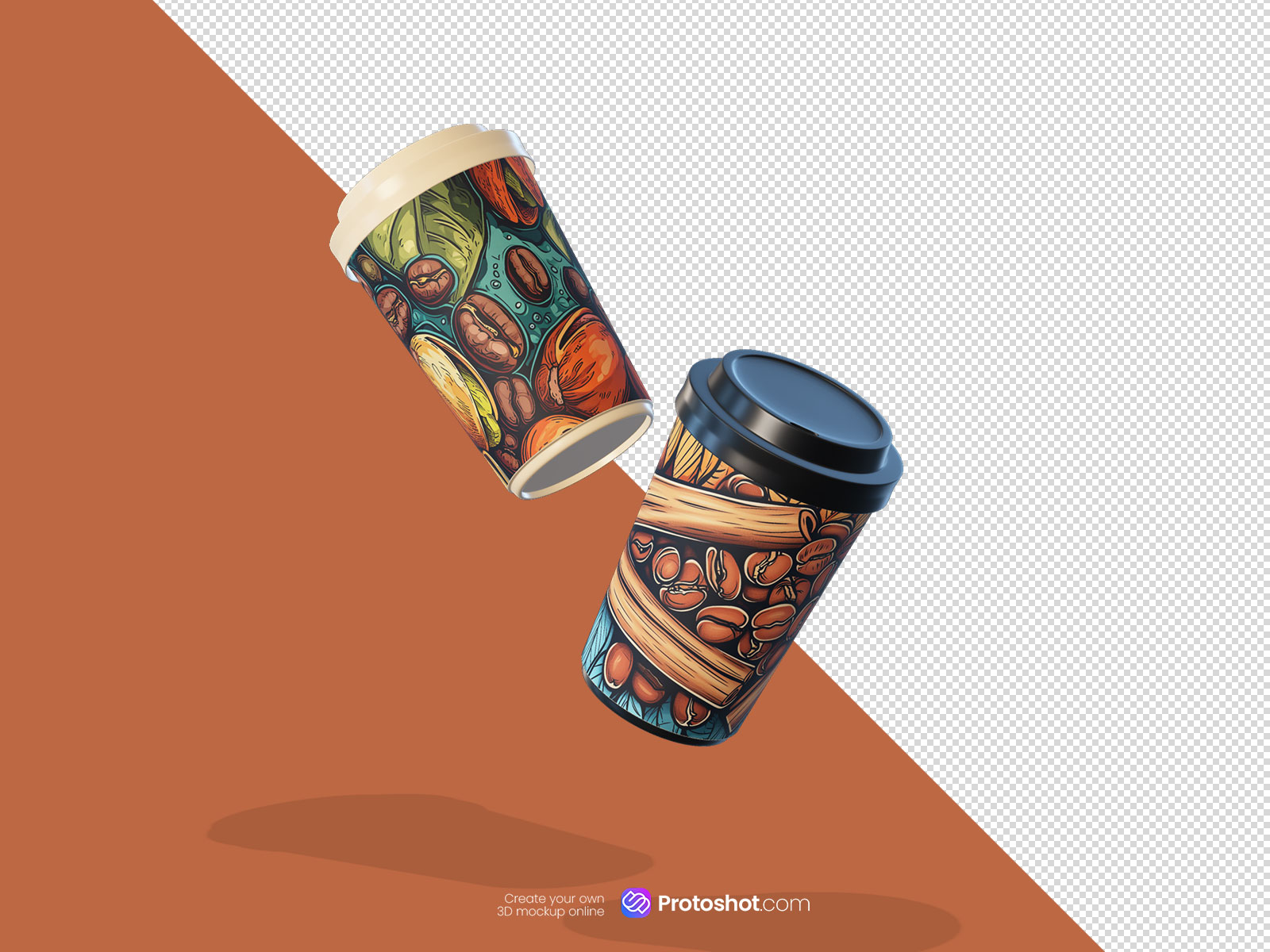
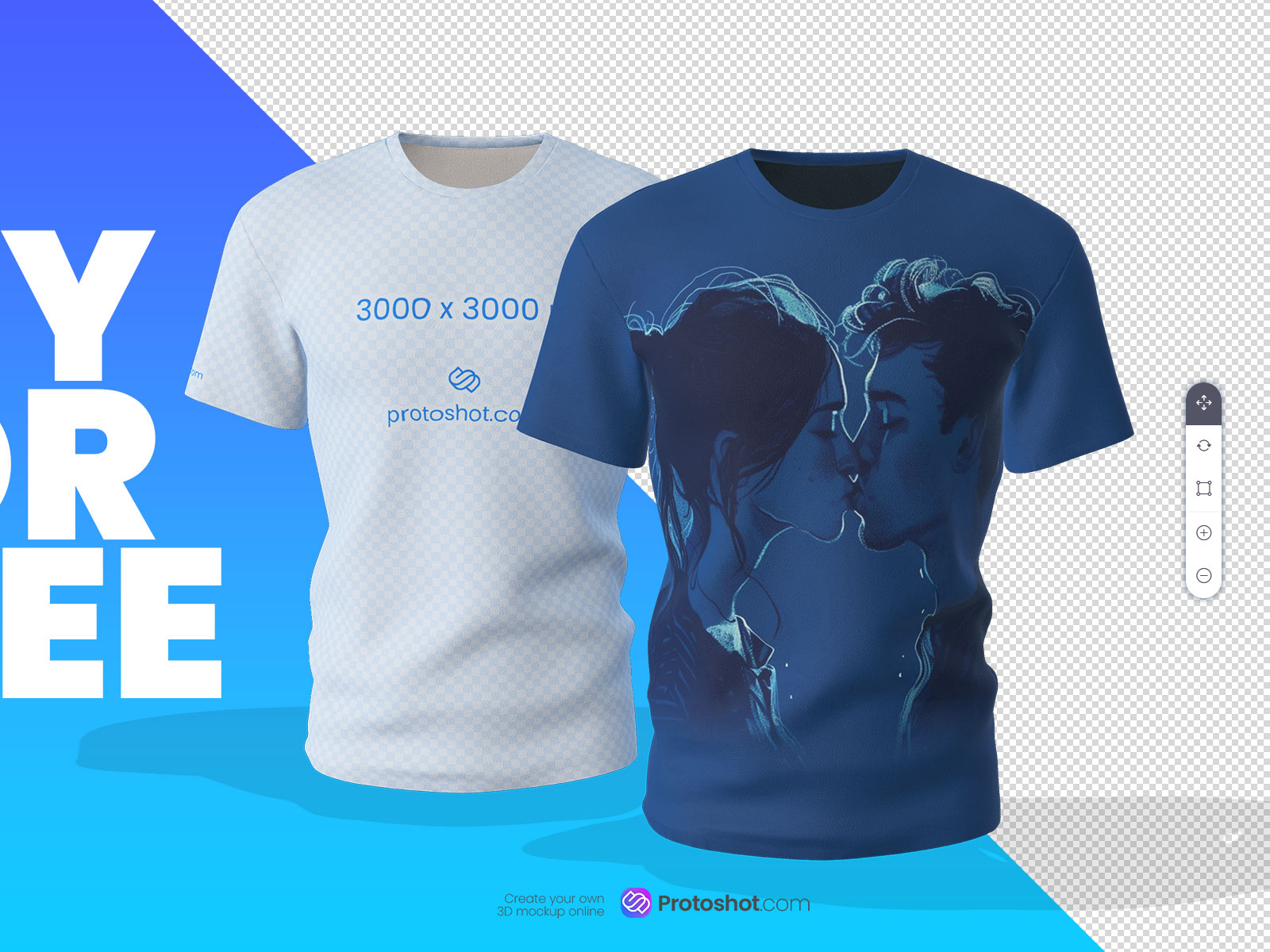
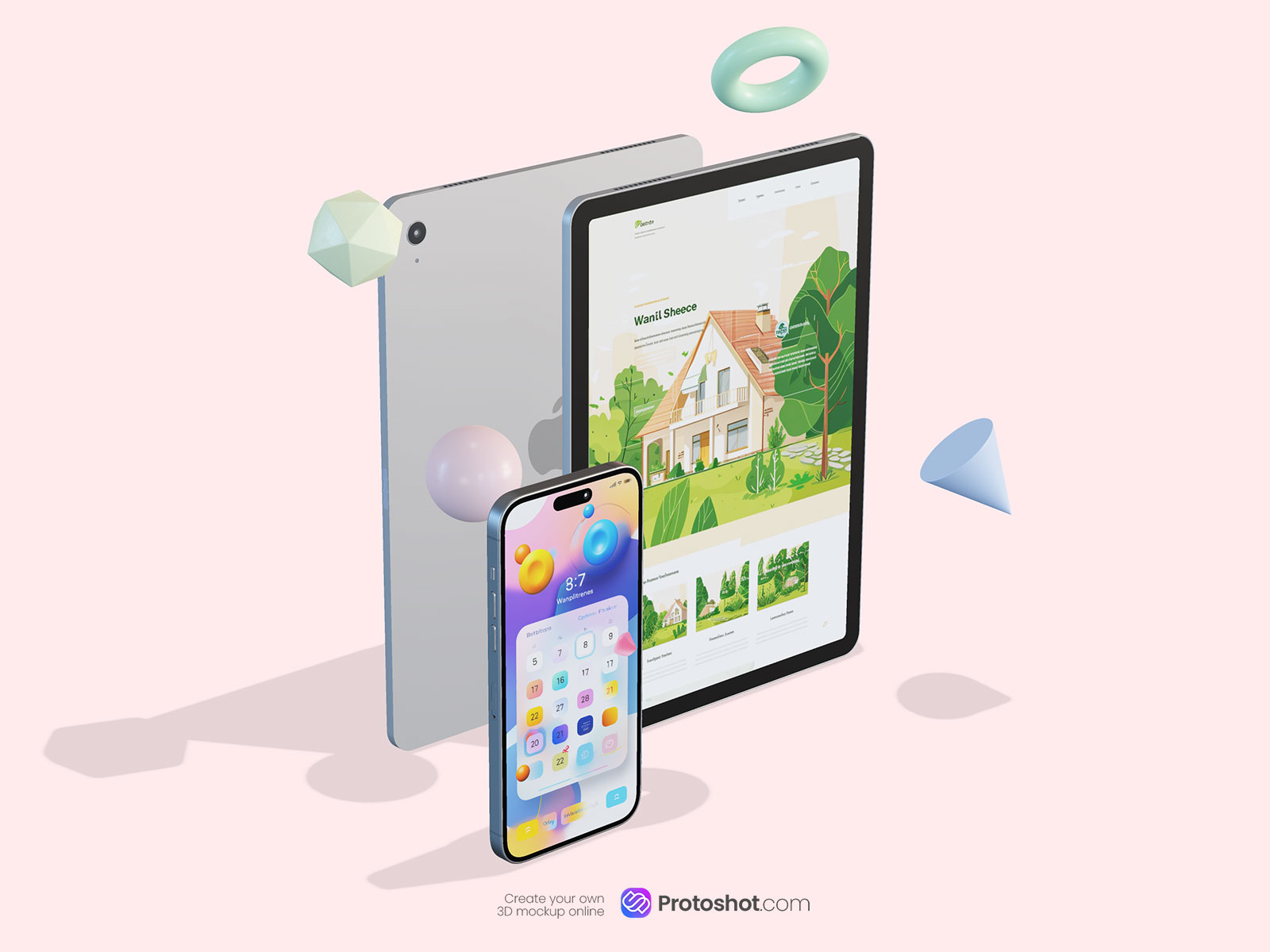
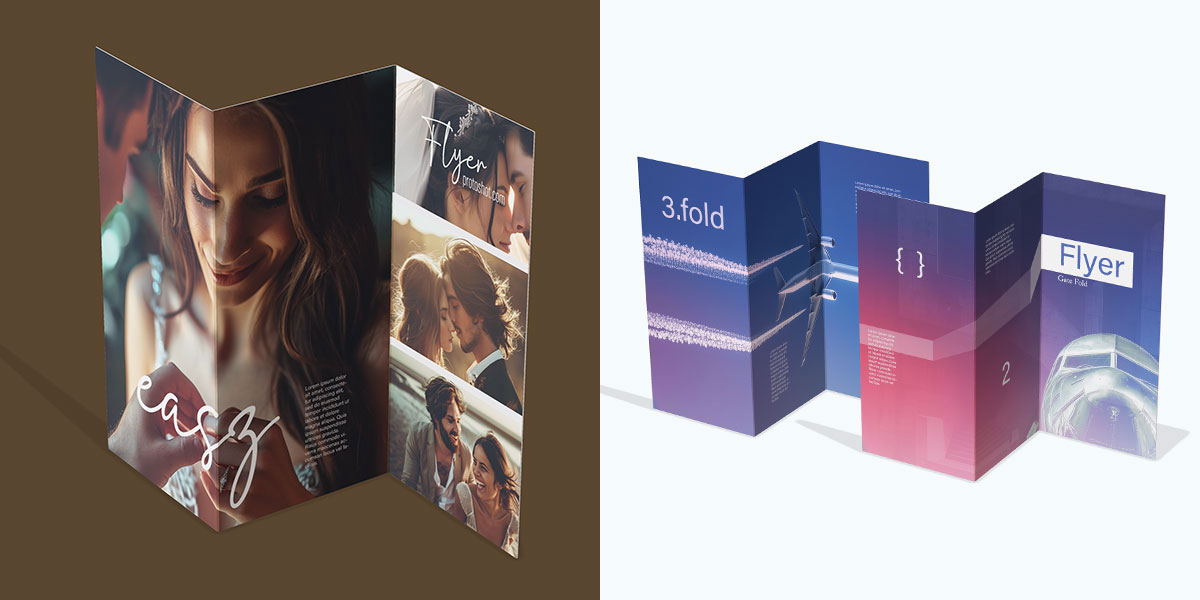
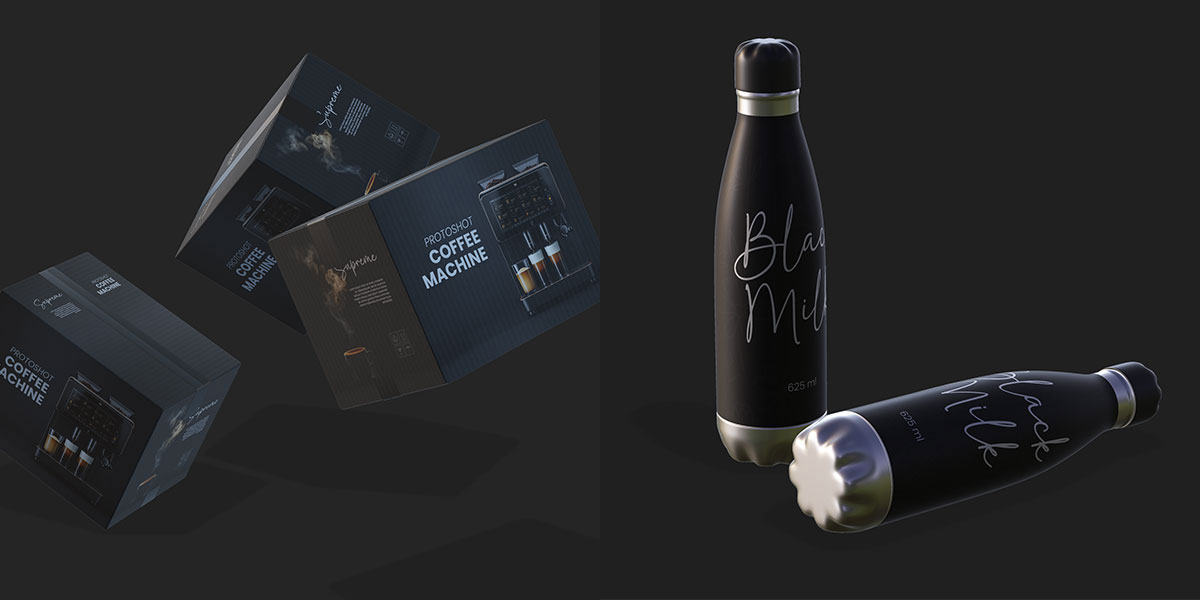
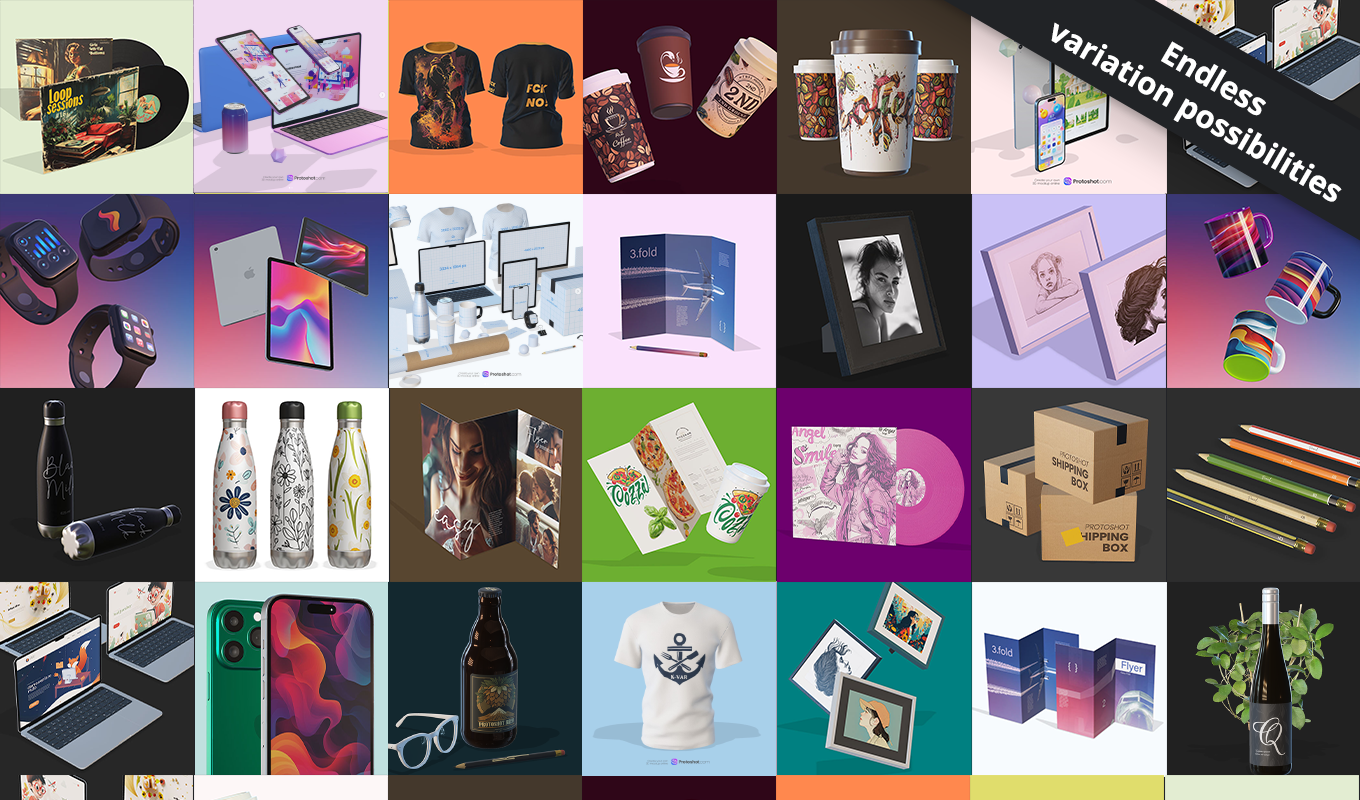
- ✅ Growing Library: Includes devices, flyers, posters, T-shirts, mugs, cans, and more.
- ✅ Lighting Control: Modify light strength, direction, and shadow intensity with one click.
- ✅ Pro Lighting Presets: Choose from Studio, Daylight, Loft, Sunrise, and Night environments.
- ✅ High-Res Export: Render as a transparent Smart Object up to 3840×2160 px (4K).
- ✅ Custom GLB Support: Import your own 3D files from platforms like Sketchfab to expand your possibilities.
Static Mockups vs. Protoshot 3D
Why should you switch to a real 3D Mockup Photoshop Plugin?
| Static PNG Mockups | Protoshot 3D |
|---|---|
| ❌ Fixed angle (cannot rotate) | ✅ 360° Rotation & Positioning |
| ❌ Fixed lighting (often flat) | ✅ Adjustable Lighting & Shadows |
| ❌ Limited resolution | ✅ 4K UHD Rendering |
| ❌ Hard to combine objects | ✅ Build Complex Scenes easily |
Step-by-Step Workflow
Creating a scene with this 3D Mockup Photoshop Plugin is easier than you think:
- Select a Model: Choose from the internal library (Cans, Phones, Shirts) or import a GLB file.
- Place your Design: Click the texture button, paste your design into the Smart Object, and save. It wraps automatically.
- Adjust the Scene: Rotate the object to find the perfect angle.
- Set the Mood: Choose a lighting preset (e.g., “Studio” for clean looks or “Sunset” for drama).
- Render: Click “Render” to generate a high-resolution 4K image layer.
Who is Protoshot 3D for?
We designed this plugin for creatives who need high-quality visuals without learning complex 3D software:
- ✅ Packaging Designers: Test your labels on cans and boxes in real-time.
- ✅ App Developers: Showcase UI screens on realistic 3D devices.
- ✅ Merchandise Creators: Visualize T-shirt prints accurately.
- ✅ Agencies: Create unique scene compositions for client pitches.
Made for Creators, on Mac and PC
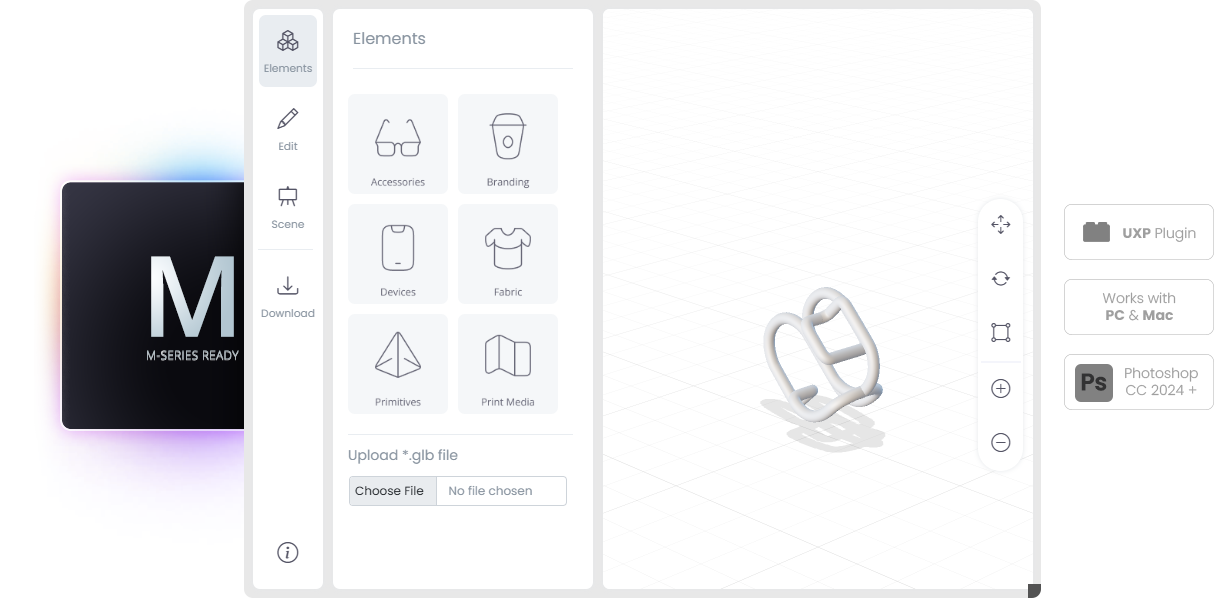
This UXP-based 3D Mockup Photoshop Plugin is fully compatible with Photoshop 23 and newer, ensuring modern performance and reliability. It runs natively on Apple Silicon Macs, including the M1, M2, and M3 series, and delivers the same seamless experience on Windows PCs.
Frequently Asked Questions (FAQ)
Do I need 3D experience to use this?
No. Protoshot 3D is designed for graphic designers. If you can use Photoshop, you can use this plugin. It handles the complex 3D rendering for you.
Can I use my own 3D models?
Yes! While the plugin comes with a library, you can import any GLB file (a standard 3D format) to visualize your own custom objects or products.
What is the maximum resolution?
You can render your final scene in crisp 4K UHD (3840×2160 px), making it perfect for high-quality print or web presentations.
Need to vectorize your logo before placing it on a 3D object? Use our Pixel to Vector Plugin.
Watch the full demo
See how easy it is to build a scene:
Simply double-click the .ccx file to install via Creative Cloud.
This plugin requires Photoshop v23 (CC 2022) or newer to handle the 3D engine. Photoshop 2026 Ready!
Gallery: Authentic Results
See authentic results created directly with the plugin: