
Present your work with a personal touch using 3D Hand Mockups
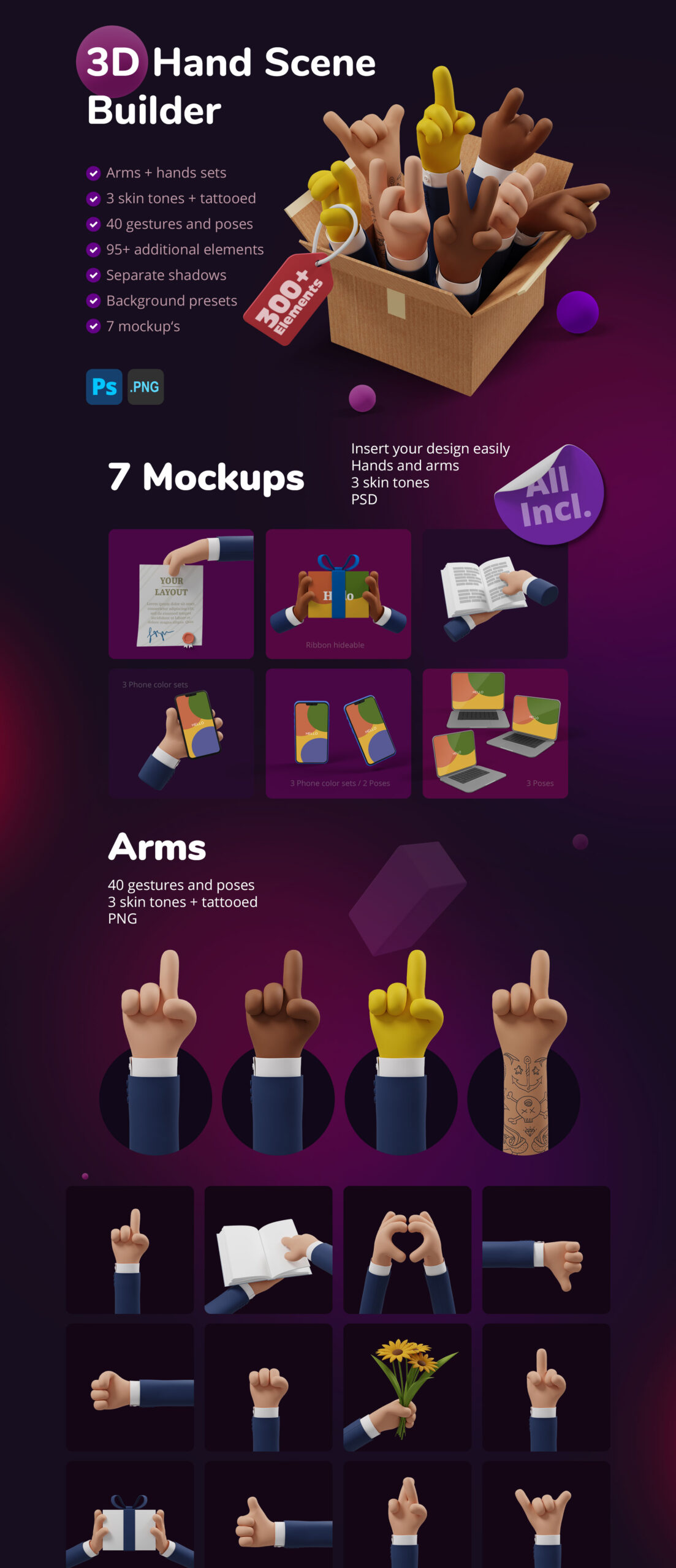
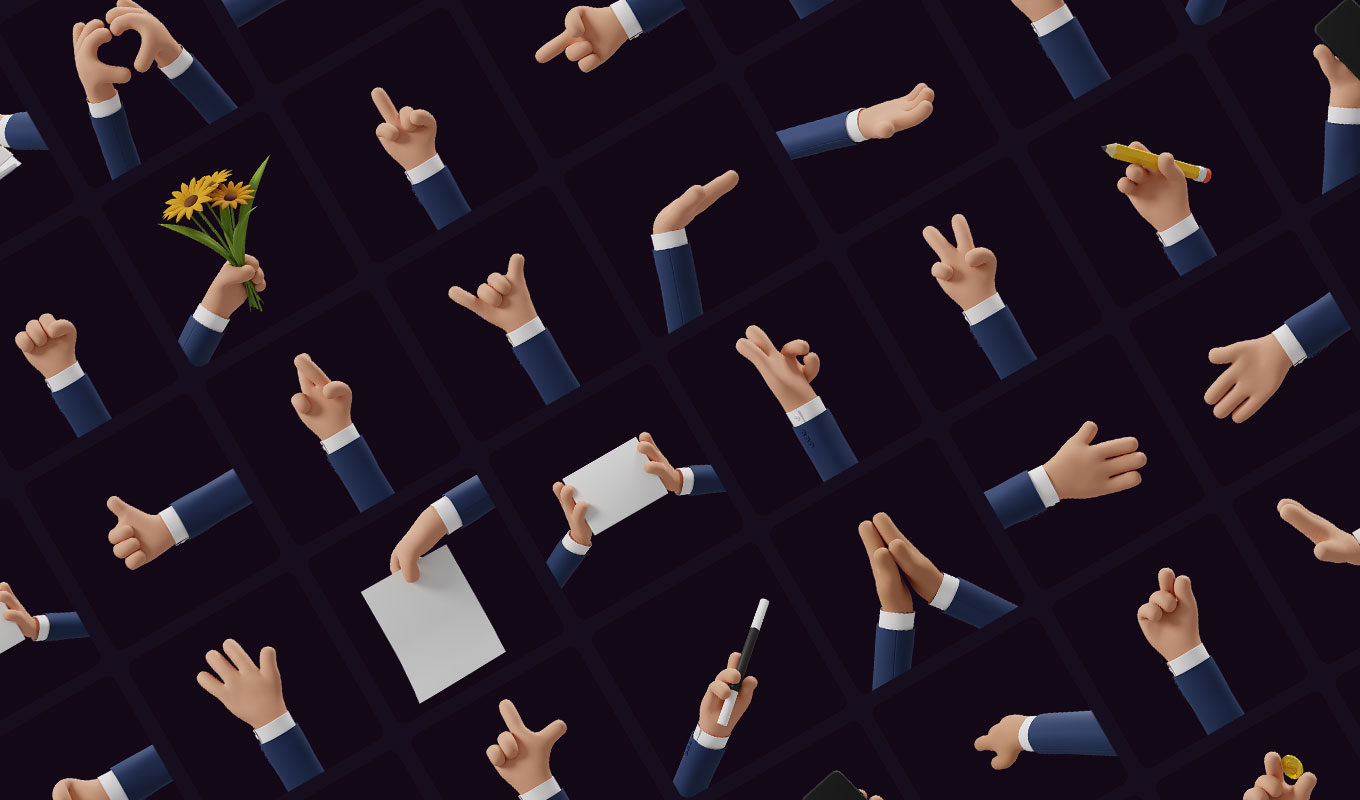
Bring your designs, products, and creative ideas to life with the 3D Hand Scene Builder. This massive pack of over 300 elements gives you the ultimate collection of 3D Hand Mockups to create realistic and engaging presentation scenes – quickly and effortlessly.
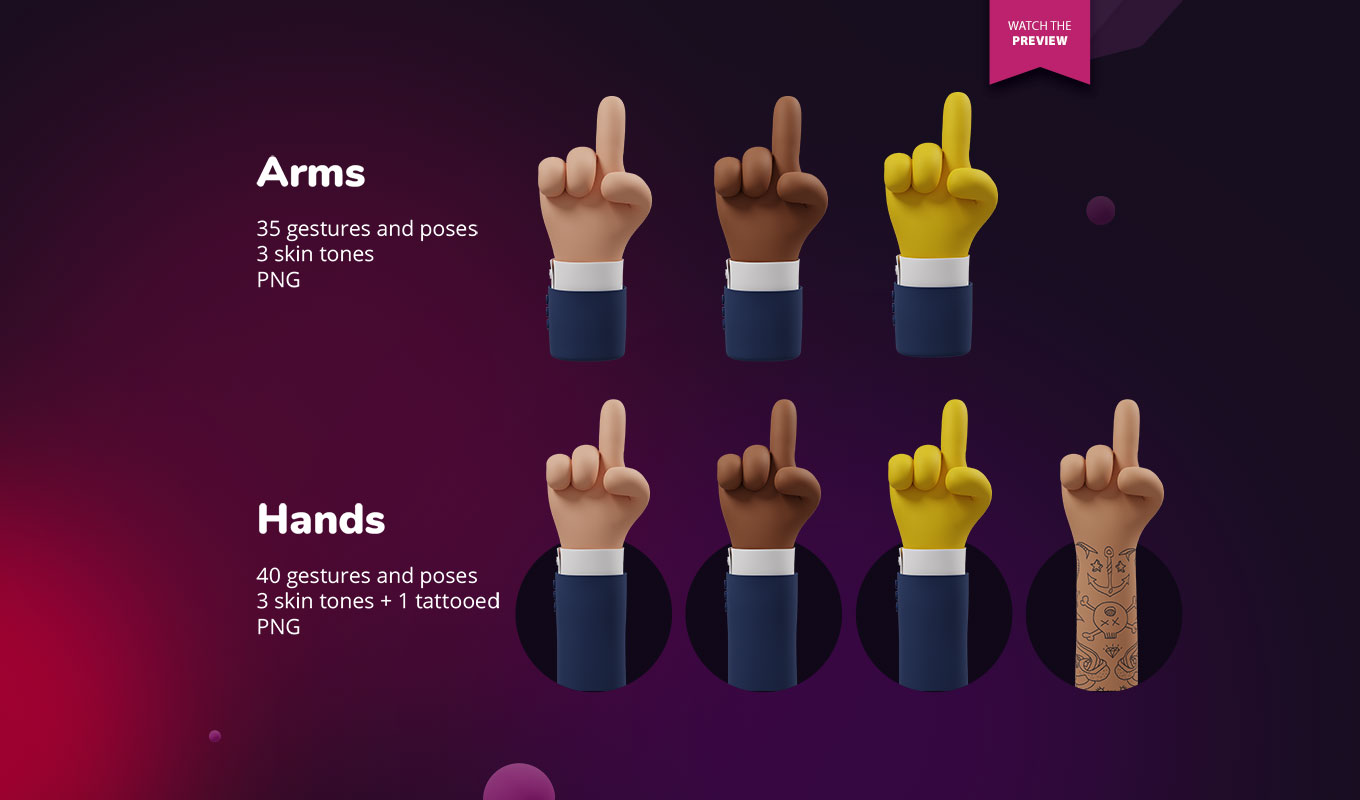
Whether you want to showcase apps, websites, print products, or marketing visuals, the wide variety of hands, arms, gestures, and mockups helps you craft the perfect setup. With multiple skin tones and even tattooed variations, your scenes become authentic and relatable for any target audience.
Why use 3D Hand Mockups?
Flat screenshots are boring. Adding a human element creates a connection. Studies show that images showing human interaction perform better than abstract graphics. With these high-resolution 3D Hand Mockups, you can demonstrate exactly how a user interacts with your app, holds your product, or points to key features.
Perfect for:
- ✅ UI/UX Designers: Show your app in use on realistic phones without needing a photoshoot.
- ✅ Social Media Managers: Create “Stop-Scrolling” visuals with pointing gestures that direct attention to your headline.
- ✅ E-Commerce: Display packaging held by real-looking 3D hands to give a sense of scale.
- ✅ Pitch Decks: Use gestures to guide the investor’s eye to the most important numbers.
What’s inside the pack
This isn’t just a few images; it’s a complete construction kit for professional 3D Hand Mockups:
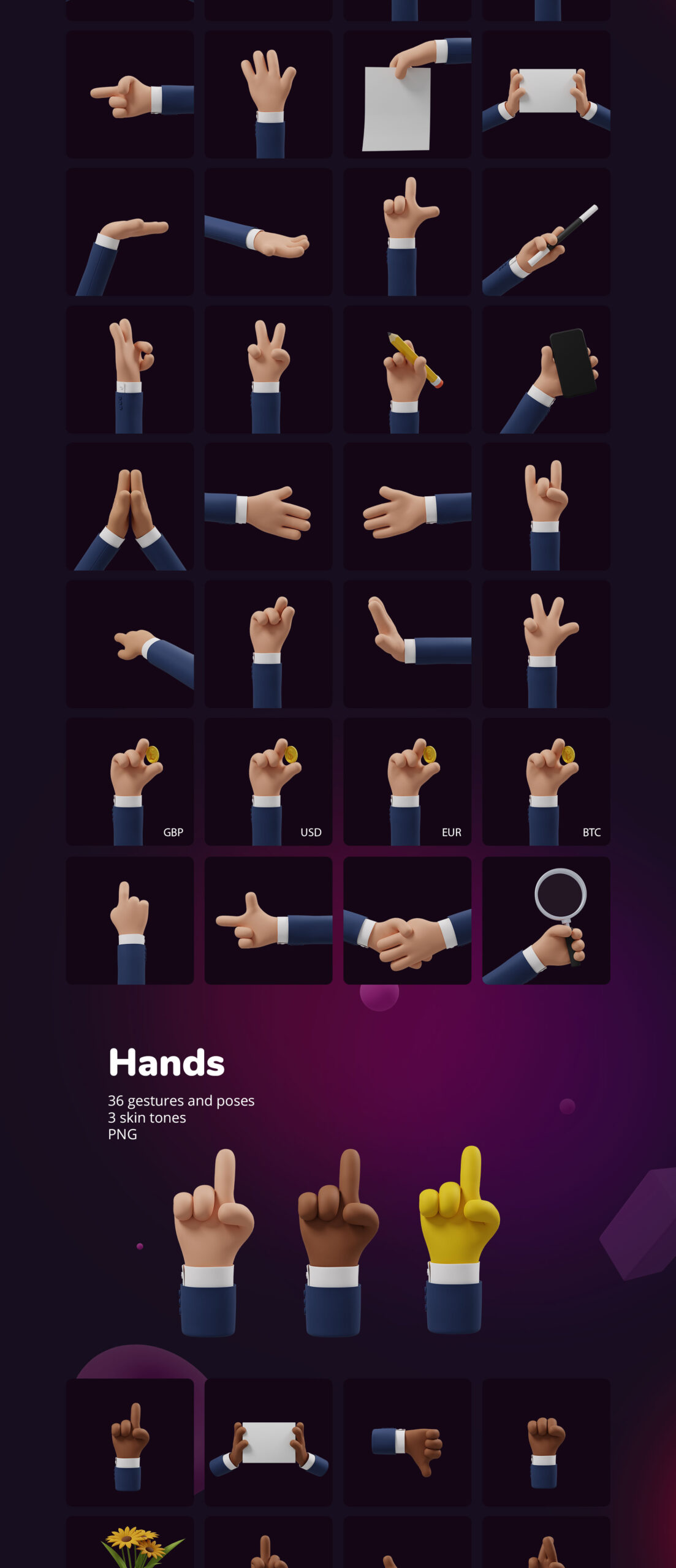
- ✅ 156 Arm PNGs: 40 gestures in 3 skin tones + tattooed version.
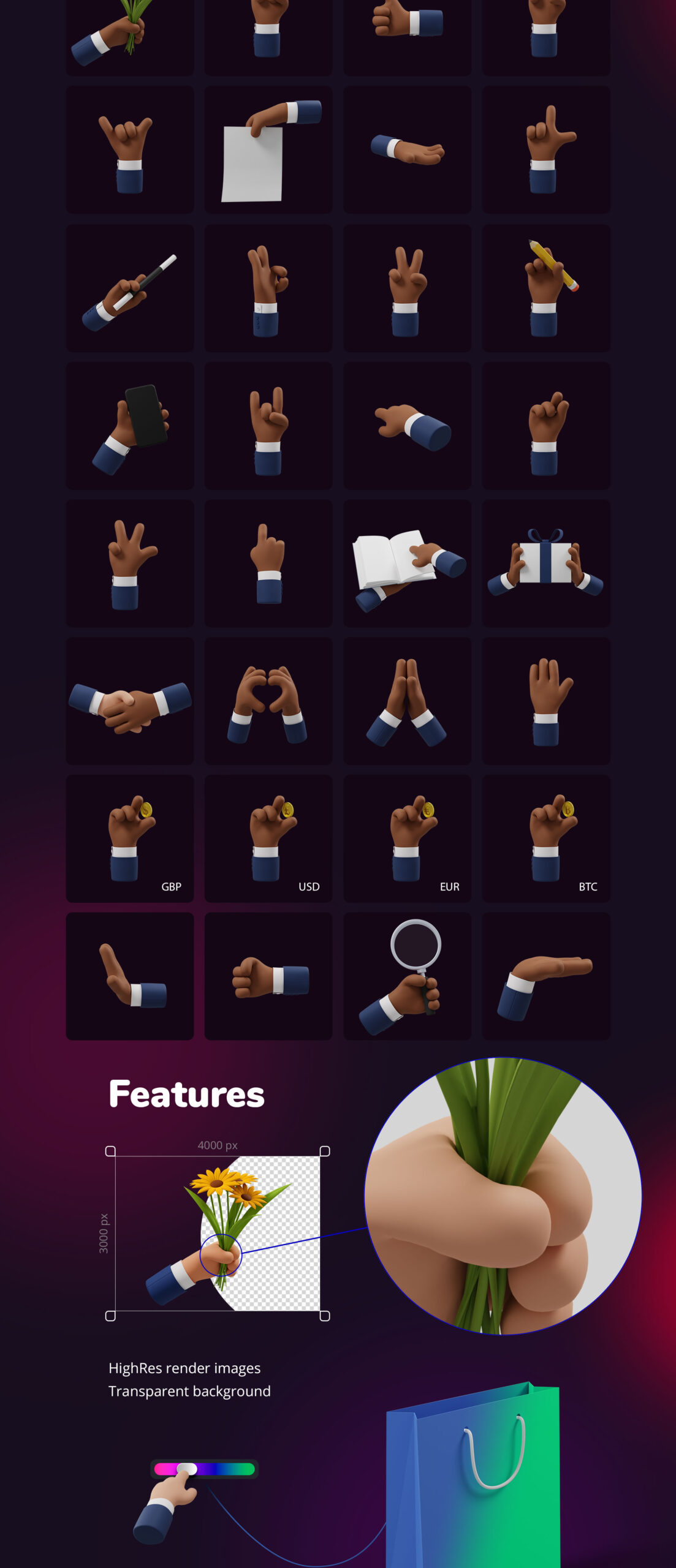
- ✅ 108 Hand PNGs: 36 gestures in 3 skin tones.
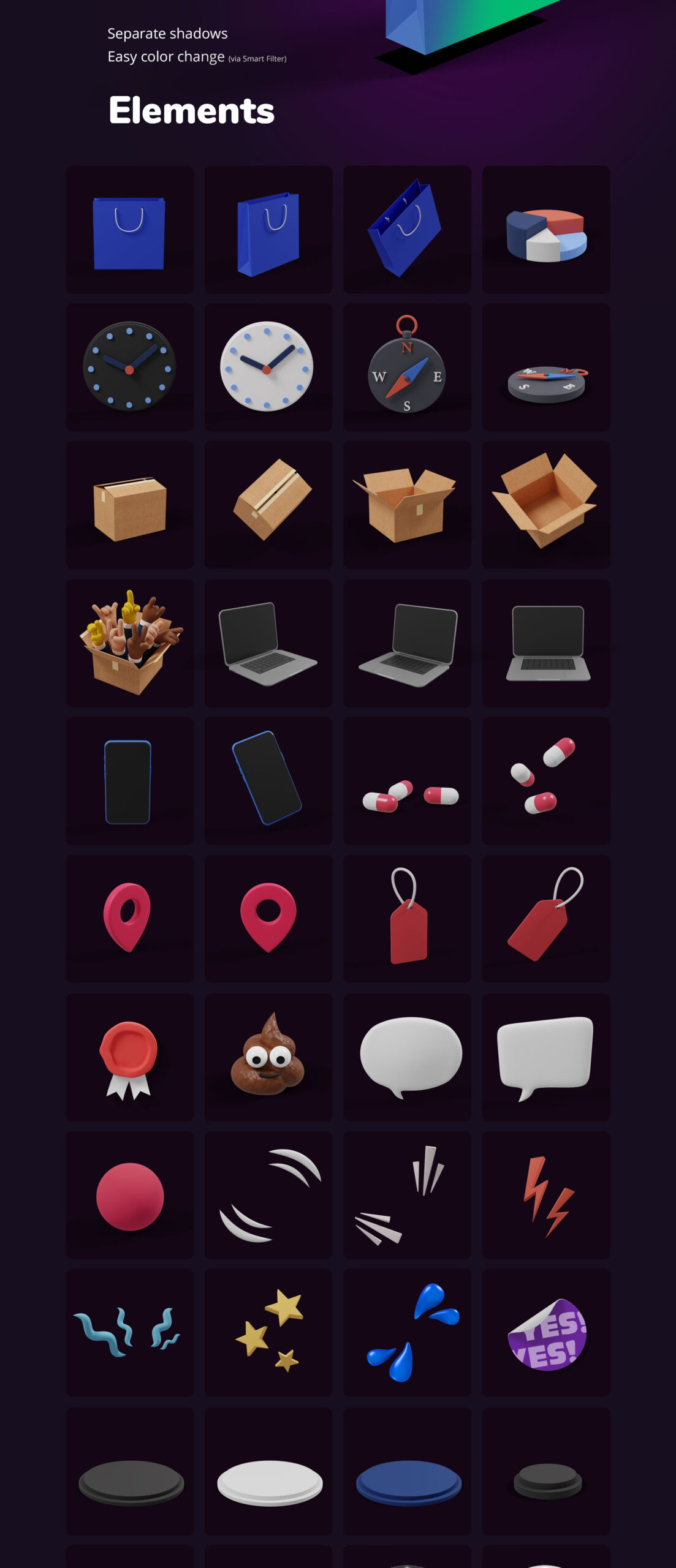
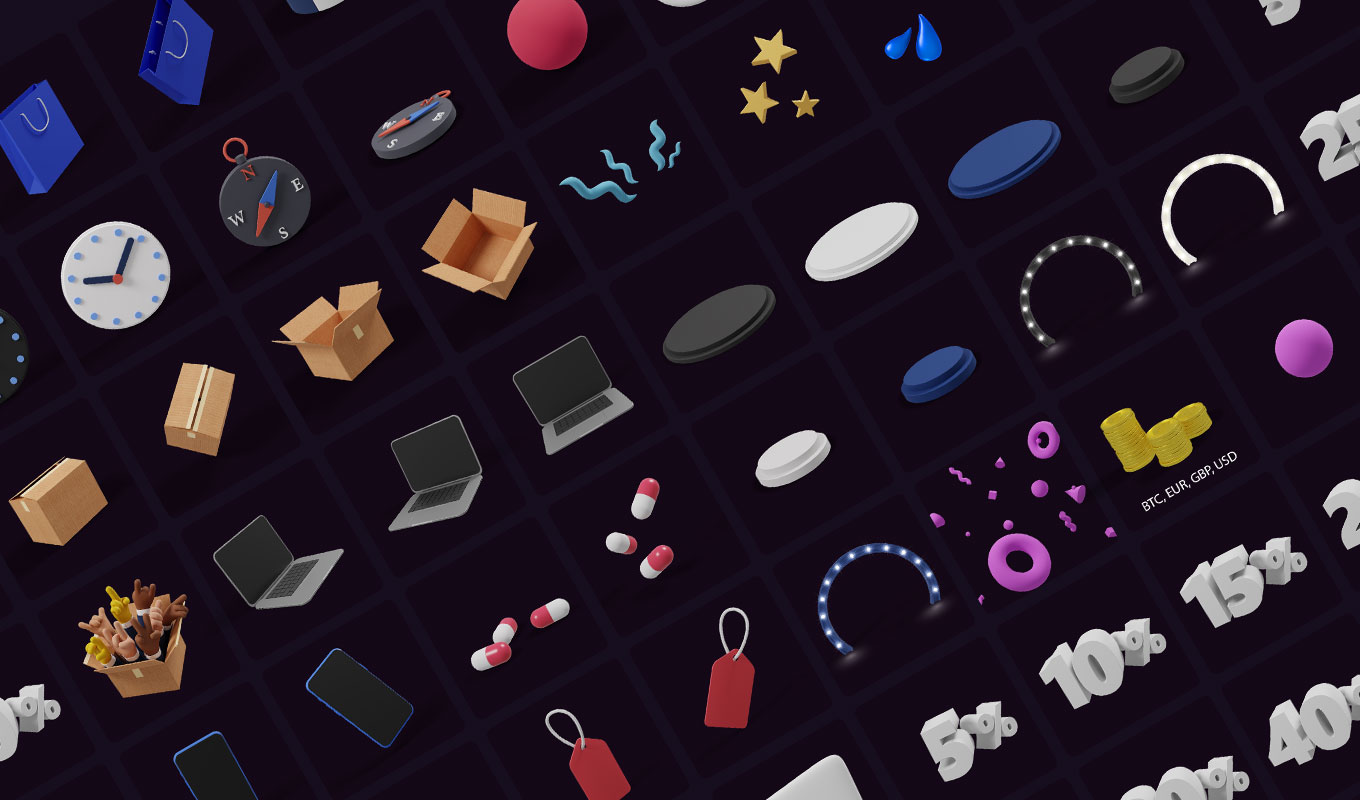
- ✅ 90+ Extra Elements: Props and accessories, each with separate shadows.
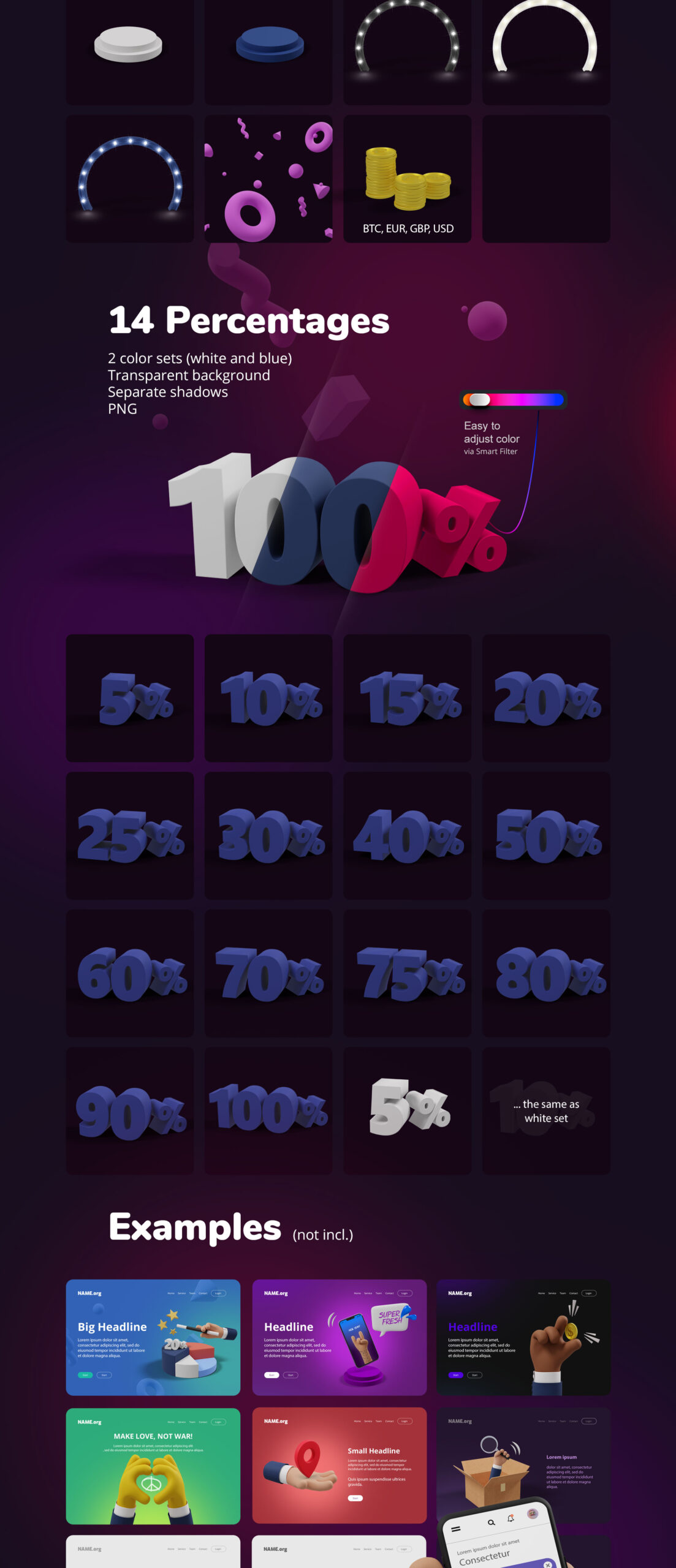
- ✅ 28 Percentage PNGs: Perfect for infographics and data visuals.
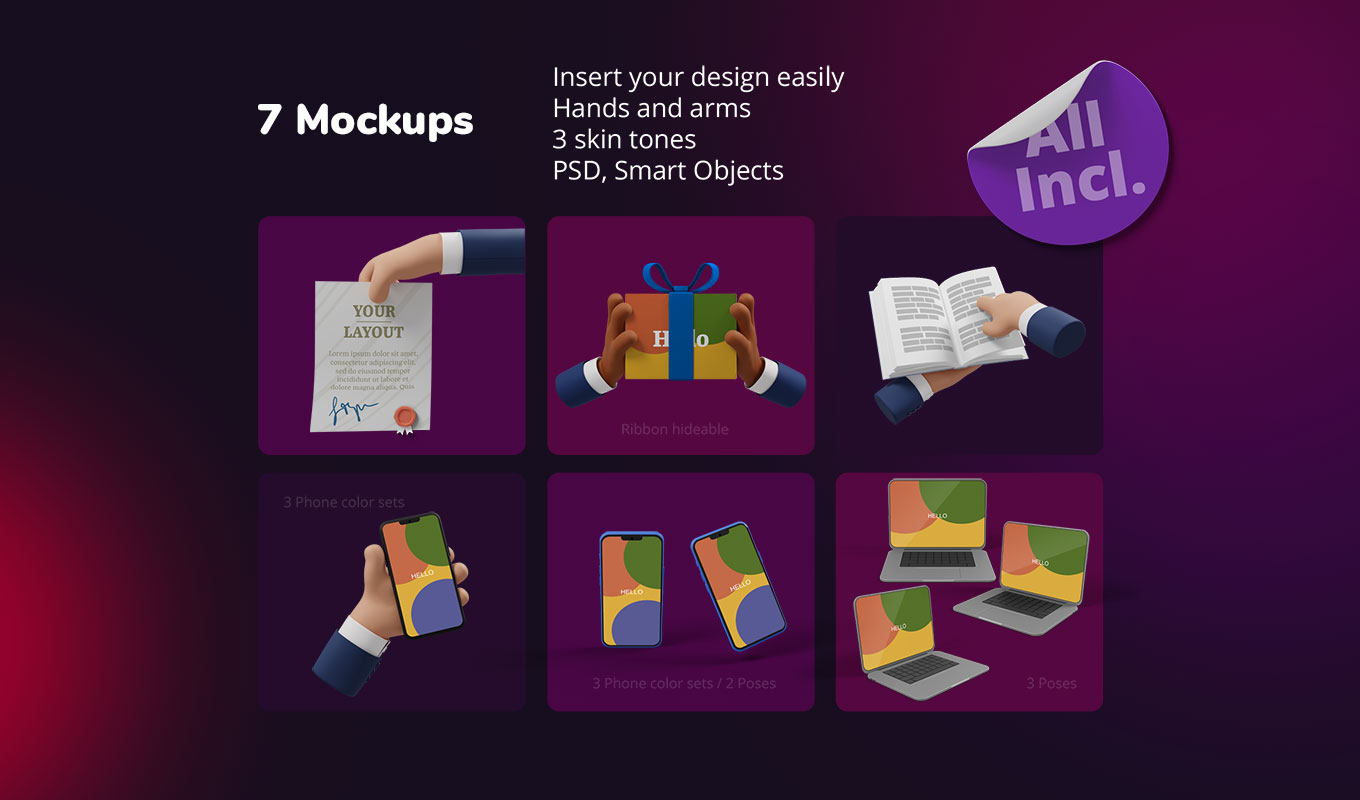
- ✅ 7 Professional PSD Mockups:
- • Book mockup (all hands/arms/skins)
- • Laptop mockup (3 angles)
- • Phone mockup (2 poses, 3 colors)
- • Phone in hand mockup (all hands/arms/skins)
- • Paper & Gift mockups
- • Sticker mockup & Stage lights PSD
- ✅ Starter File: Includes preset backgrounds to get you going fast.
Software Compatibility
One of the biggest advantages of this pack is that the core assets are high-resolution transparent PNGs. This means these 3D Hand Mockups work in almost every design tool available:
- 🔹 Adobe Creative Cloud: Photoshop, Illustrator, InDesign, After Effects, Premiere Pro.
- 🔹 UI/UX Tools: Figma, Sketch, Adobe XD.
- 🔹 Presentation Software: PowerPoint, Keynote, Google Slides.
- 🔹 Online Editors: Canva, VistaCreate.
- 🔹 Others: Word, Procreate, Affinity Designer, GIMP.
Why choose this Scene Builder?
- ✅ Endless Possibilities: Mix and match over 300 elements.
- ✅ High Realism: Rendered 3D hands with realistic lighting.
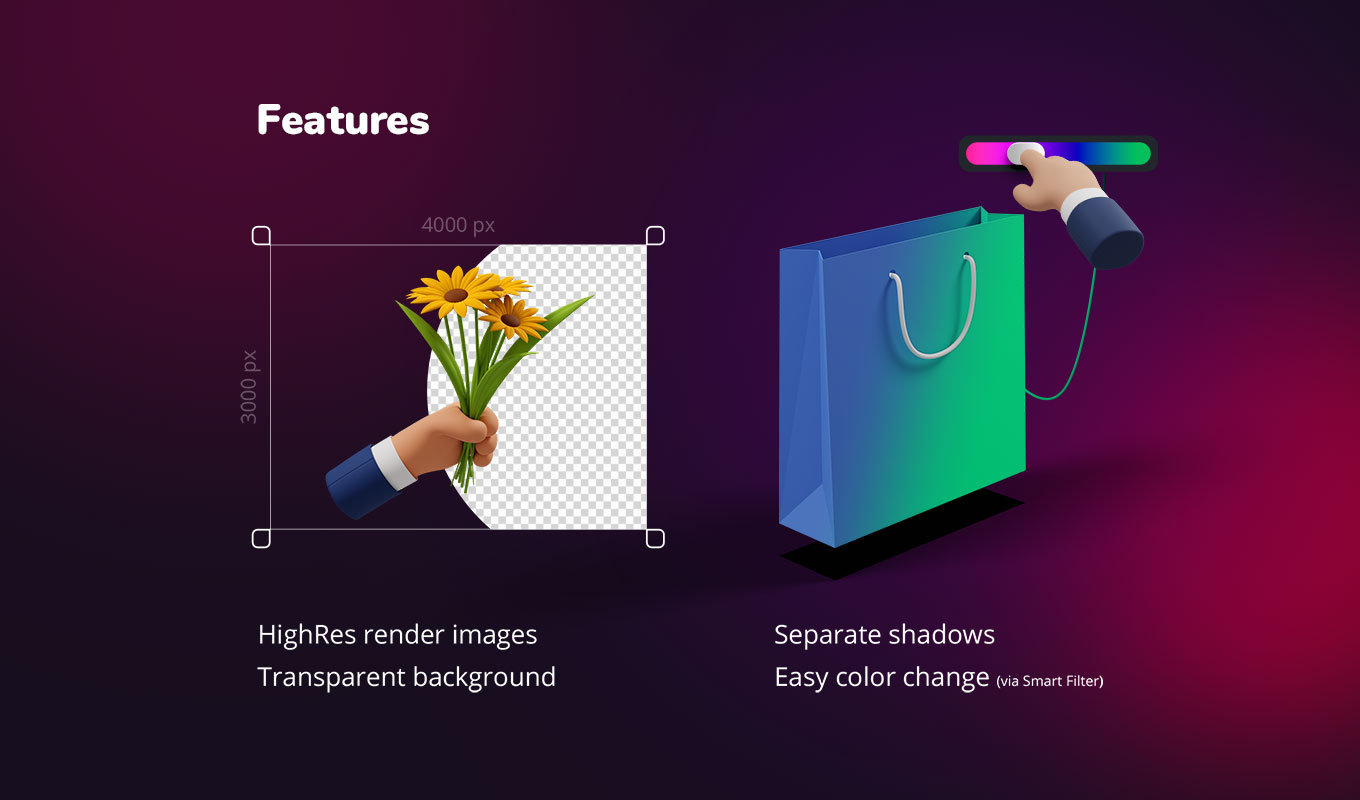
- ✅ Full Customization: Separate shadows allow you to place items anywhere.
- ✅ Easy-to-use: Drag & drop PNGs or use the Smart Object PSDs.
- ✅ No 3D Knowledge Required: Get the 3D look without learning Blender or Cinema 4D.
How it works
- Open one of the included PSD mockups in Photoshop or start with the PNG elements in any software.
- Choose your preferred 3D Hand Mockups (Gesture, Skin Tone).
- Combine them with your design, logo, or product.
- Customize shadows, backgrounds, and extra elements for a unique look.
Frequently Asked Questions (FAQ)
Are these real 3D models or images?
These are high-resolution rendered 3D Hand Mockups provided as transparent PNGs and layered PSDs. This means you get the perfect 3D look (lighting, depth, texture) but can use them in any 2D software like Canva or Photoshop without needing a 3D engine.
Can I change the skin color?
The pack comes with 3 pre-rendered skin tones (plus a tattooed version) to cover most needs. You can further tweak the colors using Hue/Saturation adjustments in your image editor to match specific requirements.
Do I need Photoshop?
For the 7 bonus mockups (Smart Objects), yes. But the hundreds of hands, arms, and element PNGs work in any software (Figma, Sketch, PowerPoint, Word, etc.).
Looking for abstract network visuals instead? Check out our Network 3D Scene Composer.
Watch the quick tutorial
See how fast you can build a scene:
Preview Gallery
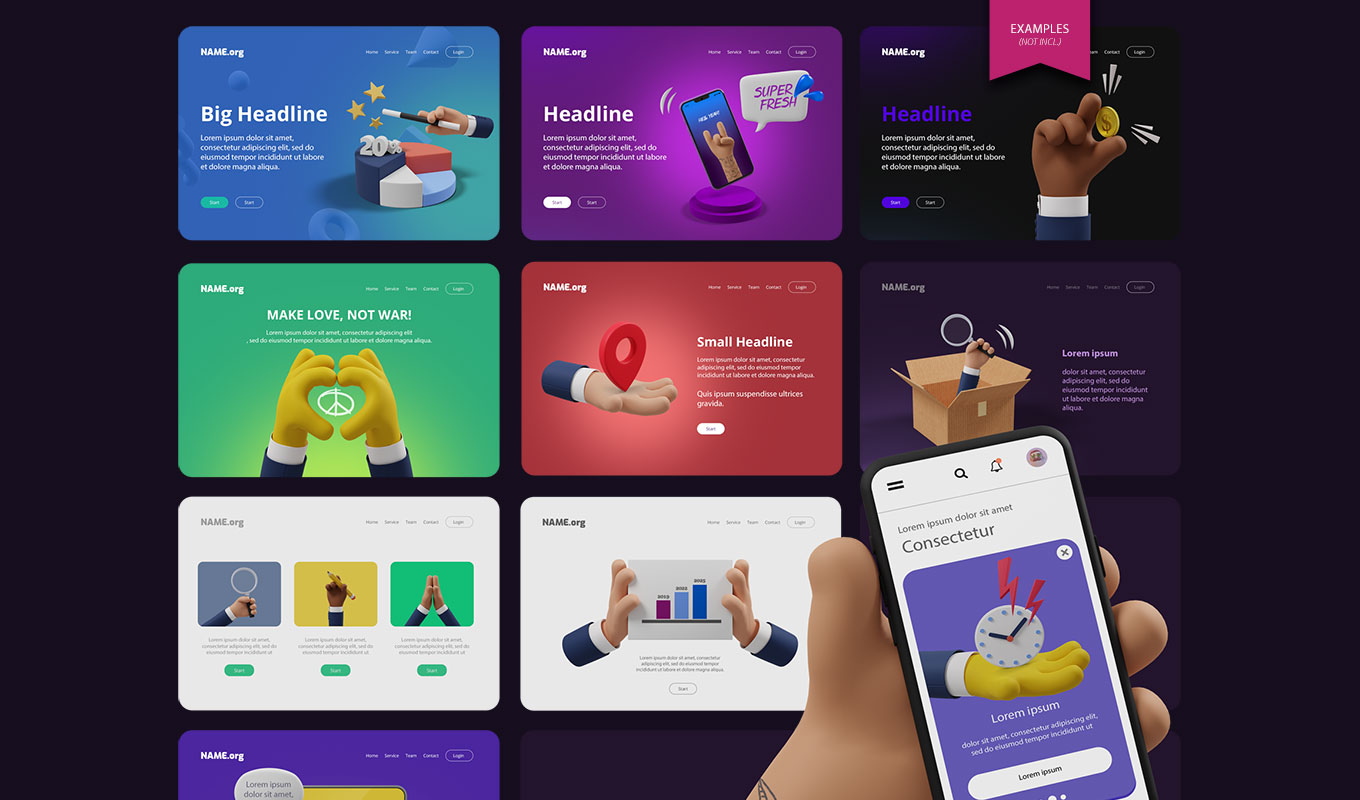
See authentic results created with these 3D Hand Mockups: